
NEWS

Report: More Evidence Surfaces About Underwhelming iPhone Demand

01/25/2018

3742

A new report from CNBC today shares that J.P. Morgan has cut its financial estimates for iPhone suppliers as demand for Apple’s smartphone is said to be declining.
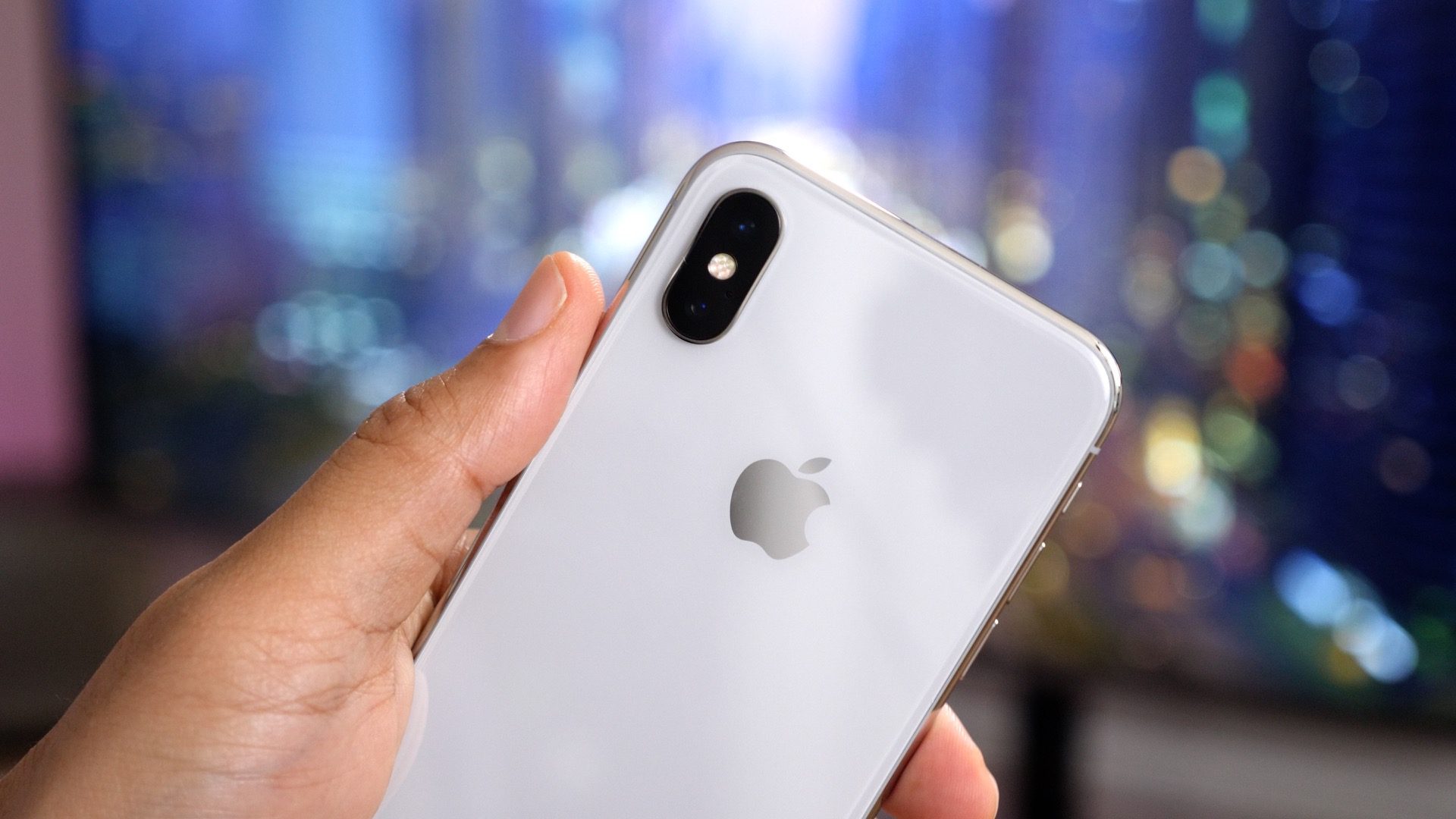

Report: More Evidence Surfaces About Underwhelming iPhone Demand


The revised performance projections for Apple suppliers comes from J.P. Morgan analyst Bill Peterson as forecasts for iPhone sales for Apple’s Q2 and Q3 2018 (calendar Q1 and Q2) have been reduced.


Peterson noted the firm’s Asian supply chain analysts lowered their iPhone production forecasts to 55 million from 60 million for the March quarter and to 45 million from 50 million for the June quarter.


This echoes what we heard from Apple chip supplier TSMC last week as it said it expects high-end smartphone shipments to decrease this year.


While Apple is expected to post a record-breaking Q1 2018 as it details its performance on February 1, it may have an uphill battle to keep the momentum going throughout the year.


Even though the first half of 2018 may be slower for iPhone shipments, KGI’s Ming-Chi Kuo thinks that the real super cycle could happen later this year as Apple is expected to release three new models in September including a redesigned entry level flagship.


Source: 9to5mac

Windows
Mac OS
iOS
Linux
3uTools
Win 64-bit For this device
V9.0 2025-11-11
Download
Win 32-bit For this device
V9.0 2025-11-11
Download
3uTools
Intel Chip How to Identify Chip Type
V9.0 2025-12-02
Download
Apple Chip
V9.0 2025-12-02
Download
How to Identify Chip Type
1.  Click the Apple icon in the top-left corner of the screen and select About This Mac.
2.  Check the Processor or Chip field to determine if it is "Intel" or "Apple".
Please use the 3uTools PC client to install the iOS client:
1、 Install either the Windows or Mac version of 3uTools on your computer
2、 Open the PC client and connect your device to the computer via USB cable
3、 After the connection is successful, wait for the computer to automatically install the mobile app for the device, or locate “Install Mobile App” on the computer and manually click to install.
3uTools
deb file
V3.01 2025-11-20
Download
rpm file
V3.01 2025-11-20
Download
Windows
Windows
iOS
iOS
Android
Android
TV
TV
3uAirPlayer
Win 64-bit For this device
V6.0.2 2025-11-19
Download
Win 32-bit For this device
V6.0.2 2025-11-19
Download
iOS Device Mirroring (No App Required)
1、 Install 3uAirPlayer on the Windows PC
2、 Open Control Center and select Screen Mirroring
3、 From the list, choose your PC to start mirroring
4、 Or connect your iOS device to the PC via USB to begin mirroring
Scan to get "3uAirPlayer" App
3uAirPlayer TV V1.0.18
2025-11-28
TV System Requirements: Android 7.0 or later
Download the TV installation package, copy it to a USB drive, insert it into your TV or set-top box, then select the file from the home screen to install.





