 NEWS
NEWS
Apple Stores Will Promote International Women’s Day all Month Long With ‘She Creates’ Series
 02/25/2020
 3358
3358
March 8 marks International Women’s Day 2020, and Apple is supporting the visibility and achievements of women with special Today at Apple sessions held in select Apple Stores throughout the world. From March 1–31, you can join inspiring female creators in the “She Creates” series to learn a new skill and gain a new perspective.
The theme of International Women’s Day this year is Each for Equal, the idea that our individual thoughts and actions contribute to the larger goal of rejecting bias and creating gender equality. Apple’s session lineup is challenging cliches and celebrating creators working with technologies that enable new forms of self-expression.
At Apple Williamsburg in Brooklyn, Marah Lidey and Naomi Hirabayashi will teach you how to turn your app idea into a working prototype. As founders of the self-care community Shine, they’ll share their experiences as women working in the technology industry. Brooklyn’s session calendar also includes a conversation with Grammy-nominated lyricist Tierra Whack and Nadeska Alexisfrom Beats 1. Tierra uses code to create music and will show you how to use the Sonic Workshop in Swift Playgrounds to bring your own ideas to life.
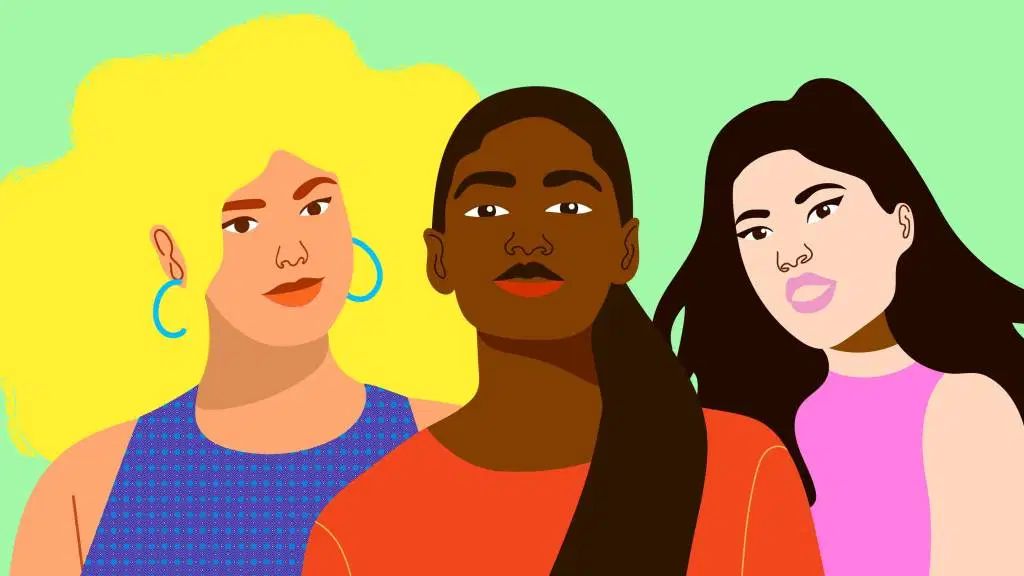
In Paris, graphic artist Aurélia Durand will visit Apple Champs-Élysées. Aurélia is one of a small but growing number of artists blazing the trail of augmented reality artwork with iPad apps like Adobe Aero. You’ll draw your own vibrant character and view it in augmented reality with the AR Makr app.
Apple Third Street Promenade in Santa Monica will welcome designer Courtney Hoffman to discuss her experiences creating costumes for films like Baby Driver, The Hateful Eight, and Captain Fantastic. You’ll get hands-on time with an iPad and Apple Pencil to sketch your own.
Source: 9to5mac










