NEWS

Upcoming book to Explore Apple’s Pivots and Product Launches Under Tim Cook

10/18/2019

2680

Upcoming book to Explore Apple’s Pivots and Product Launches Under Tim Cook


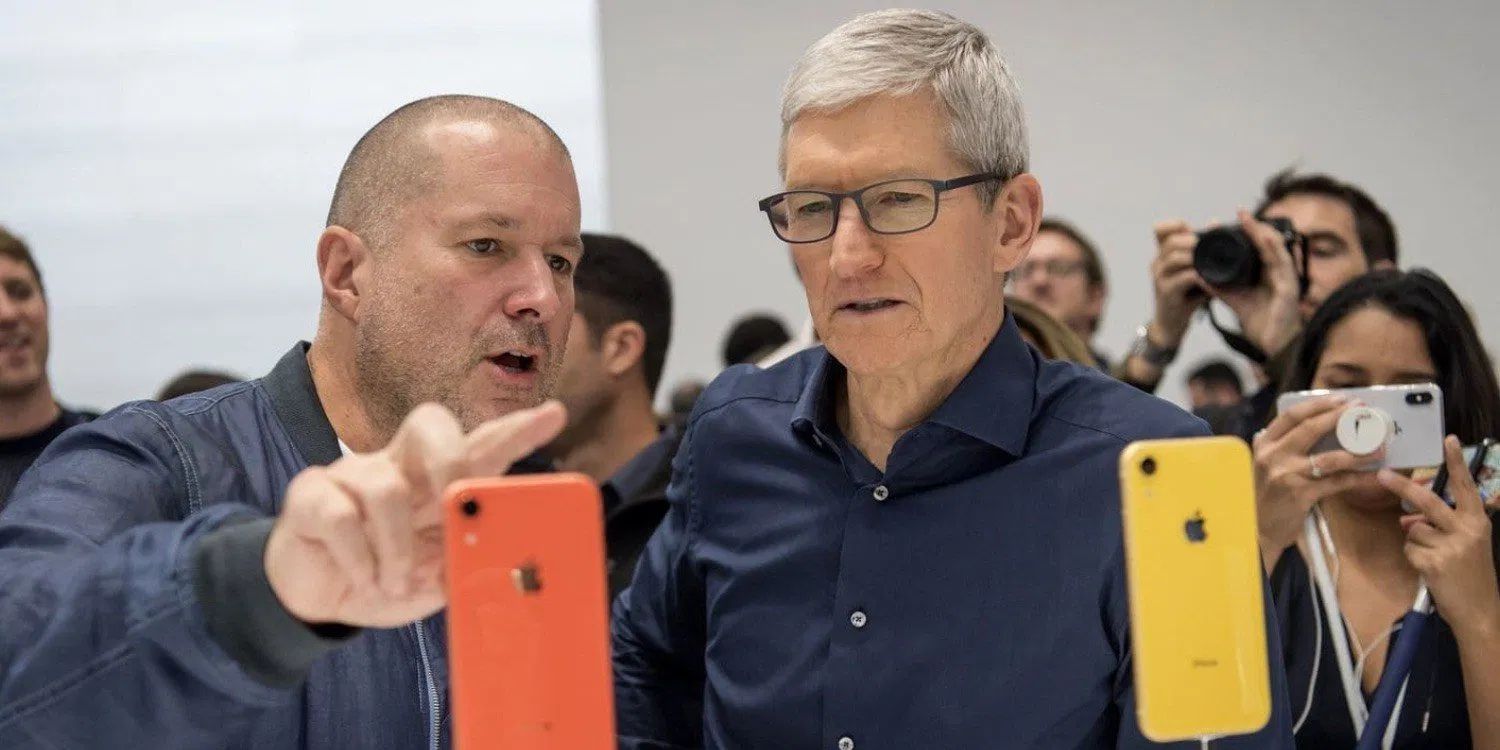
The Wall Street Journal’s Tripp Mickle is working on a book that will focus on the last decade at Apple without Steve Jobs. It will dive into how some of the products like Apple Watch and more came to be that have launched under Tim Cook and Jony Ive’s leadership and the company’s shift to Services.


Reported by Axios, Mickle’s upcoming book about Apple’s post-Jobs era doesn’t have a title yet but will be published by William Morrow.


Tripp Mickle will write an as-yet-untitled book for William Morrow about the iPhone maker’s last decade since the death of co-founder Steve Jobs in 2011 — the era in which design chief Jony Ive held sway over product design while CEO Tim Cook steered the company to new market highs and new revenue from services.


Mickle shared a couple of thoughts with Axios on how he’ll make his book compelling.


“[The Apple Watch] was the first product that was launched without Steve, and how does that change the process?” says Mickle, who’s keenly aware that a number of books about Apple have been published, though none really capturing this most recent era.


“We’ve all had a chance to see what the products are that Apple launched, but there’s an opportunity to see how these products came about,” he adds.


Notably, Jony Ive is set to officially leave Apple sometime soon as he starts his own design firm. However, he expects he’ll work closely with Apple for many years to come.


Source: 9to5mac

Windows
Mac OS
iOS
Linux
3uTools
Win 64-bit For this device
V9.0 2025-11-11
Download
Win 32-bit For this device
V9.0 2025-11-11
Download
3uTools
Intel Chip How to Identify Chip Type
V9.0 2025-12-02
Download
Apple Silicon
V9.0 2025-12-02
Download
How to Identify Chip Type
1.  Click the Apple icon in the top-left corner of the screen and select About This Mac.
2.  Check the Processor or Chip field to determine if it is "Intel" or "Apple".
Please use the 3uTools PC client to install the iOS client:
1、 Install either the Windows or Mac version of 3uTools on your computer
2、 Open the PC client and connect your device to the computer via USB cable
3、 After the connection is successful, wait for the computer to automatically install the mobile app for the device, or locate “Install Mobile App” on the computer and manually click to install.
3uTools
deb file
V3.01 2025-11-20
Download
rpm file
V3.01 2025-11-20
Download
Windows
Windows
iOS
iOS
Android
Android
TV
TV
3uAirPlayer
Win 64-bit For this device
V6.0.2 2025-11-19
Download
Win 32-bit For this device
V6.0.2 2025-11-19
Download
iOS Device Mirroring (No App Required)
1、 Install 3uAirPlayer on the Windows PC
2、 Open Control Center and select Screen Mirroring
3、 From the list, choose your PC to start mirroring
4、 Or connect your iOS device to the PC via USB to begin mirroring
Scan to get "3uAirPlayer" App
3uAirPlayer TV V1.0.18
2025-11-28
TV System Requirements: Android 7.0 or later
Download the TV installation package, copy it to a USB drive, insert it into your TV or set-top box, then select the file from the home screen to install.