 NEWS
NEWS
Apple Plans to Manufacture the iPhone 11 in India as iPhone XR
 10/16/2019
 3139
3139
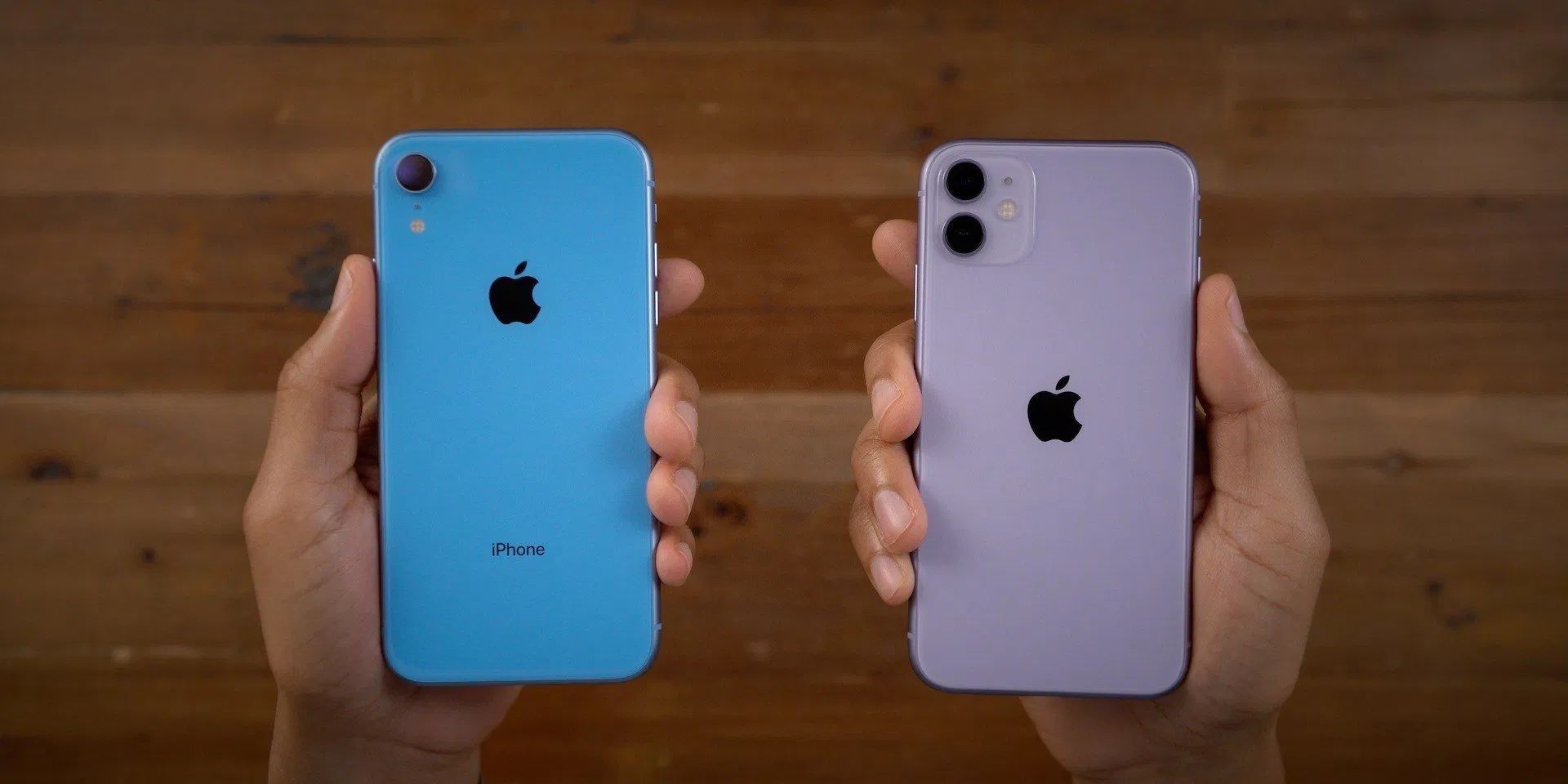
We first heard about Apple making its high-end iPhone models in India earlier this year. Today a new report from ET Telecom claims the company has just started the production of the iPhone XR in the country, with plans to also manufacture the iPhone 11 there in the following months. Apple has conducted several production tests over the past few weeks to ensure these devices can be produced at Foxconn Chennai in India.
Apple was already manufacturing some older models at the Wistron facility (a Taiwanese corporation) in India, such as the iPhone 6s and the iPhone 7, but this is the first time the newer models will be produced there. Sources told ET Telecom that making the latest generation iPhones requires improved technical skills, which is why the process took a long time to get started.
These Indian-made models are not only sold locally, but they are also exported across Europe, making India a “global production hub”. However, even with Apple saving approximately 20% in import taxes, this will not affect the price of the product for Indian consumers for now.
The local government was pushing Apple to manufacture its entire lineup of smartphones in India. Apple sees India as a huge potential growth market as its economy matures. This is also important for Apple to have alternatives in manufacturing its products, now with the trade war between the United States and China.
Apple now has around 2% market share in India, with Samsung and OnePlus being its main competitors. That number could increase soon, as the iPhone XR and iPhone 11 are selling well in the country due to aggressive pricing and easier payment options.
Source: 9to5mac










