NEWS

App Maker Claims 'Sign in with Apple' Copies Anonymous Email Feature

10/08/2019

2403

App Maker Claims 'Sign in with Apple' Copies Anonymous Email Feature


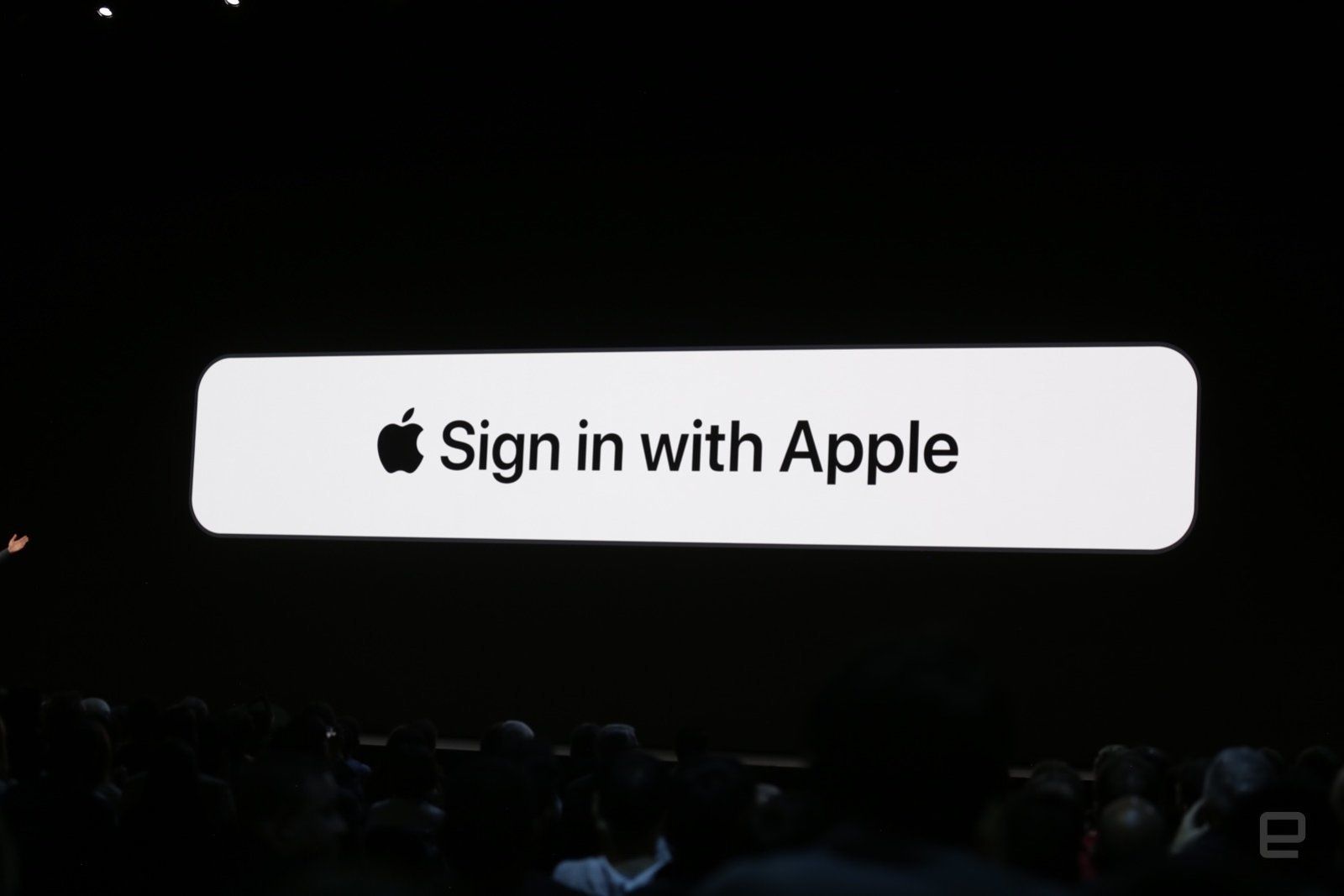
Sign in with Apple's ability to shield your real email address may sound clever, but one app developer claims it's just riffing on their technology. Blue Mail creator Blix has sued Apple for allegedly violating a 2017 patent on the "Share Email" feature in its app. The company claims that Apple's generation of a unique email address for sign-ins copies Blue Mail's ability to share a public email address for messaging while hiding your actual address.


Blix has previously accused Apple of unfairly suppressing Blue Mail. It claimed that Apple's acknowledged problems with App Store rankingspushed Blue Mail down to 143rd in search results (it's since back to 13th). It also disputed Apple's statement that it removed Blue Mail from the Mac App Store for supposedly copying another program, TypeApp. The developer said that TypeApp had been voluntarily removed and that Apple was promoting market monopolization by limiting the number of competing apps.


It's too soon to know who will prevail. If Blix succeeds, though, Apple faces both an injunction as well as damage claims. It wouldn't necessarily have to modify Sign in with Apple, but it might have to compensate Blix to keep using the privacy-minded concept.


Source: Engadget

Windows
Mac OS
iOS
Linux
3uTools
Win 64-bit For this device
V9.0 2025-11-11
Download
Win 32-bit For this device
V9.0 2025-11-11
Download
3uTools
Intel Chip How to Identify Chip Type
V9.0 2025-12-02
Download
Apple Chip
V9.0 2025-12-02
Download
How to Identify Chip Type
1.  Click the Apple icon in the top-left corner of the screen and select About This Mac.
2.  Check the Processor or Chip field to determine if it is "Intel" or "Apple".
Please use the 3uTools PC client to install the iOS client:
1、 Install either the Windows or Mac version of 3uTools on your computer
2、 Open the PC client and connect your device to the computer via USB cable
3、 After the connection is successful, wait for the computer to automatically install the mobile app for the device, or locate “Install Mobile App” on the computer and manually click to install.
3uTools
deb file
V3.01 2025-11-20
Download
rpm file
V3.01 2025-11-20
Download
Windows
Windows
iOS
iOS
Android
Android
TV
TV
3uAirPlayer
Win 64-bit For this device
V6.0.2 2025-11-19
Download
Win 32-bit For this device
V6.0.2 2025-11-19
Download
iOS Device Mirroring (No App Required)
1、 Install 3uAirPlayer on the Windows PC
2、 Open Control Center and select Screen Mirroring
3、 From the list, choose your PC to start mirroring
4、 Or connect your iOS device to the PC via USB to begin mirroring
Scan to get "3uAirPlayer" App
3uAirPlayer TV V1.0.18
2025-11-28
TV System Requirements: Android 7.0 or later
Download the TV installation package, copy it to a USB drive, insert it into your TV or set-top box, then select the file from the home screen to install.