 NEWS
NEWS
Apple wins UN Climate Action Award for Environmental work
 09/27/2019
 2903
2903
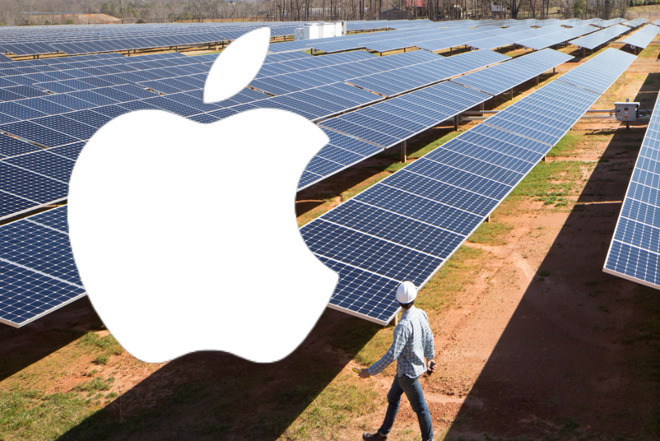
The United Nations has recognized Apple for its environmental efforts, including the move to using renewable energy sources. Apple is one of 15 firms or projects announced as winners of the 2019 UN Global Climate Action Award.
"Announced amongst the backdrop of nations signalling their renewed determination to meet the goals of the Paris Agreement," said Niclas Svenningsen, Manager of the UN Climate Change Global Climate Action Programme in a statement, "these awards shine a light on 15 incredible examples of scalable climate action around the world."
The UN singled out Apple for its emissions reduction and said that the company is "on a mission to make its products without taking from the Earth."
"At Apple, we take our responsibility seriously to leave the world better than we found it," said Lisa Jackson, vice president, environment, policy and social initiatives. "By running 100% of our operations on renewable energy and driving our entire global supply chain to do the same, we'll bring more than 6 gigawatts of clean power online next year.
"From restoring mangrove forests in Colombia to launching a new Clean Energy Fund in China," she continued, "we know that we must keep challenging ourselves to innovate and do more to take on the climate crisis globally."
"Thank you to the United Nations for recognizing our commitment to clean energy and reducing the carbon footprint of our products," concluded Jackson. "We promise to keep leading the charge for bold climate action."
Apple's most recent environmental effort was the donation of an undisclosed sum to preserve grasslands in Kenya and combat climate change.
The company now also runs on 100% renewable energy and has previously invested $300 million to power its supply chain with clean energy.
Apple now also publishes an annual Environmental Responsibility Report charting its ambition and its efforts in focusing on recycling.
Source: Appleinsider










