NEWS

New Old Orchard Apple Store Arriving September 28 in Skokie

09/23/2019

2731

New Old Orchard Apple Store Arriving September 28 in Skokie


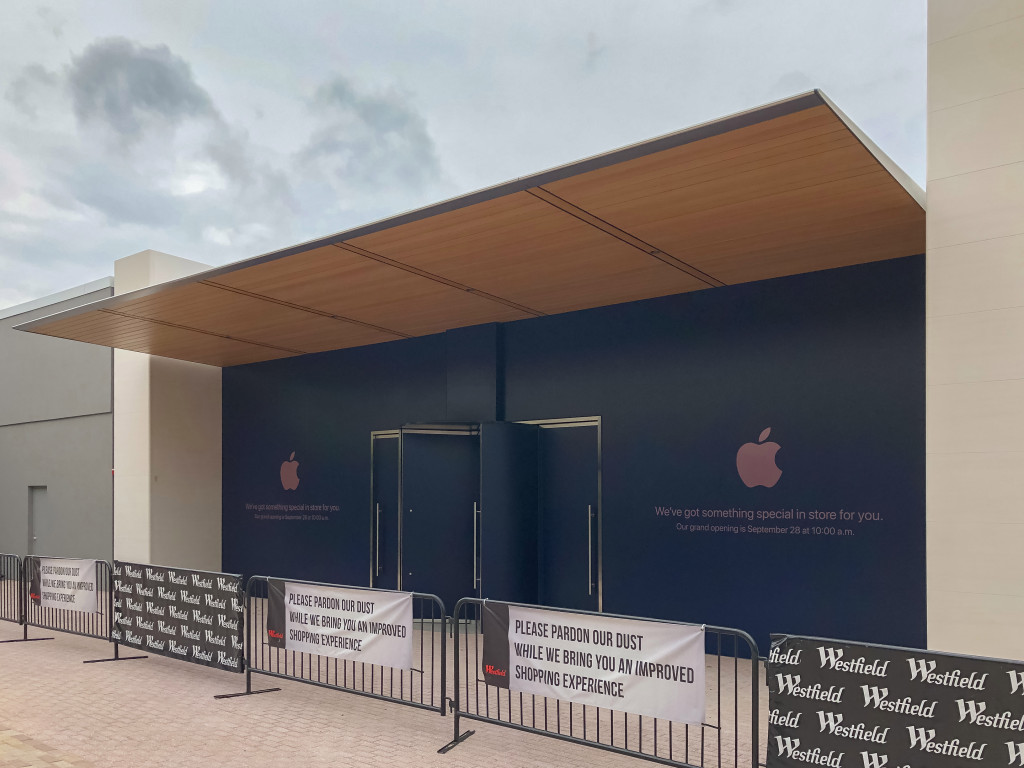
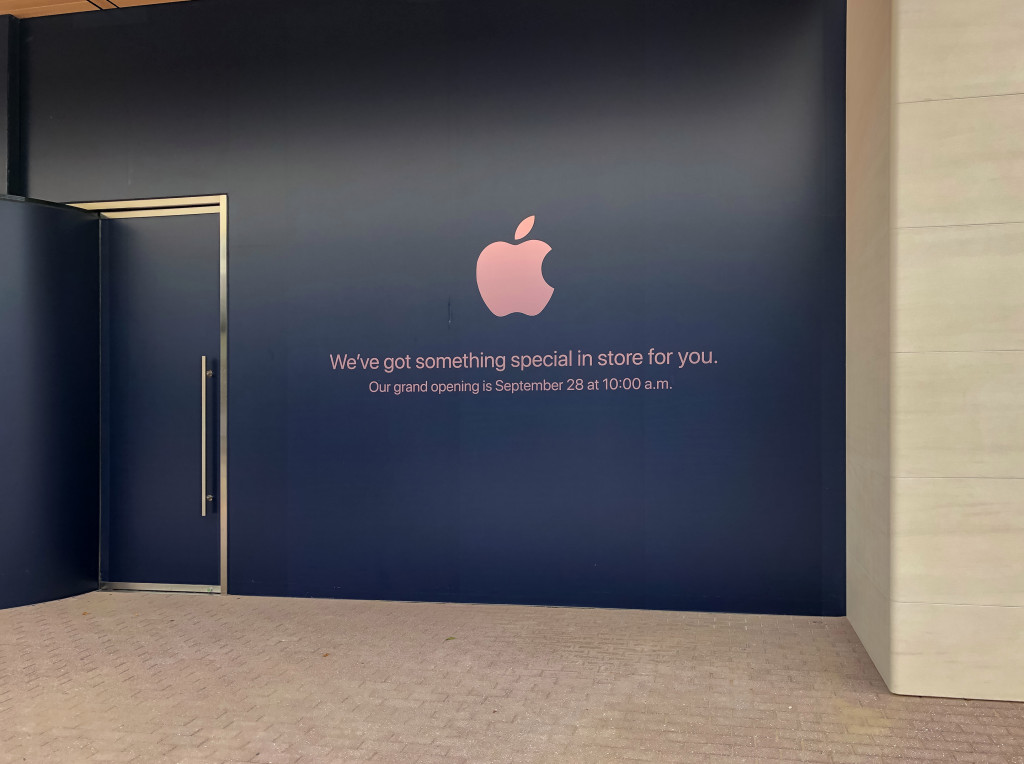
Apple’s busy September of retail store openings and expansions isn’t over yet. On September 28 at 10:00 a.m., Apple Old Orchard in Skokie, Illinois will move to a brand new space.


Designed with the same principles that have defined Apple’s other outdoor mall locations since last fall, the new Apple Old Orchard features a plank ceiling with a generous overhang and stone walls that rise above the roofline. The new store is located across from J.Crew and Peloton near Nordstrom.


Apple’s existing space at Westfield Old Orchard is a narrow, classic store near the center of the mall and tucked away under a low canopy. The store first opened in 2003, and is one of a dwindling few left with pinstripe glass dividers and drywall finishes, vestiges of Apple’s original retail aesthetic.
New Old Orchard Apple Store Arriving September 28 in Skokie


New Old Orchard Apple Store Arriving September 28 in Skokie


Of the seven Apple Stores in the greater Chicago area, Old Orchard is the fifth to be updated with Apple’s latest design elements after Apple Deer Park reopened last September. Of the two remaining classic locations, Apple Oakbrook is likely to receive a video wall and Forum in the near future.


Source: 9to5mac

Windows
Mac OS
iOS
Linux
3uTools
Win 64-bit For this device
V9.0 2025-11-11
Download
Win 32-bit For this device
V9.0 2025-11-11
Download
3uTools
Intel Chip How to Identify Chip Type
V9.0 2025-12-02
Download
Apple Silicon
V9.0 2025-12-02
Download
How to Identify Chip Type
1.  Click the Apple icon in the top-left corner of the screen and select About This Mac.
2.  Check the Processor or Chip field to determine if it is "Intel" or "Apple".
Please use the 3uTools PC client to install the iOS client:
1、 Install either the Windows or Mac version of 3uTools on your computer
2、 Open the PC client and connect your device to the computer via USB cable
3、 After the connection is successful, wait for the computer to automatically install the mobile app for the device, or locate “Install Mobile App” on the computer and manually click to install.
3uTools
deb file
V3.01 2025-11-20
Download
rpm file
V3.01 2025-11-20
Download
Windows
Windows
iOS
iOS
Android
Android
TV
TV
3uAirPlayer
Win 64-bit For this device
V6.0.2 2025-11-19
Download
Win 32-bit For this device
V6.0.2 2025-11-19
Download
iOS Device Mirroring (No App Required)
1、 Install 3uAirPlayer on the Windows PC
2、 Open Control Center and select Screen Mirroring
3、 From the list, choose your PC to start mirroring
4、 Or connect your iOS device to the PC via USB to begin mirroring
Scan to get "3uAirPlayer" App
3uAirPlayer TV V1.0.18
2025-11-28
TV System Requirements: Android 7.0 or later
Download the TV installation package, copy it to a USB drive, insert it into your TV or set-top box, then select the file from the home screen to install.