 NEWS
NEWS
Early Hands-On Videos Unbox Apple Watch Series 5
 09/18/2019
 4088
4088
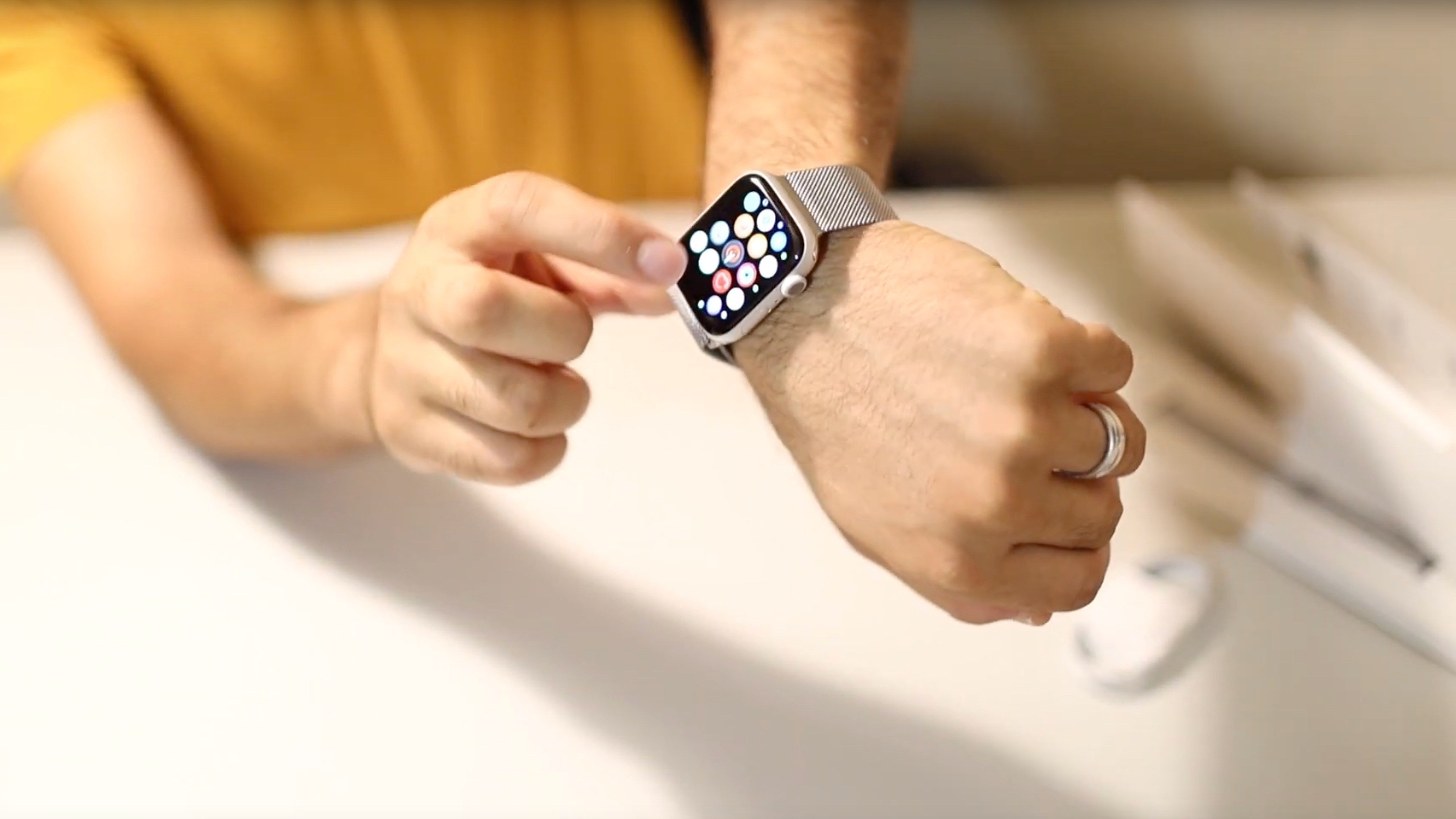
Apple Watch Series 5 isn’t slated to become available until Friday, but a pair of users have seemingly gotten their hands on the device ahead of time. Two new videos posted to YouTube today offer a closer look at the Apple Watch Series 5 in aluminum ahead of Friday’s release.
The first video appears to show the Apple Watch Series 5 in silver aluminum, paired with a Milanese Loop. The Apple Watch comes packaged in soft sleeve, which Apple first started doing with the Series 4 models last year.
In the video, the user walks through the always-on display of the Apple Watch Series 5, demonstrating how it intelligently dims when it’s down and facing away, but lights back up when the wrist is raised or the display is tapped. Here, we see the Numerals Duo watch face in use with the always-on display.
We also get a closer look at the new Compass app, which is available exclusively on the Apple Watch Series 5. Apple first announced the Compass app last week, saying that it allows users to see information including heading, incline, latitude, longitude, and current elevation.
Meanwhile, a separate new video out of Italy offers another hands-on look at the Apple Watch Series 5 in aluminum. This video offers a look at the new Meridian watch face with the always-on display. You can see the display dim and the background go dark as it is turned away.
It’s unclear how these users were able to get their Apple Watch Series 5 units early. It could be that they simply ordered through Apple’s website, and the shipping company failed to follow the scheduled delivery date. Another possibility is that they work for regional carriers, and somehow got stock or demo units two days early.
Source: 9to5mac










