NEWS

Filmmaker Puts iPhone 11 Pro to A Test

09/18/2019

2377

Filmmaker Puts iPhone 11 Pro to A Test


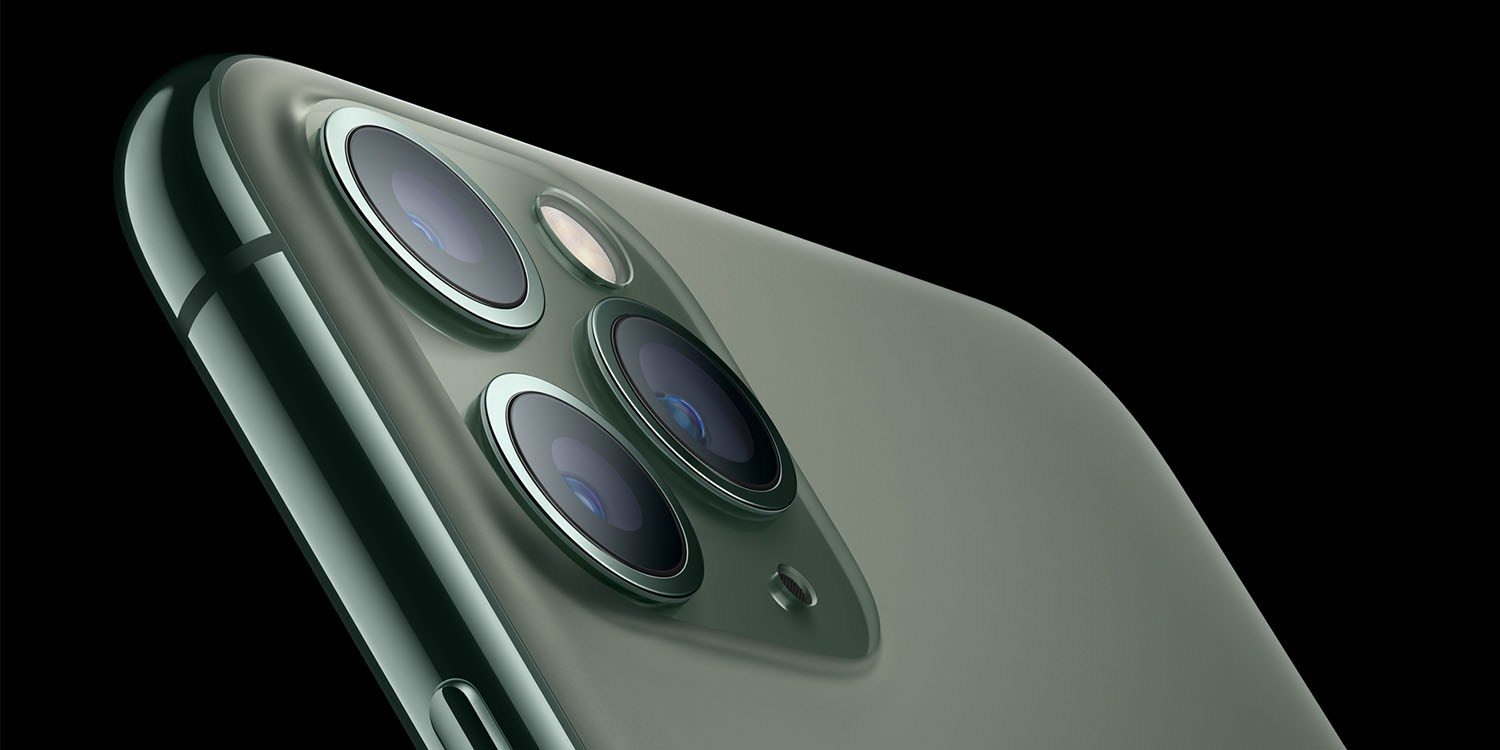
Ahead of the iPhone 11 Pro release on Friday, filmmaker Andy To went to Tokyo to put the new triple-lens camera setup to the test. The result is a beautiful, cinematic 4K look at the city.


To described his goal for the video as creating a visual story showcasing his journey to Japan:


I went to Tokyo with the new iPhone 11 Pro to put it to the test. The objective of this video is to deliver a visual story showcasing my journey to Japan. The story starts in Tokyo, a progressive futuristic city that’s a beautiful backdrop for the fast paced editing style that I love to do.


The video was shot on the iPhone 11 Pro without the help of any external lenses. It was recorded directly in the stock Camera app on the iPhone, and edited with Final Cut Pro X on macOS.


To’s video showcases the versatility of the iPhone 11 Pro camera through an array of different scenes and environments, ranging from bright and colorful to low-light.


The iPhone 11 Pro offers numerous enhancements to the camera with a new triple-lens array on the back. The iPhone 11 Pro is capable of 4K video at 60fps, much like the iPhone XS, but there’s now support for extended dynamic range, improving color and contrast.


Source: 9to5mac


Windows
Mac OS
iOS
Linux
3uTools
Win 64-bit For this device
V9.01 2025-12-27
Download
Win 32-bit For this device
V9.01 2025-12-27
Download
3uTools
Intel Chip How to Identify Chip Type
V9.01 2025-12-31
Download
Apple Silicon
V9.01 2025-12-31
Download
How to Identify Chip Type
1.  Click the Apple icon in the top-left corner of the screen and select About This Mac.
2.  Check the Processor or Chip field to determine if it is "Intel" or "Apple".
Please use the 3uTools PC client to install the iOS client:
1、 Install either the Windows or Mac version of 3uTools on your computer
2、 Open the PC client and connect your device to the computer via USB cable
3、 After the connection is successful, wait for the computer to automatically install the mobile app for the device, or locate “Install Mobile App” on the computer and manually click to install.
3uTools
deb file
V3.01 2025-11-20
Download
rpm file
V3.01 2025-11-20
Download
Windows
Windows
iOS
iOS
Android
Android
TV
TV
3uAirPlayer
Win 64-bit For this device
V6.0.2 2025-11-19
Download
Win 32-bit For this device
V6.0.2 2025-11-19
Download
iOS Device Mirroring (No App Required)
1、 Install 3uAirPlayer on the Windows PC
2、 Open Control Center and select Screen Mirroring
3、 From the list, choose your PC to start mirroring
4、 Or connect your iOS device to the PC via USB to begin mirroring
Scan to get "3uAirPlayer" App
3uAirPlayer TV V1.0.18
2025-11-28
TV System Requirements: Android 7.0 or later
Download the TV installation package, copy it to a USB drive, insert it into your TV or set-top box, then select the file from the home screen to install.