 NEWS
NEWS
Kuo on iPhone 11: No Apple Pencil Support, Bilateral Wireless Charging Potentially Scrapped
 09/10/2019
 2908
2908
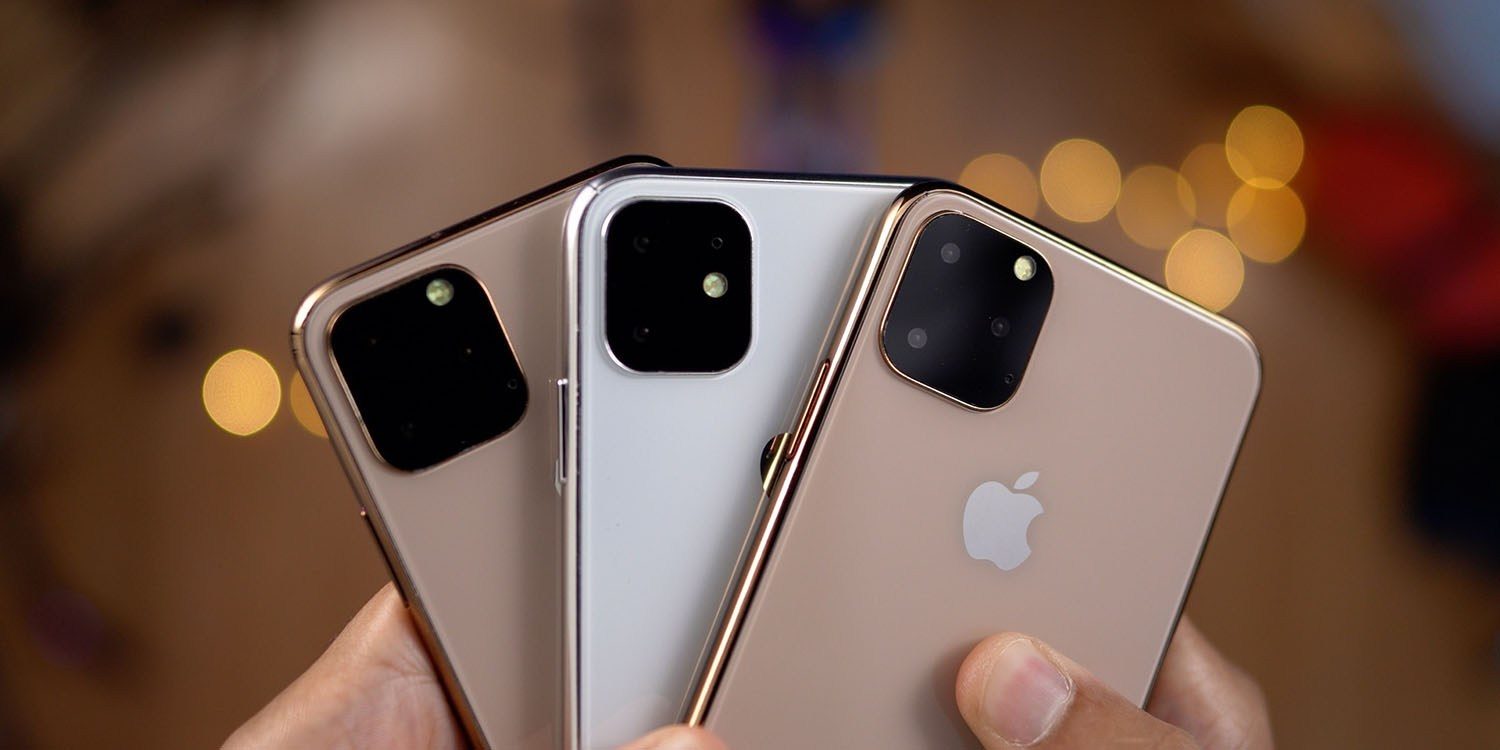
On the eve of Apple’s iPhone 11 keynote, reliable Apple analyst Ming-Chi Kuo has published a new report detailing what to expect. Kuo says the new iPhone 11 models will not support Apple Pencil input, nor will they switch to USB-C. However, the 5.8-inch and 6.5-inch iPhone 11 models will feature a fast charger in the box, Kuo says.
Some rumors had suggested that the 2019 iPhone 11 would support Apple Pencil input, but Kuo says that’s not the case. This rumor seemingly circulates every year, and it’s unsurprising to see Kuo debunk it.
Meanwhile, the analyst says that the new iPhone models may not support bilateral wireless charging after all. This was initially believed to be one of the standout features of the iPhone 11, but Kuo says it may be scrapped because the “charging efficiency may not meet Apple’s requirements.”
Bilateral wireless charging would allow users to charge other Qi enabled devices on the back of their iPhone. For instance, you could place your AirPods on the back of your iPhone to recharge them. Kuo had initially predicted that the new iPhone 11 models would feature larger batteries to accommodate bilateral wireless charging. Mark Gurman of Bloomberg also says he’s heard Apple is having trouble accomplishing this feature.
Kuo also corroborates reports that the iPhone 11 Pro will feature a fast charger in the box. He says both the 5.8-inch and 6.5-inch iPhones will bundle an 18W power adapter equipped with a USB-C connector. The 6.1-inch iPhone XR followup, however, will stick with the 5W USB-A charger, Kuo says. All of the iPhones themselves will still feature Lightning connectivity.
Kuo further says the notch of the iPhones is unchanged, and says the new models will “introduce new colors.” All three new iPhones will also be equipped with ultra-wide band technology, he adds. This will greatly improve indoor mapping functionality.
Lastly, Kuo predicts that iPhone 11 shipments will decline by 5–10 percent YoY to 65-70 million units in 2019 due to “a lack of innovative selling points.” iPhone shipments over the course of 2019, however, could still reach 180 million units due to “price-cut legacy iPhone models,” the analyst adds.
Source: 9to5mac










