 NEWS
NEWS
Why Apple Is Borrowing $7 Billion
 09/05/2019
 2897
2897
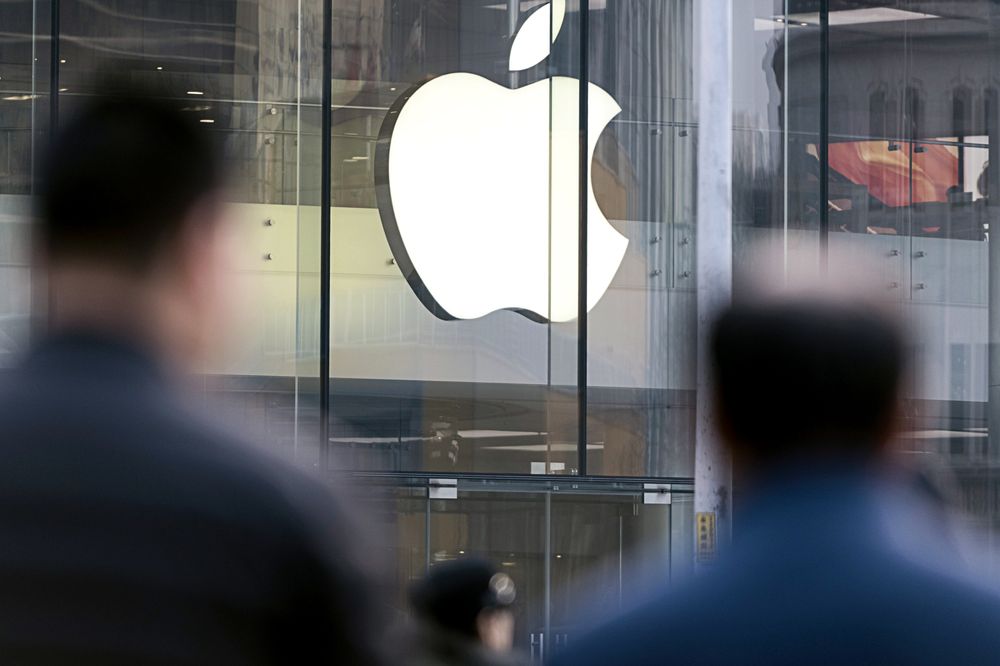
Apple Inc., one of the most cash-rich companies in the world, is still looking to get a piece of the ultra-cheap money that’s up for grabs in the bond market.
With investment-grade bond yields hovering near record lows, it’s tempting even for Apple -- with more than $200 billion of cash and investment securities on its books -- to see what investors will lend it. Turns out that number is $7 billion, or just over 3% of its current coffers.
With the 30-year Treasury at record lows, many companies have been able to borrow more cheaply for much longer. Apple will pay around 2.99% interest on its new 30-year bonds, compared with the 3.45% it’s paying on three-decade bonds it sold in 2015. On a $1.5 billion issue, that equates to savings of nearly $7 million of interest annually, or more than $200 million over the course of three decades.
Today’s debt sale could help Apple refinance roughly $2 billion of debt that’s scheduled to mature this year in addition to much of the $10 billion it has coming due in 2020, according to data compiled by Bloomberg. The borrowing is profitable for the company’s shareholders by at least one measure: the company’s earnings yield, a measure of how much the company earns relative to its share price, is around 5.6%, while it can borrow for 30 years for less than 3%.
Apple’s not the only one seizing this golden opportunity. A record 21 U.S. investment-grade companies tapped the market Tuesday, borrowing a combined $27 billion. With more than a dozen deals in the works Wednesday, this week’s issuance is already set to hit $54 billion, comfortably surpassing dealer estimates of $40 billion.
Source: bloomberg










