 NEWS
NEWS
Apple’s Former Head of App Store Reviews Reveals How the Review Process Works
 05/30/2019
 3740
3740
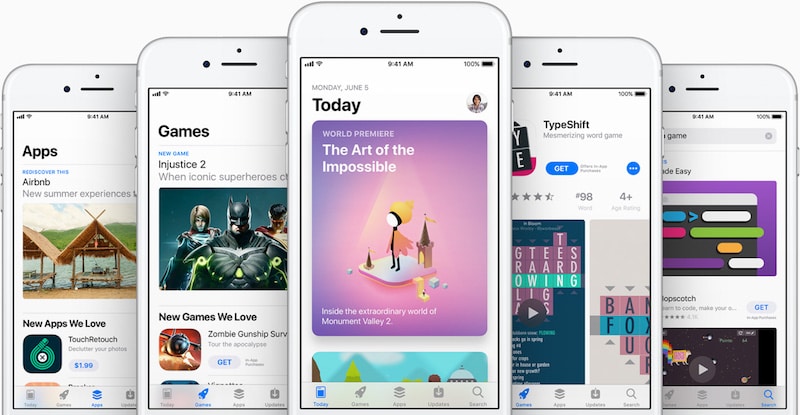
Bloomberg has posted an interview with Phillip Shoemaker, the former head of App Store reviews for Apple from 2009 to 2016. The extensive interview talks about why apps are rejected from the App Store and the toll the responsibility took on him.
Shoemaker reveals that initially, a team of three reviewers went through each app before it was approved. However, in a bid to reduce the app approval times, it was reduced to just one person. This was in conjunction with some automated tools.
While the initial app review team was small, it has since expanded. Reviewers selected around 30 to 100 apps every morning when they would come to the office and then test them on Macs, iPhones, and iPads.
Despite being in a position of great power, it was important that the App Store review team treated apps from all developers — whether big or small — equally. Shoemaker reveals that he saw “some of the worst code at the time” in Facebook apps.
Shoemaker also reveals that while Apple own apps never competed with third-party apps back then, things have changed now.
Another interesting tidbit was about Apple Watch apps. Shoemaker noted that they have always been somewhat of an “embarrassment” at Apple with a notable lack of interest from developers. Apple is expected to unveil a dedicated Apple Watch App Store along with watchOS 6 at WWDC that could potentially help turn things around.
The whole interview offers a fascinating look behind the scenes at Apple and is definitely worth a listen.
Source: iphonehacks









