 NEWS
NEWS
Apple Reportedly Abandons Plans for Apple Store in Israel
 04/02/2019
 2927
2927
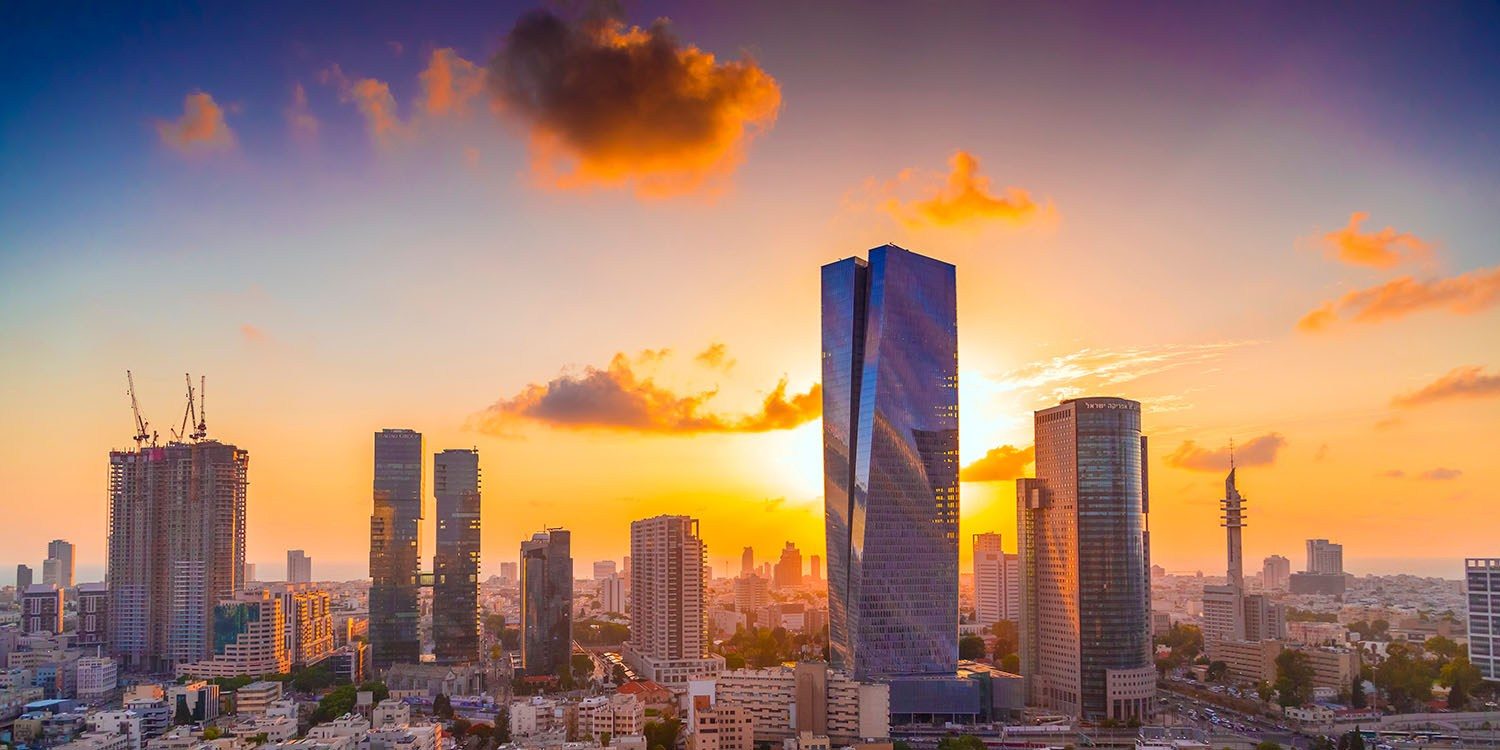
Apple has reportedly abandoned plans to open an Apple Store in Israel after no mall owner in the country was willing to agree to the company’s terms. The proposed location was in the Azrieli Sarona Tower, a 61-storey skyscraper in Tel Aviv.
Apple is known to make significant demands when it comes to opening new retail stores …
The company knows that the presence of an Apple Store in a mall or other location will attract lots of customers. It also knows that the Apple customer demographic is a particularly valuable one for retail locations. For example, it has been reported that the company sometimes demands free rent for a significant period.
A report in Haaretz says that one mall owner has rejected Apple’s terms, and that it was not the first to do so. The Cupertino company has apparently now reached the end of the road with the idea.
Azrieli Group, the property developer and mall owner, has dropped efforts to open an official Apple Store in Tel Aviv after negotiation with the U.S. company broke down over financial terms.
Azrieli had been in talks with Apple about opening a store in the Azrieli Sarona Tower but in the end wouldn’t agree to Apple’s financial terms.
After examining the possibility of opening an official store in Israel for the last year or two, Apple has dropped the plan because no mall owner is prepared to meet its condition.
The report suggests that one of Apple’s demands was the help to cover its ‘marketing and inventory costs.’ While this might seem far-fetched, Apple does insist that carriers in more than one country contribute to the costs of running iPhone ads.
As for abandoning plans to open an Apple Store in Israel, the company has demonstrated itself willing to play hardball, ditching proposed stores if unable to get its own way in negotiations. It did this in Stockholm, Sweden, for example, when the city council rejected its proposals. Rather than modify them, or seek an alternative location, Apple walked away and sought to sell the land back to the city for considerably more than it paid for it.
Source: 9to5mac









