 NEWS
NEWS
Apple Shutters Apple Watch Gallery in London's Selfridges Department Store
 01/04/2017
 3975
3975
Following news that Apple will in January shut down an Apple Watch pop-up shop in Paris, an identical store-within-a-store concept located in London's Selfridges department store has closed its doors.
As noted by MacRumors, the Selfridges Apple Watch store is no longer listed on Apple's retail list for the UK, suggesting the outlet has been shuttered.
AppleInsider confirmed the closure on Tuesday. Phone calls placed directly to the Apple Watch gallery are forwarded to a recorded message saying the location is no longer operating. Customers interested in Apple Watch are urged to visit Apple's website to find their nearest brick-and-mortar Apple store.
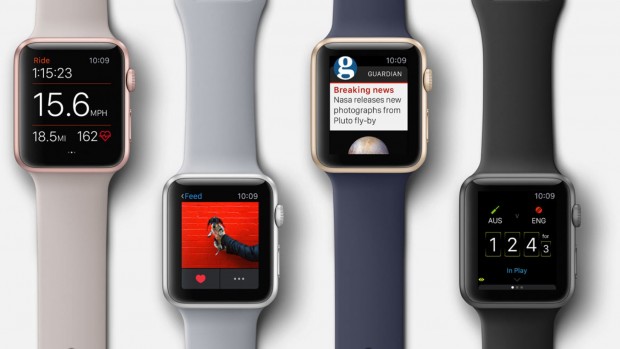
The Selfridges Apple Watch gallery closes its doors after serving London for some 20 months. Dubbed a pop-up shop for its small size, location within a larger department store and focus on a single product, the outlet officially opened in April 2015 shortly before Apple Watch went on sale worldwide.
To drum up interest in the smartwatch gallery, Apple commissioned a series of promotional installations for display in the department store's windows. The most recent incorporated Apple Watch into hand-sculpted flowers of all sizes, some of which were created using 3D printing.
As reported in October, Apple is scheduled to close a similar Apple Watch pop-up shop in the Galeries Lafayette department store in Paris later this month. With the Parisian smartwatch boutique seeing a steady decline in business, Apple is slowly winding down operations and has over the past weeks transitioned employees to regional company stores.
Once the Galeries Lafayette location closes, Apple will be left with only one dedicated Apple Watch venue in the Isetan department store in Tokyo, Japan. The future of that outlet is unclear.
Source: appleinsider











