 NEWS
NEWS
New iPhone Leak Claims Apple will Count On A Rival for its Displays
 12/30/2016
 3854
3854
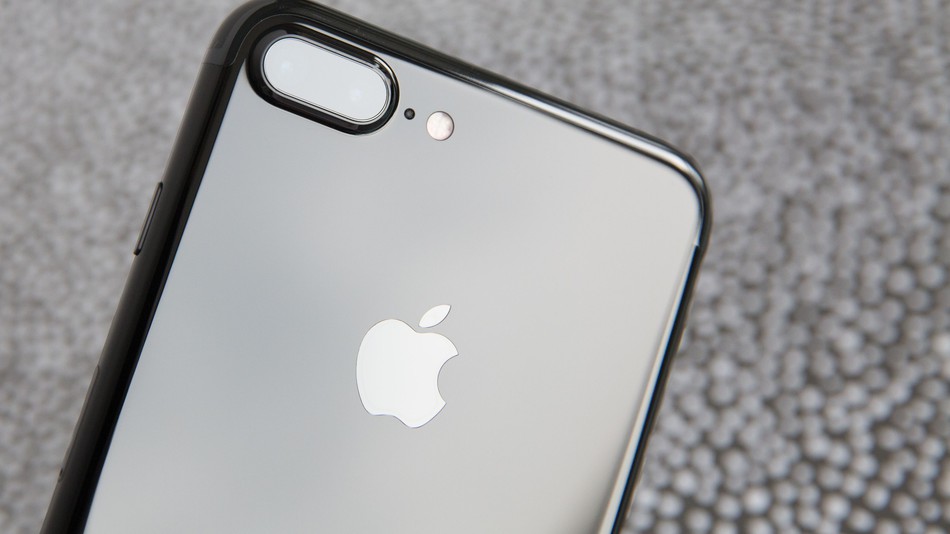
There are still a few days left in 2016, but iPhone fans have been living in 2017 for some time now.
Rumors of the next version of Apple's flagship have captured our attention since the release of the iPhone 7 in September (and in some cases even before), and by now there's an established set of features most prognosticators expect will come in 2017. One of the most notable of these features is a brand-new AMOLED display, a change from the current LCD design.
Now, a supply chain rumor reported by DigiTimes (which has been hit-or-miss when it comes to leaks in the past) claims not only that the switch has been confirmed, but the exclusive supplier of the new AMOLED panels will be one of Apple's biggest competitors.
According to the report, which DigiTimes attributes to Taiwan-based supply chain makers, Samsung Display will be the "exclusive supplier" of AMOLED panels for the 2017 iPhone. It will provide Apple a maximum of 20 million units a month.
This leak comes after a deal between the two companies focused on OLED display panels was reported back in April.
The report claims that production will begin in "small volumes" in March, to be ramped up in May and June to prepare for a product launch in the second half of 2017.
Everything considered, this wouldn't be a big surprise if true. Samsung is a major producer of AMOLED panels, as its own flagship Galaxy line has AMOLED displays. Apple depends on secondary producers for parts of its supply chain, so partnering up — even with a rival — is nothing new.
Source: Mashable Asia









