 NEWS
NEWS
iPhone Production could Head to Vietnam to Avoid U.S. Trade Tariffs
 12/05/2018
 3674
3674
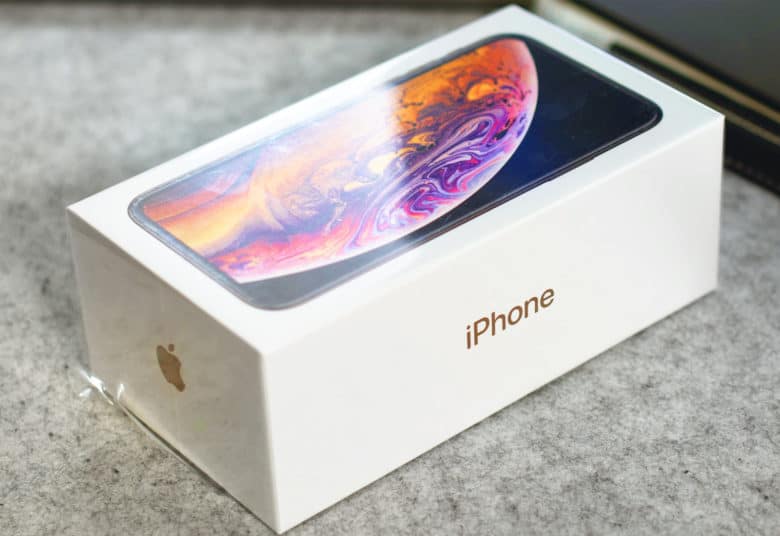
iPhone assembly partner Foxconn is considering the possibility of opening a new facility in Vietnam in an effort to avoid U.S. trade tariffs.
The factory would focus specifically on iPhone production, according to a new report. Vietnam Chamber of Commerce and Industry Vu Tien Loc says talks with Foxconn are underway.
The Trump administration plans to implement tariffs on a host of products being imported from China worth about $200 billion — including the iPhone. These products would be subjected to an additional 10 percent in duties.
This would obviously make the iPhone even more expensive, but some manufacturers are already considering moves to avoid the impact of the ongoing trade war between the U.S. and China.
Foxconn enters discussions with Vietnam
Loc raised the matter of a local Foxconn factory with Vietnam Prime Minister Nguyen Xuan Phuc at a meeting on November 22, according to a Reuters report, which cites Vietnam Investment Review.
Loc revealed Vietnam is “discussing the possibility of this with Foxconn,” but would not reveal further details.
A statement from Foxconn said it “follows a strict company policy of not commenting on any matters related to current or potential customers, or any of their products.”
The news follows another Reuters report from last week, in which several Foxconn executives talked about moving production if the company needed to avoid new import taxes. Vietnam and Thailand were named as preferred locations for a new facility.
How new tariffs could affect iPhone prices
The Trump administration has put the new tariffs on hold for now while discussions and negotiations continue. However, should they be introduced, they will apply to all products not already on the import list.
Analysts predict that if the 10 percent levy was applied to the iPhone — and Apple passed that cost onto consumers rather than allowing it to eat into its profits — prices could rise by $60 to $160 on each device.
Source: cult of mac









