 NEWS
NEWS
Apple Scores a Win in Qualcomm Trade Spat
 09/29/2018
 3316
3316
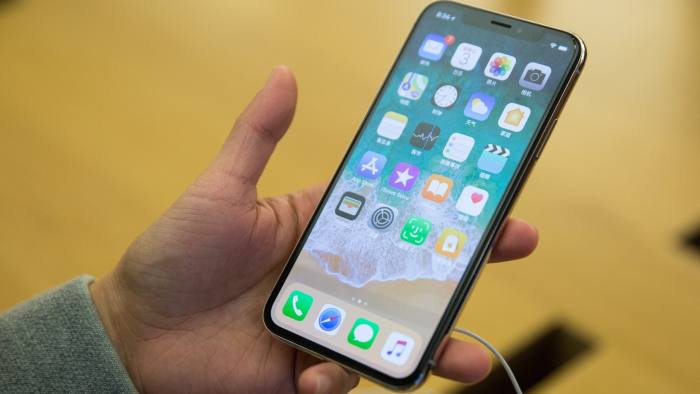
A US judge has ruled against banning imports of some iPhones into the US, despite backing a claim from Qualcomm that Apple had infringed on one of its patents.
The preliminary result, which still needs to be confirmed by the full US International Trade Commission, represents an important victory for Apple in the first part of a sprawling intellectual property battle with Qualcomm. The US companies are fighting dozens of cases over claims of intellectual property infringement, with potential import bans in the US, China and Germany on the line.
On Friday afternoon administrative law judge Thomas Pender backed an earlier recommendation from the ITC’s staff, who had concluded that Apple infringed on one of three Qualcomm patents involved in the case. The finding could have opened the door to a ban on US imports of iPhones that run on the AT&T and T-Mobile networks. These devices include chips made by Intel, while other iPhones sold in the US use Qualcomm chips.
However, the judge recommended against a ban on public interest grounds. He also said he had recommended an alternative remedy, but did not disclose details. The full commission, which normally backs preliminary findings, is expected to rule early next year.
Apple welcomed the decision in what it called an attempt by Qualcomm to “damage competition and ultimately harm innovators and US consumers”. It also reiterated claims that the chip company had “continued to unfairly demand royalties for technologies they have nothing to do with to protect their monopoly”.
“We are pleased the [judge] found infringement of our patented technology, but it makes no sense to then allow infringement to continue by denying an import ban,” said Don Rosenberg, general counsel of Qualcomm. “That goes against the ITC mandate to protect American innovators by blocking the import of infringing products.”
The worldwide dispute was triggered early last year when Apple accused Qualcomm of using its market power to charge excessive royalties on its wireless communications technology. It also instructed manufacturers who assemble its devices to stop handing over royalties to Qualcomm.
The chip company retaliated by filing more than 40 patent infringement claims against Apple around the world, including two before the ITC, one of which is at an earlier stage of deliberation. Apple faced a potential import ban in an earlier patent battle, when the ITC backed a Samsung claim of patent infringement.
Then-president Barack Obama used his veto power to overturn the ban on public interest grounds.
Source: financial times










