 NEWS
NEWS
Apple Claims HQ Buildings Worth $200 to Save on Tax Bill
 08/15/2018
 3206
3206
Concerns over Apple's elaborate efforts to reduce its tax bill are nothing new. The company — which hit a historic $1 trillion valuation this month— was punished in 2016 for a tax deal in Ireland, which the EU said amounted to illegal state aid.
But a newly discovered tactic has reignited the debate about the company's tax contributions. The San Francisco Chronicle reported over the weekend that Apple was "aggressive in opposing tax assessors," the public officials who determine the value of property for tax reasons.
Apple may be the biggest taxpayer in Santa Clara County, where its Cupertino headquarters is based, but The Chronicle said it had 489 open tax appeals in the area, disputing $8.5 billion (£6.7 billion) in property value.
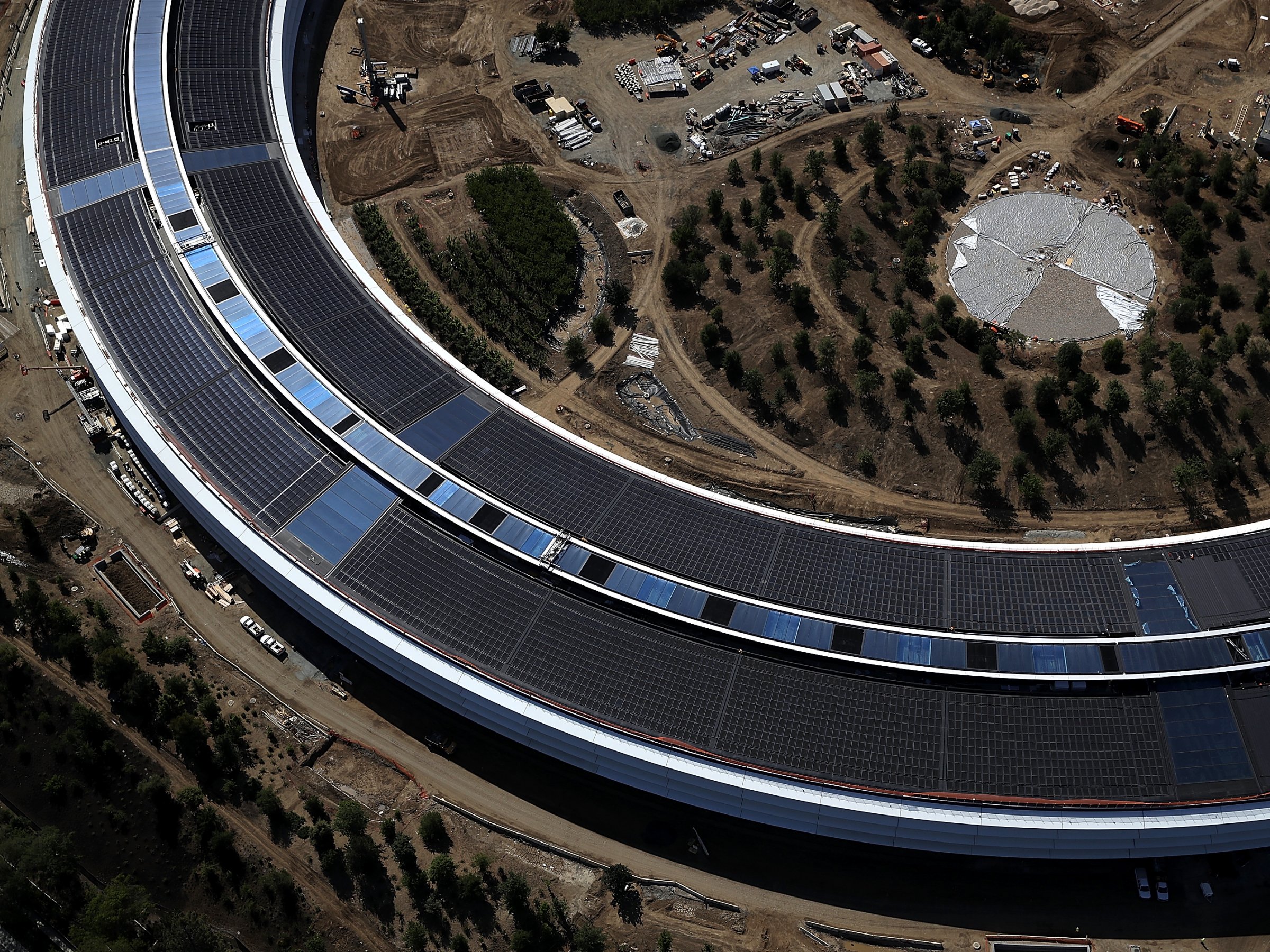
In a 2015 appeal, Apple claimed that a "cluster of properties" around Apple Park was worth $200, rather than the $1 billion figure alighted on by Santa Clara County's tax assessor. In another, Apple said a property valued at $384 million by local officials was also worth $200, The Chronicle said.
"These are major cases, and publicly, they kind of go under the radar screen," Santa Clara County assessor Larry Stone said. Companies are prepared to spend millions of dollars on lawyers to appeal tax rulings, he added, "but there’s millions at stake."
Business Insider has contacted Apple for comment. The company declined to comment when approached by The Chronicle.
Apple CEO Tim Cook has said the firm pays its taxes properly. "In every country where we operate, Apple follows the law and we pay all the taxes we owe," Cook said in an open letter in 2016.
Source: businessinsider










