 NEWS
NEWS
Apple Says ClassKit Coming as Part of iOS 11.4
 03/28/2018
 4129
4129
Apple has today announced several new software features for educators and students. The company is introducing a new Schoolwork app and bringing its Classroom app to the Mac, as well as a new ClassKit API. Apple says the ClassKit framework will be available in iOS 11.4.
Leading Apple’s announcements today is a new Schoolwork application that lets teachers distribute handouts and create assignments. Schoolwork is cloud-based and integrates with ClassKit. The app will be available this June, in time for the 2018-2019 school year.
9to5Mac’s Gui Rambo first discovered ClassKit in the iOS 11.3 beta 2 back in February. Rambo later further uncovered screenshots for how ClassKit will look for both teachers and students.
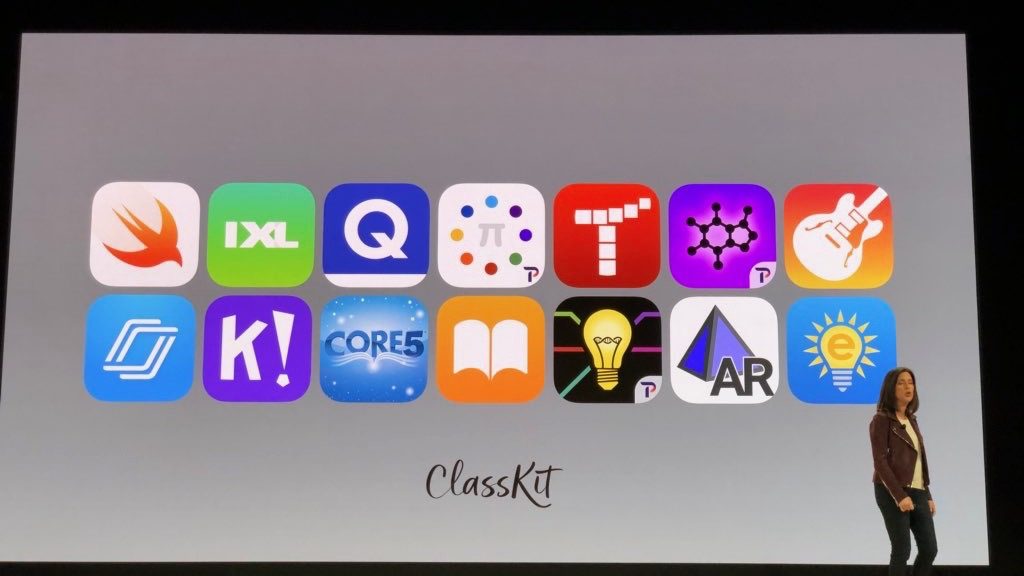
ClassKit is a new API that integrates with a slew of other applications, including Swift, Garageband, iWork, and more. The framework allows educators to integrate with the Schoolwork app. It will be available in iOS 11.4:
The ClassKit framework, coming in iOS 11.4, works with a powerful new iPad app called Schoolwork that helps teachers and students keep track of assignments and progress.
With ClassKit, you can help teachers easily discover specific learning activities in your app, take students directly to the right activity with a single tap, and securely and privately share progress data to help teachers personalize instruction.
Apple is also bringing its Classroom app to the Mac. The company touts that teachers “love Macs” and that computers play an integral part in education.
Furthermore, Apple has introduced a new online “Apple Teacher” professional learning program that it hopes will help educators learn how to take advantage of these new platforms and applications for their own students.
Source: 9to5mac










