 NEWS
NEWS
Apple Admits iPhones Have A Problem
 12/08/2016
 3842
3842
It had to happen. In the face of overwhelming pressure from users and a stark warning from China’s Consumer Association government watchdog, Apple has gone on record and admitted iPhone battery problems are more widespread than it initially claimed. But there’s a twist…
Pointedly choosing to post once again to its China website both in Chinese and English, Apple has released an article entitled ‘A Message from Apple about iPhone and Unexpected Shutdowns’ and confirmed:
“We take every customer concern very seriously, including the limited number of reports of unexpected shutdown with iPhones. We also want to thank the agencies for forwarding concerns to us and their engagement with us...When we find something, we work to quickly provide our customers with a solution.”
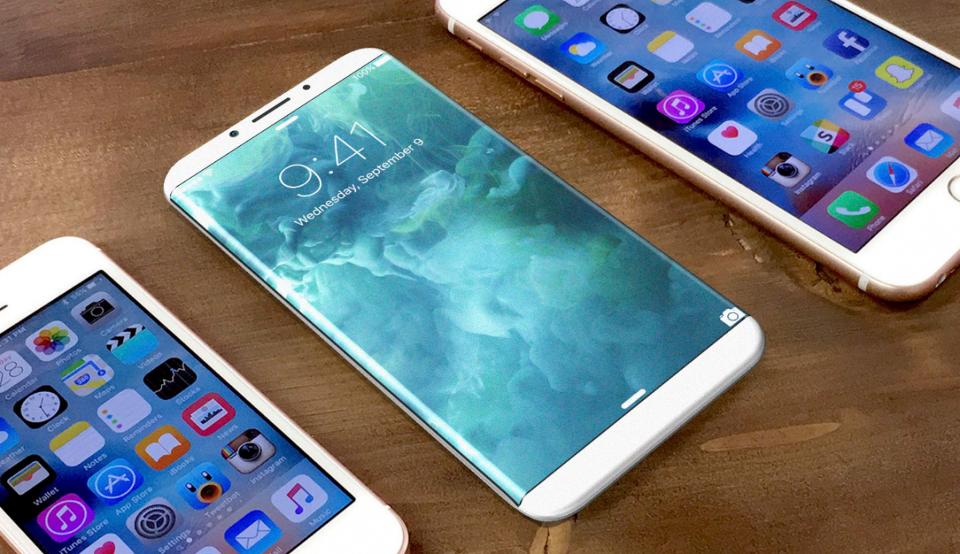
What the company says its further investigations found was “a small number of customers” that are also suffering from what I dubbed the ‘30% Bug’ - where their devices randomly shut off with around 30% of their battery life remaining. I exclusively broke this story last month after contact with disaffected customers writing on Apple’s official Support Communities website.
But the twist is Apple has still not fully fronted up to the situation. Its statement does nothing to specifically state the problems extend beyond the iPhone 6S (the only model it has named to date), when multiple sources in the thread above as well as social media and even a tweet from Apple executive and ‘father of the iPod’ Tony Fadell have confirmed cases involving different models:
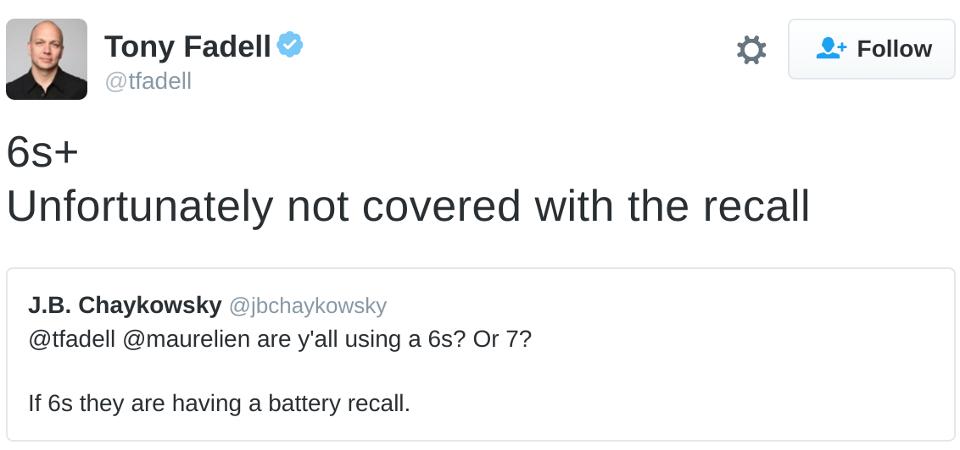
In fact reports of the 30% bug involve most iPhones released in the last 4 years - including the iPhone SE, iPhone 6S Plus, iPhone 6, iPhone 6 Plus, iPhone 5S and iPhone 5 - as frequently as they mention the iPhone 6S. The good news is the iPhone 7 and iPhone 7 Plus predominantly remain unaffected, but they are currently suffering a significant problem of their own.
Source: Forbes











