 NEWS
NEWS
Key iOS 9 Source Code Leaked on GitHub; Cited as ‘Biggest Leak in History’
 02/08/2018
 5178
5178
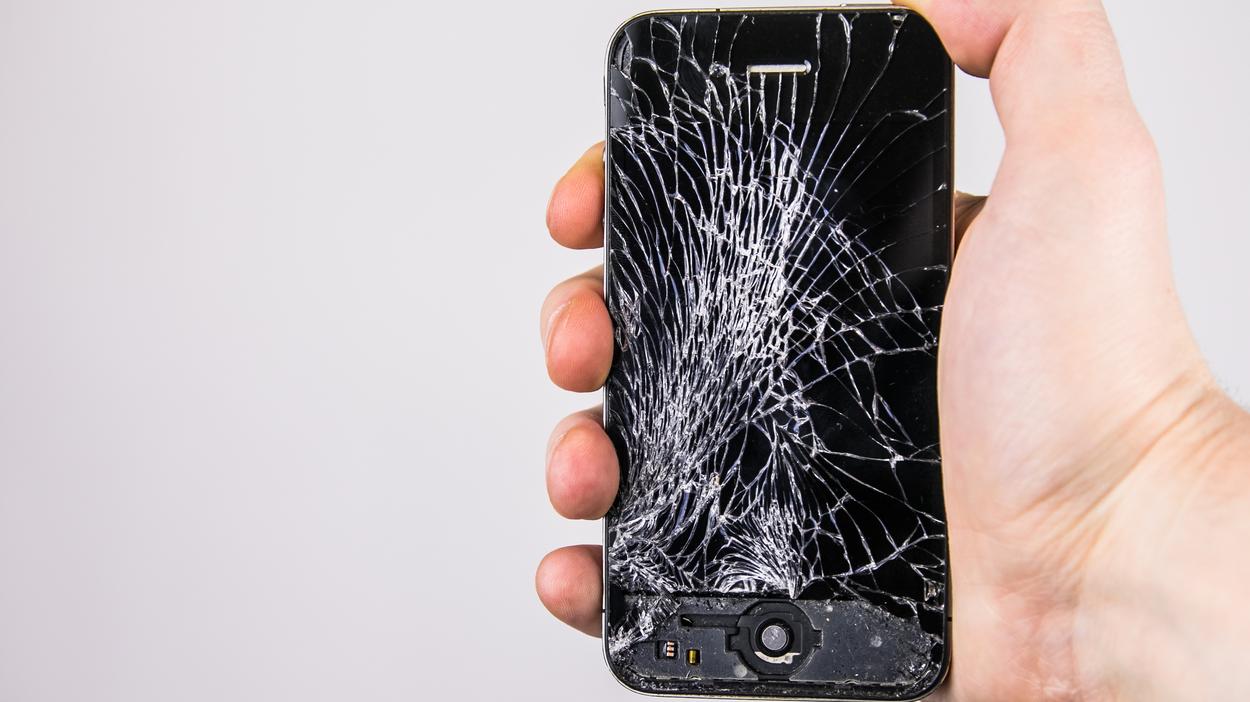
The source code of iBoot, a core component of iOS, leaked on GitHub recently. iBoot is responsible for all security checks and ensuring a secure copy of the OS is booted. It is in many ways the BIOS of an iPhone which verifies that the kernel and other system files being booted are not tampered with in any way.
The leaked iBoot code is for iOS 9, though some parts of it are likely still used by Apple in iOS 11. The leaked source code can pose a security risk as it allows hackers and security researchers to dig into the code to look for vulnerabilities and exploits.
The leak is being cited as “the biggest leak in history” by Jonathan Levin, who has written a number of books on the internals of iOS and macOS. He says the leaked code seems to be the real deal as it matches with the code he reverse engineered himself.
This is the SRC for 9.x. Even though you can’t compile it due to missing files, you can mess with the source code and find vulnerabilities as a security researcher. It also contains the bootrom source code for certain devices...
— Apple External (@Apple_External) February 6, 2018
It is unclear who leaked the file on Github or and how the leaker managed to get their hands on it in the first place. It is also unclear as of now if the code is completely authentic.
Since the source code is from iOS 9, it will likely not be of much value for now. Any exploits or vulnerabilities discovered by researchers through the source code is unlikely to work in iOS 11.2 or higher. Jailbreakers have previously used vulnerabilities in iBoot to jailbreak older versions of iOS. If they are able to find something useful from the source code, jailbreakers could very well come up with a tethered jailbreak for iOS 11.2 and up.
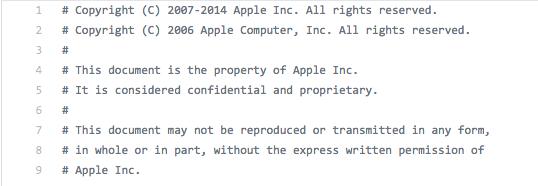
With Secure Enclave handling the boot process on newer iPhones, I really doubt that the leaked iBoot source code is going to be of much help. Apple is yet to comment on the leak.
Source: iphonehacks










