 NEWS
NEWS
HomePod Will be Available to Order From Friday, in Stores on February 9
 01/24/2018
 3729
3729
Apple has announced that the $349 HomePod will launch on February 9, customers can preorder Apple’s home wireless speaker from Friday. The HomePod goes on sale in US, UK and Australia. Apple announced that it will rollout to France and Germany ‘in the spring’.
Originally billed to launch in late 2017, the HomePod will launch for users in February. The speaker will be available to order from the Apple Online Store on 26th January, with the first orders arriving in early February.
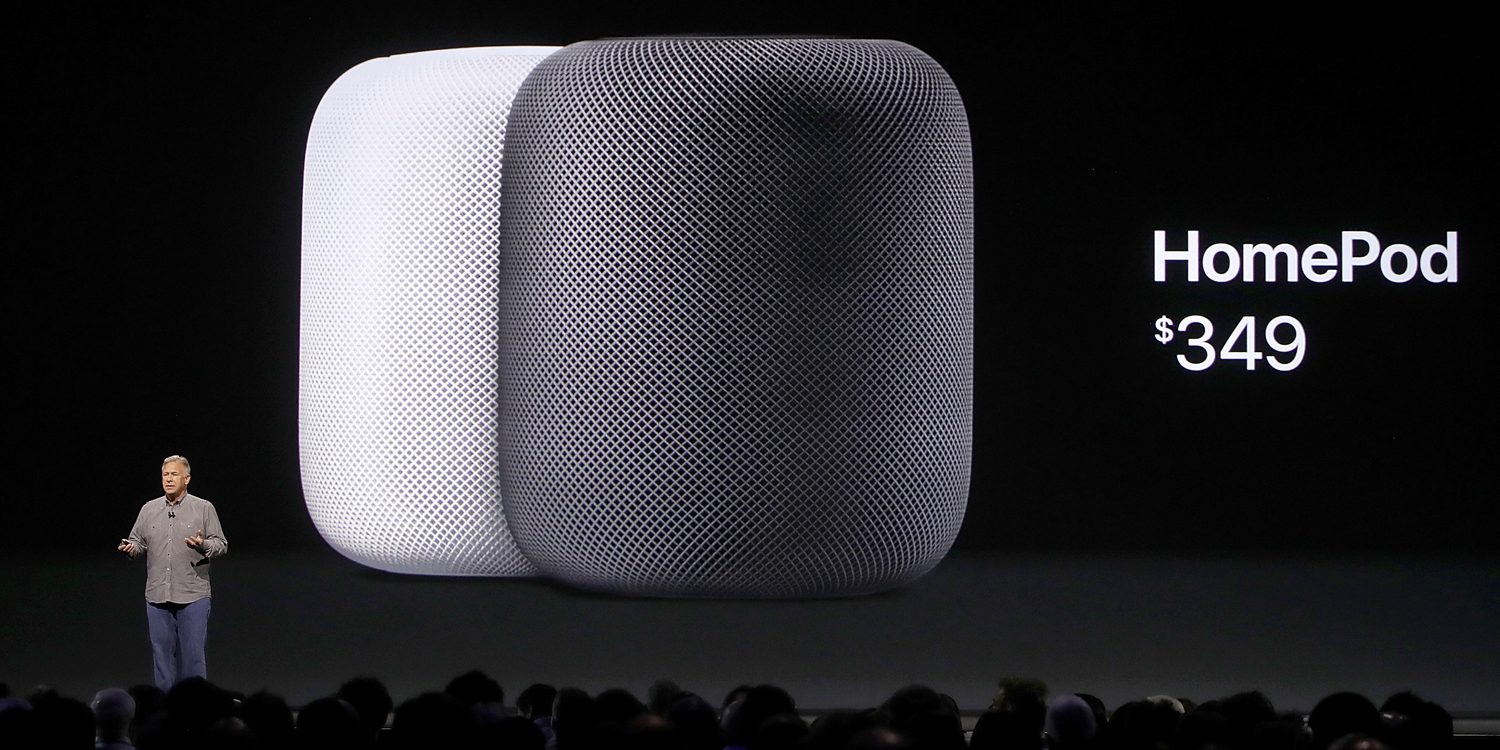
Apple says the HomePod will be available to buy in store from February 9, which should mean first orders deliver around the same time.
The HomePod combines a premium home music speaker with the smarts of Siri for controlling audio playback, smart home accessories and many other voice assistant tasks.
Housing an Apple A8 chip, a large woofer and seven tweeters, Apple says the HomePod can deliver a ‘wide, spacious soundstage’. HomePod can automatically sense the surrounding room and adjust its internal speakers to optimize how it sounds.
Apple is pushing users to get HomePod with a $9.99/mo Apple Music subscription to enable Siri to play any of the 40 million tracks in the Apple Music catalog. Siri can also answer rich questions related to the music being played. Without a subscription, HomePod can stream Beats 1, play podcasts and any songs and albums previously purchased from iTunes.
Users can theoretically buy multiple HomePods to effortlessly setup multi-room music. However, Apple says that multi-room support will be coming in a software update later this year. It will not be available with the initial launch. The ability to use two HomePods as a stereo pair in a single room will also require a future software update.
As well as a home speaker, HomePod represents Apple’s first direct competitor to the Amazon Echo and Google Home smart assistant ‘cylinder’. Users can ask Siri to send messages, check the weather, play the latest news headlines, get trivia answers, play podcasts and much more. Controlling HomeKit accessories is also a big part of the HomePod’s appeal. HomePod will work with some third-party apps that support SiriKit by using a nearby iOS device to handle those requests.
HomePod is controlled by tapping on the touch surface on the top of the unit, which displays a Siri waveform and volume controls. As well as saying ‘Hey Siri’, users can touch and hold to ask a question. A simple tap pauses the music, whilst a double tap moves to the next track.
HomePod is configured through the Home app on an iOS device running iOS 11.2.5 (which is yet to be publicly released).
HomePod will be available in two color choices, white or space gray. Order it from January 26 for $349.
Source: 9to5mac










