 NEWS
NEWS
Apple Said To Be Considering Japan Display’s LCDs For 2018 iPhones
 09/29/2017
 4343
4343
With two of the 2017 iPhones already out and the third a little over a month away, the buzz is now starting to build around the 2018 phones. The latest one rumor suggests that Apple could be considering advanced liquid crystal display (LCD) panels from Japan Display for its future iPhones.
Apple’s iPhone X sports OLED screen technology, which offers brighter colors and a sharper contrast than traditional LCD panels. However, high cost and supply issues are big concerns thwarting the mass appeal of the technology. Therefore, Apple seems to be interested in finding a solution that could match the quality of OLEDs but is more widely available.
Japan Display claims that its advanced LCD panels (also called Full Active LCDs) offer the same benefits as OLED panels, but at a lower cost. This is one reason why Apple wants them for at least some of its 2018 iPhones, says The Wall Street Journal, citing sources familiar with the matter.
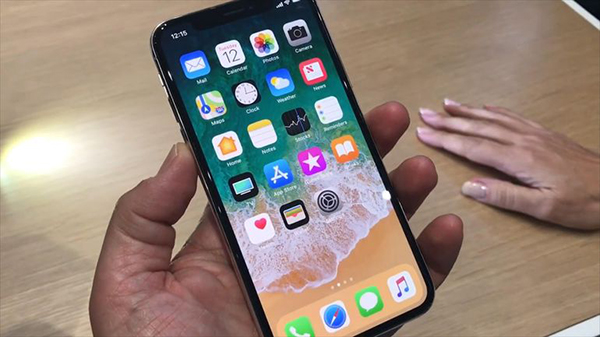
Japan Display’s Full Active panels boast a bezel or border space of just 0.5 millimeters, compared to several millimeters on older LCDs and one millimeter on current OLED smartphone panels. Several Chinese mobile phone makers, such as Xiaomi, are already using the Full Active panel, says the chief of Japan Display’s mobile unit, Kazutaka Nagaoka.
It is planning to start mass production of OLED panels in or around April 2019. Meanwhile, it is counting on Apple and other smartphone makers to buy its Full Active panels. As of now, there has been no comment from Apple on this latest development.
In pre-market trading today, Apple shares were in the red. Year to date, the stock is up more than 33%, while in the last year, it is up almost 37%.
Source: valuewalk










