 NEWS
NEWS
Can Siri Replace Your Need For Friends? Well, Maybe
 04/10/2017
 5117
5117
By now, we're familiar with the movie storyline. A person replaces relationships with a digital device, like Joaquin Phoenix leaning on his operating system inHer.
According to the research, released in January in the Journal of Consumer Research, Mourey and his co-authors hoped to find out how devices that replicate human characteristics - such as Roomba with a design that can resemble a smiley face, or Siri that talk back to you - affect one's need for social interaction.
Human beings have a fundamental need to belong. When people feel excluded, Mourey said, the feeling often triggers a response to compensate in some way - for example, exaggerating one's social contacts ("I have lots of friends on Facebook"), reaching out to friends or family, or forming connections through volunteering.
But how much can that be replaced by a quick question to Siri or interacting with a Roomba? After asking about a time they felt excluded, researchers asked participants to engage with their phone or a Roomba.
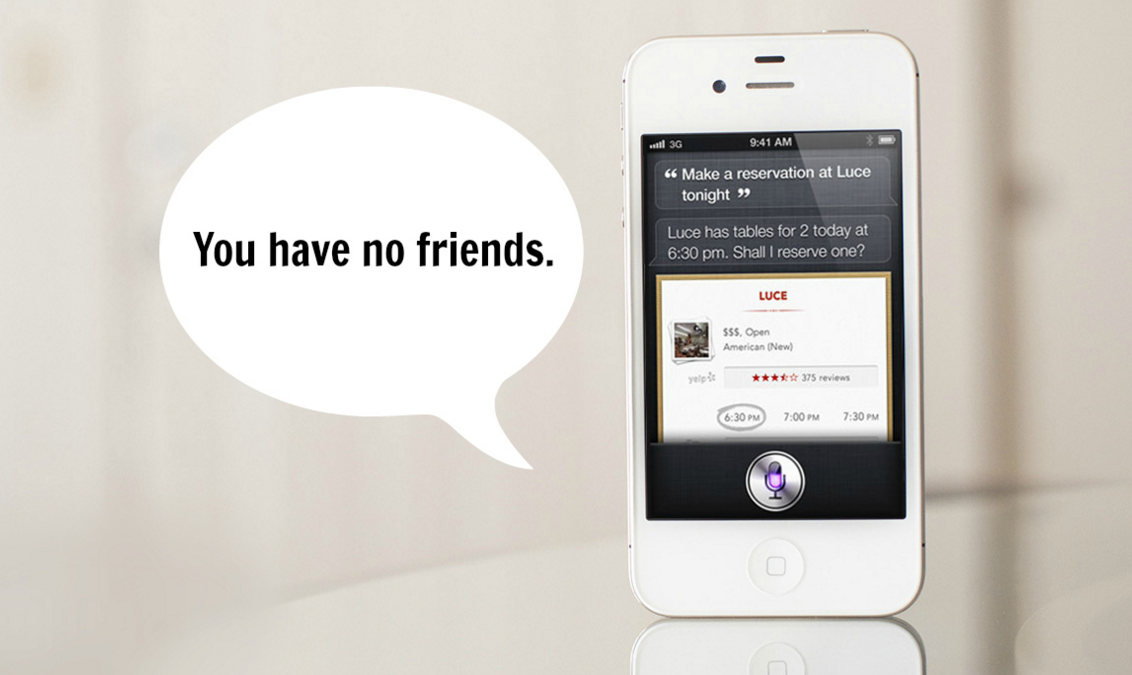
After engaging with a product that researchers described with humanlike characteristics, those needs to reconnect with people disappeared. "It's as if the phone replaces the human interaction," Mourey said.
Simply reminding people that the products were inanimate objects made the effect go away, Mourey said. And certainly, the effects can be positive - for example, a lonely, elderly person might feel happier with even electronic communication, says Mourey.
Still, he said, product designers should realise the more humanlike they create things, the more potential for cutting into social interactions with human beings. "We're actually getting that fulfillment through the products," he said, "with substitutes that are becoming better and better, which is kind of the scary part."
Source: stuff










