 NEWS
NEWS
App Store URL Suggests Next MacOS Sticking With 10.13
 03/08/2017
 4142
4142
The first sign of Apple's next major release of macOS does not appear to be an increment to version 11, after a discovery of a catalog URL for the Mac App Store suggesting macOS 10.13 will be previewed to developers in the coming months.
Possibly the first indication of Apple's plans for macOS, Pike's Universum discovered the Catalog URL containing the text "10.13seed" hosted on Apple's servers, which AppleInsider confirms leads to a text file containing a list of downloads. It is presumably used by Apple to facilitate the macOS upgrade via the Mac App Store, but the contents do not as of yet provide any other clues.
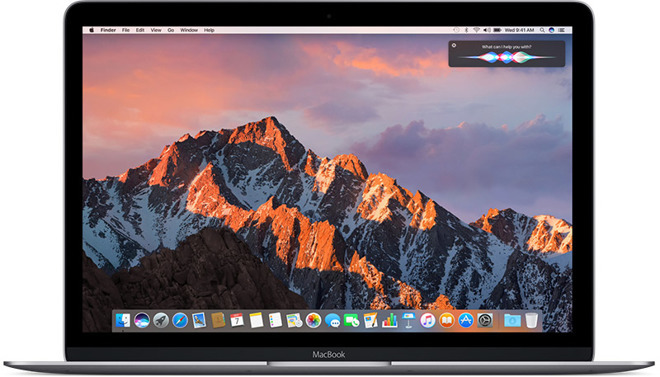
The discovery isn't an explicit confirmation that Apple is going to use macOS 10.13 instead of macOS 11, as it is possible for the version number to change before it is released.

It is highly probable that Apple will reveal the answer during its annual Worldwide Developer Conference this June. Apple is likely to provide a preview of the macOS upgrade at the event, with developers able to download and install it onto Macs either during WWDC or shortly after it ends, and a public release later in the year.
It is unknown what to expect from the next full "point" macOS upgrade.
Apple is currently working on shipping the update to macOS Sierra 10.12.4, with the fourth beta released to developers in late February, alongside betas for iOS 10.3 and watchOS 3.2. In the most recent beta, macOS 10.12.4 has introduced Night Shift mode to the Mac, as well as expanding diction support to more languages, system APIs for handling PDF files, and assorted performance improvements and bug fixes.
Source: appleinsider










