 NEWS
NEWS
Japanese Report: Apple's 'iPhone 8' Will Use 5.8-inch OLED Display
 03/06/2017
 3653
3653
This year's top-of-the-line iPhone —typically nicknamed the "iPhone 8" —will sport a 5.8-inch OLED screen, Japan's Nikkei said on Sunday as it switched course and backed up similar rumors.
Apple will also release two LCD-based phones, the business publication noted. That matches with previous reports supporting the existence of "iPhone 7s" models with 4.7- and 5.5-inch screens like the iPhone 7.
Previously, Nikkei had suggested the likelihood of a 5-inch iPhone in addition to 4.7- and 5.5-inch models, even implying that the 5.5-inch phone might be the OLED option.
Most current reports are pointing to the "iPhone 8" using an edge-to-edge 5.8-inch OLED panel, but with the practical portion of that being limited to about 5.1 to 5.15 inches. The rest of the space should be reserved for a "function area" replacing the home button found on every other iPhone since the 2007 original.
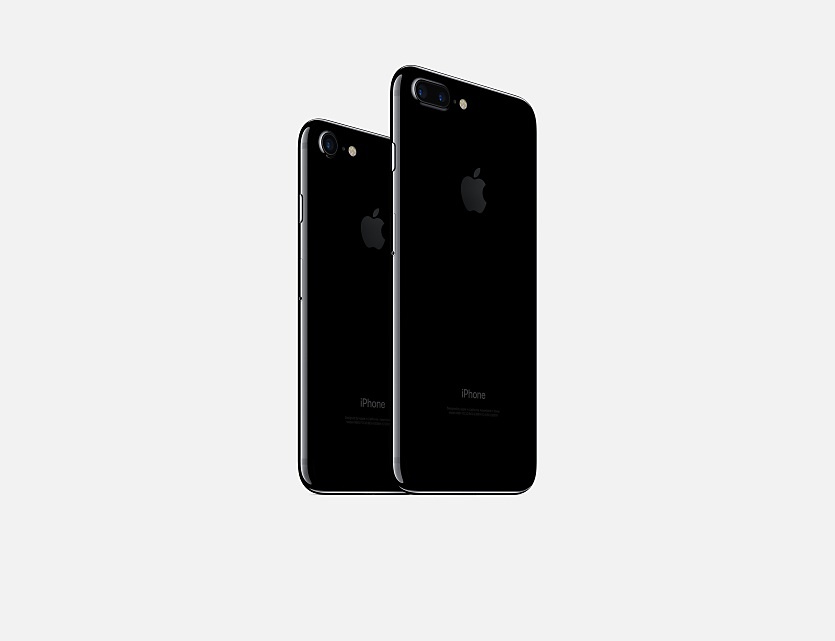
The bigger display is intended to further hike the average sales price of the iPhone, which is already sitting at about $700, Nikkei said. Though various versions of the iPhone SE, iPhone 6s, and iPhone 7 are available below the $700 mark, many people opt for more expensive configurations.
Some reports have hinted that the "iPhone 8" will cost over $1,000, likely putting it out of range for most shoppers. Some other features may include 3D facial recognition and/or iris scanning.
All three new iPhones should gain wireless charging, and "Type-C" cable charging, though Apple is expected to stick to its proprietary Lightning port rather than adopt the multi-platform USB-C standard.
Source: appleinsider










