 NEWS
NEWS
5 Things Tim Cook Said at Apple’s Shareholder Meeting
 03/01/2017
 3502
3502
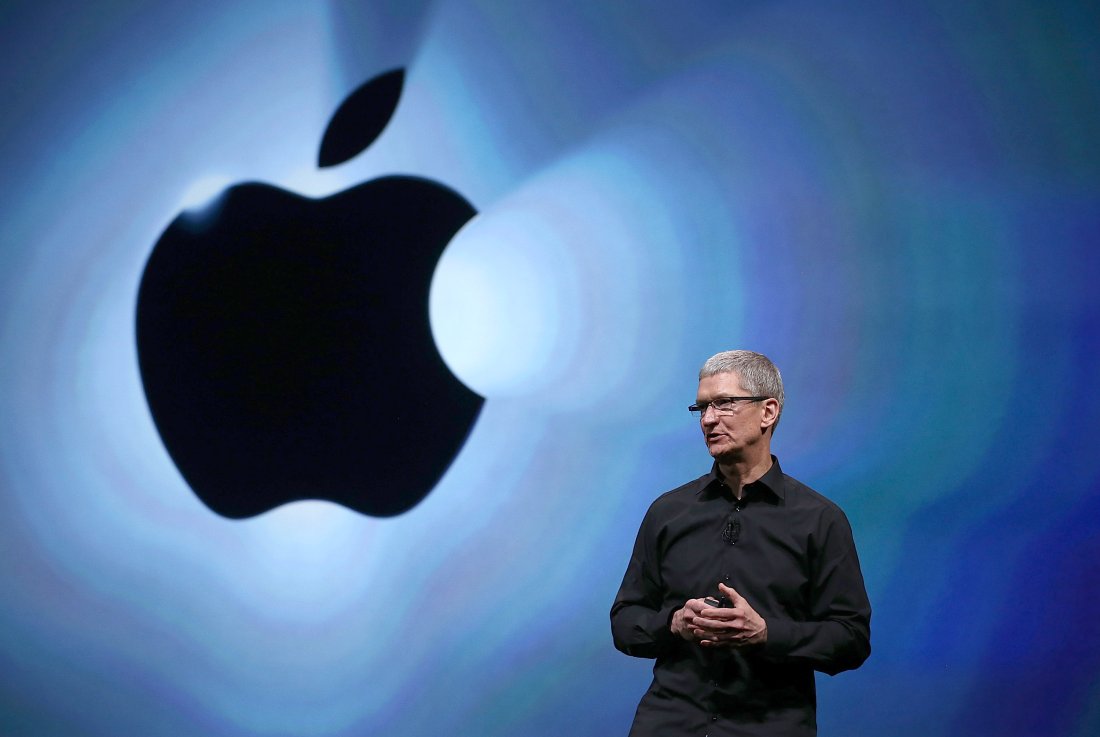
Apple's shareholder meeting on Tuesday may not have been as exciting as an iPhone unveiling, but it did feature Apple CEO Tim Cook explaining more about his vision for the company.
Although he didn't offer up any secrets, Cook did deliver some hints about the future and where Apple stands on some key issues. Here's a brief recap of what he had to say, as well as direct quotes snagged by several reporters who were in attendance at the meeting, including CNET's Shara Tibken and Financial Times' Tim Bradshaw.
STEERING CLEAR OF POLITICS:
Cook was clear that he doesn't want Apple (AAPL, +0.04%) to get too caught up in politics, although he did attend a meeting with then-President-elect Trump in December. Still, in response to a question about net neutrality, a term that describes the equal treatment of all Internet traffic, apps, and services, that Apple "would definitely engage" in the public discussion if the topic became a political battle. FCC Chairman Ajit Pai recently called net neutrality a mistake and said that the policy should be reversed. Cook said on Tuesday that Apple believes "people's content should be treated the same."
SURPRISE, A NEW IPAD:
Although Cook wouldn't detail Apple's product plans, he hinted that future iPads will include new features that should make them a suitable "laptop replacement" for users. He also said that his company is having a difficult time keeping its AirPods wireless earbuds in stock after their debut in stores in December, but that it is doing all it can to manufacture more to catch up with demand.
NEW SECRET PRODUCTS?
Cook allayed one shareholder's fears that Apple isn't being aggressive enough in certain areas of product development, and said that just because a product or service "isn't visible yet," it doesn't mean the company doesn't consider it a "priority." Cook gave no indication about anything Apple might be working on, so you'll have to wait and see.
USA, USA
Cook took a chance to reaffirm Apple's commitment to the U.S., saying that the company "loves this country." He added that Apple will "continue to look for ways...to help in any way that we can." Cook went on to say that Apple has helped create up to 2 million jobs internally and externally. Of those jobs, 1.4 million are developers for third-party companies that develop apps for Apple products. Cook illustrated his company's support for American manufacturing.by saying spent $50 billion with U.S.-based suppliers last year.
MAKING THE WORLD A BETTER PLACE:
Cook said that he's proud of the work Apple is doing to promote diversity and human rights, and he said that his company is focused on those efforts going forward. Of course, like other big tech companies, Apple has been criticized for a lack of diversity. A proposal during the meeting would have forced Apple to increase diversity within its executive ranks. Apple did not support the proposal, saying that it's already committed to diversity. The proposal was voted down by Apple shareholders.
Source: Fortune









