 NEWS
NEWS
Apple Unlikely to Develop An Echo-like Standalone Siri Speaker - Report
 02/21/2017
 3817
3817
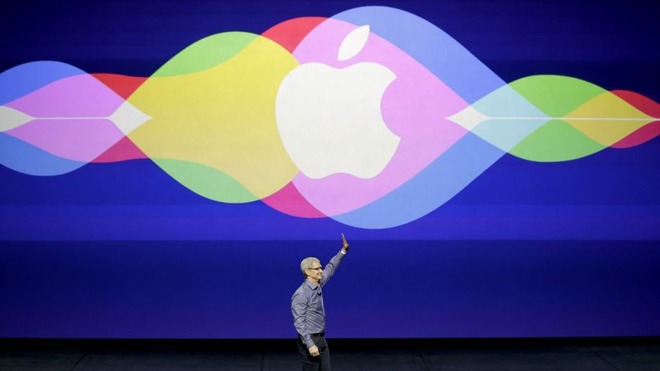
Apple has "no apparent interest" in replicating the Alexa family of devices, according to Time's Tim Bajarin. Citing discussions with unnamed Apple executives, the future goal of the technology is to utilize Siri as an "omnipresent AI assistant across devices" rather than have a central hub.
The report comes close to one claiming that Apple's Siri will see another revamp soon. What Apple has in mind for the improvements are unknown, though the company did buy machine learning startup Turi in August, DigiTimes noted, citing market sources for the iPhone plans.
"Look at the core technologies that make up the smartphone today and look at the ones that will be dominant in smartphones of the future —like AI," Apple CEO Tim Cook said in an interview in August discussing artificial intelligence company acquisitions. "AI will make this product even more essential to you."
Any Siri improvements would presumably be tied to iOS 11, which should be announced at the recently announced June Worldwide Developers Conference and launched in the fall, if Apple follows traditional schedules. The company is thought to be working on three new iPhones which would launch with iOS 11, including two modest "iPhone 7s" upgrades and a flagship "iPhone 8," possibly using a 5.2-inch curved OLED display made by Samsung.
Regardless of competitor's products current successes, voice recognition technology is only effective if it is constantly available, and ubiquitous. The Amazon Echo speaker, powered by Alexa, is tethered to a single location in the home, where Siri in the iPhone is not.
"No technology is as omnipresent in our lives as the smartphone," writes Bajarin. "And Amazon's high-profile attempt to make one was a flop."
Source: appleinsider










