 NEWS
NEWS
Apple Patches Malicious Exploit Found In GarageBand For Mac Project Files
 02/20/2017
 3463
3463
The latest patch for GarageBand for the Mac fixes a vulnerability in the music creation software that a security researcher claims could be exploited by an attacker, by using malformed project files to execute malicious code.
Bringing GarageBand to version 10.1.6, the patch addresses a single vulnerability discovered by Tyler Bohan of Cisco Talos. Apple's description of the bug advises the opening of a "maliciously crafted" GarageBand project file could lead to "arbitrary code execution," with Apple improving the macOS app's memory handling to eliminate a corruption issue.
According to Bohan, the issue lies in the parsing of the proprietary .band file format. The file is broken up into segments with each having their own properties, though it is noted that the length of each segment is controllable by the user, and no validation attempts are made to check that the length of each segment is within defined bounds.
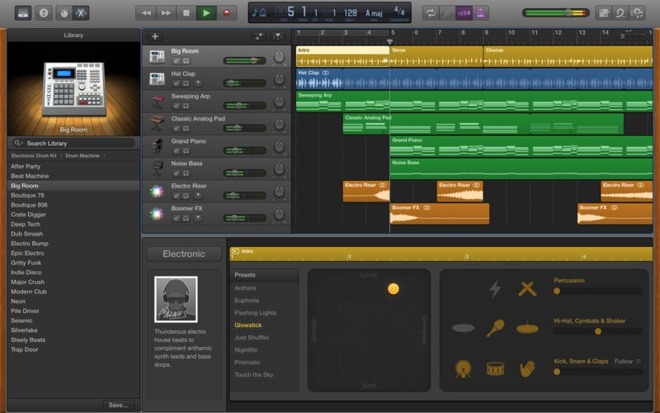
This lack of verification means an attacker can create a .band file with hidden code, which can execute once the file is opened within GarageBand.
Bohan in fact discovered two vulnerabilities in GarageBand, with a similar validation issue partially fixed in an earlier 10.1.5 patch. The latest vulnerability stems from this incomplete fix, which has been solved with Tuesday's patch release.
It is unlikely that either vulnerability has been used in the wild, with Bohan disclosing them only after Apple issued a patch for the issues. Due to responsible disclosure procedures, and the need for a potential victim to open the malformed file themselves, it is not believed the vulnerabilities have been used in an attack.
GarageBand 10.1.6 can be downloaded via a Mac App Store update.
Source: appleinsider










