 NEWS
NEWS
iOS 18 to Debut Apple Passwords App
 06/07/2024
 2599
2599
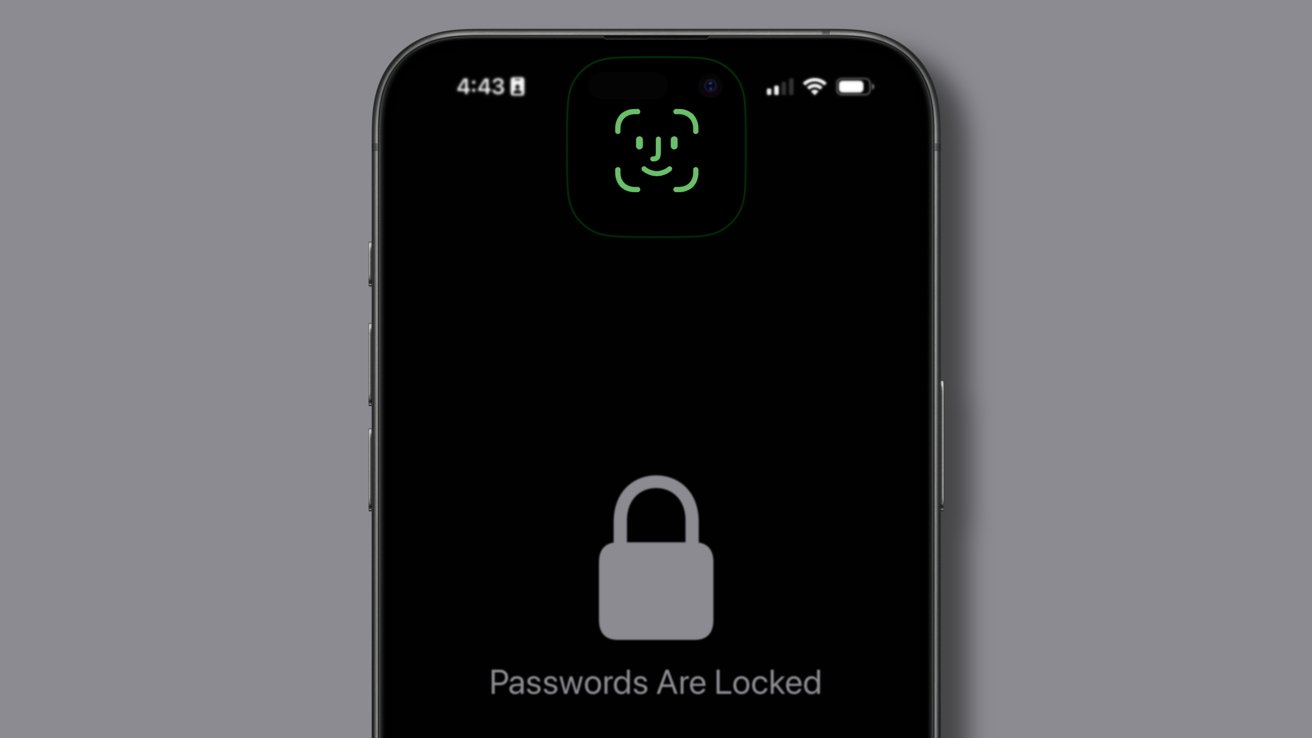
Thanks to a new dedicated app, passwords will no longer be buried in Settings with iOS 18, iPadOS 18, and macOS 15.
Too many people go through life with one or two passwords they use for everything. This problem has been exacerbated by Apple's tendency to hide necessary functionality, such as a password manager deep in the Settings app.
That all changes with iOS 18 and the other new operating systems, according to a report from Bloomberg. Apple will introduce a new dedicated Passwords app for iOS 18, iPadOS 18, macOS 15, and visionOS 2.
AppleInsider verified the existence of such an app with people familiar with the upcoming releases. The app will replicate the functions of the Passwords menu that already exists in Settings.
It will also gain a few other abilities, like surfacing Wi-Fi network passwords. The app also manages passkeys, 2FA tokens, and potential breach notifications.
Bringing the app front and center will increase awareness of the built-in functionality across Apple's ecosystem. Instead of turning to less secure options that end up breached, users can rely on the existing frameworks on their devices.
Apple introduced password sharing in iOS 17, which allows users to generate groups of passwords that can be shared with anyone. This, plus the standalone app, could cut into businesses like 1Password. However, Apple's more basic offering won't cover every user's need.
The new app will allegedly eventually get a dedicated Passwords app for Windows. That will help users choose Apple over alternatives if they are cross-platform users.
WWDC will be held on June 10, and all the new operating system updates will be revealed. It is expected to be a software-focused event that will be filled with Apple AI.
Source: Appleinsider









