NEWS

Apple Offering Refurbished iPhone 13 Models In U.S. Store

03/14/2023

2372

Apple Offering Refurbished iPhone 13 Models In U.S. Store


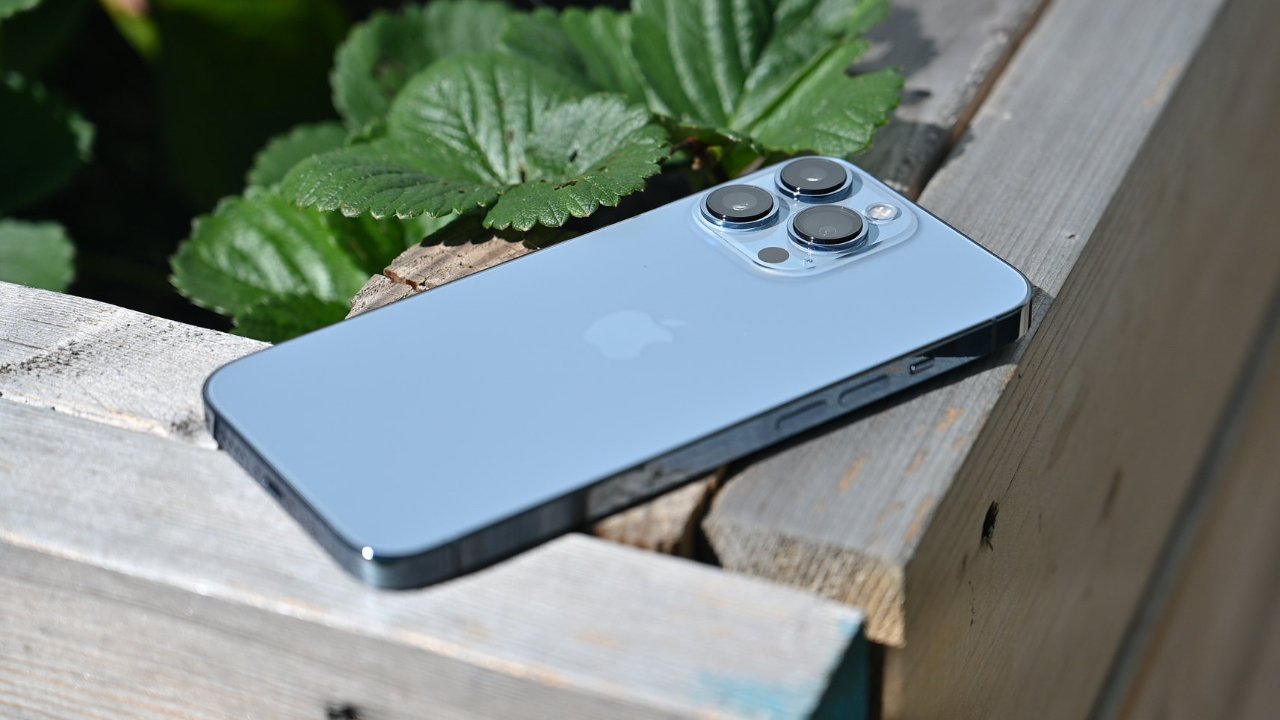
Customers seeking discounted iPhone 13, iPhone 13 Pro, and iPhone 13 Pro Max can now get refurbished models in the United States from Apple.


The iPhone 13 lineup was introduced in September 2021. Now, six months after the iPhone 14 was released, Apple has made refurbished iPhone 13 models available for purchase with one exception.


Customers in the United States can visit the online Apple Store and order a variety of refurbished iPhone 13, iPhone 13 Pro, and iPhone 13 Pro Max models. First discovered by MacRumors, Apple is not offering refurbished iPhone 13 mini models at this time, without explanation.


Apple has already opened up refurbished iPhone 13 sales in Europe, including the iPhone 13 mini. Apple will likely add iPhone 13 mini to the US refurbished store in the near future.


Prices for the refurbished models start at $619 for an 128GB iPhone 13, down from $699. The iPhone 13 Pro is priced at $759, and iPhone 13 Pro Max at $849 for the 128GB models.


You can find iPhone deals on numerous models, including the iPhone 13 line, at BackMarket.com, where prices start at $537.


Source: Appleinsider

Windows
Mac OS
iOS
Linux
3uTools
Win 64-bit For this device
V9.01 2025-12-27
Download
Win 32-bit For this device
V9.01 2025-12-27
Download
3uTools
Intel Chip How to Identify Chip Type
V9.01 2025-12-31
Download
Apple Silicon
V9.01 2025-12-31
Download
How to Identify Chip Type
1.  Click the Apple icon in the top-left corner of the screen and select About This Mac.
2.  Check the Processor or Chip field to determine if it is "Intel" or "Apple".
Please use the 3uTools PC client to install the iOS client:
1、 Install either the Windows or Mac version of 3uTools on your computer
2、 Open the PC client and connect your device to the computer via USB cable
3、 After the connection is successful, wait for the computer to automatically install the mobile app for the device, or locate “Install Mobile App” on the computer and manually click to install.
3uTools
deb file
V3.01 2025-11-20
Download
rpm file
V3.01 2025-11-20
Download
Windows
Windows
iOS
iOS
Android
Android
TV
TV
3uAirPlayer
Win 64-bit For this device
V6.0.2 2025-11-19
Download
Win 32-bit For this device
V6.0.2 2025-11-19
Download
iOS Device Mirroring (No App Required)
1、 Install 3uAirPlayer on the Windows PC
2、 Open Control Center and select Screen Mirroring
3、 From the list, choose your PC to start mirroring
4、 Or connect your iOS device to the PC via USB to begin mirroring
Scan to get "3uAirPlayer" App
3uAirPlayer TV V1.0.18
2025-11-28
TV System Requirements: Android 7.0 or later
Download the TV installation package, copy it to a USB drive, insert it into your TV or set-top box, then select the file from the home screen to install.