 NEWS
NEWS
Hacker Spills Code Developed to Crack San Bernardino iPhone
 02/05/2017
 5075
5075
A hacker has released a cache of files allegedly stolen from Israeli mobile phone forensics company Cellebrite — including the hack it reportedly developed for the FBI to help break into older model iPhones.
The hacker responsible said that the release was a demonstration that, “when you create these tools, they will make it out. History should make that clear.”
Cellebrite reportedly signed a $15,000 contract with the FBI last year, with the goal of cracking the iPhone 5c at the center of an investigation into the San Bernardino shooting.
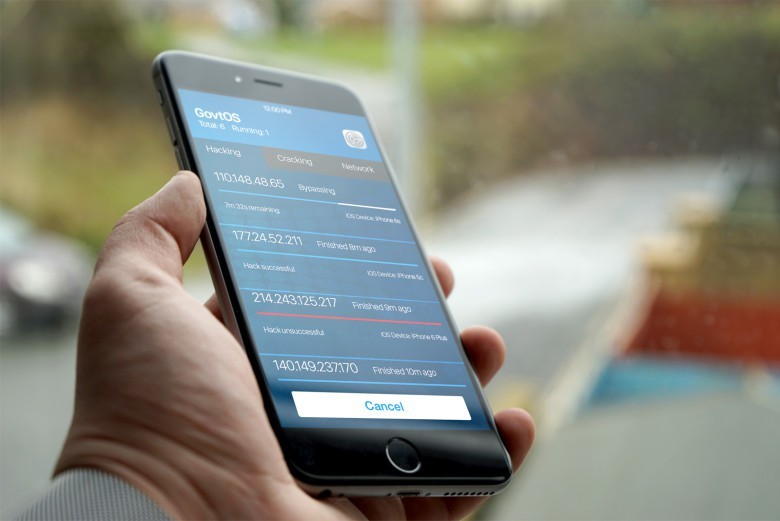
While there are questions about whether or not the FBI actually ended up using Cellebrite’s hack to gain access to the device, it prompted a big debate about whether or not companies like Apple should have to create security backdoors to help with such investigations. President Donald Trump even waded into the debate to criticize Apple’s pro-privacy stance.
Not all of the data released by the hacker deals with Apple. Some of it also relates to Android and BlackBerry, although Cellebrite claims that, “The files referenced … are part of the distribution package of our application and are available to our customers. They do not include any source code.”
The iPhone hack information, which only refers to older iPhones, is said to be very similar to that used by jailbreakers.
While I’m not a coder, and therefore can’t comment on degrees of similarity, this does release does seem to support Tim Cook’s thesis that forcing tech companies to create exploitable weaknesses within software does indeed threaten “the security of our customers.”
Source: cultofmac










