 NEWS
NEWS
Apple is Reportedly Making a Magnetic iPhone Battery Pack
 02/21/2021
 2490
2490
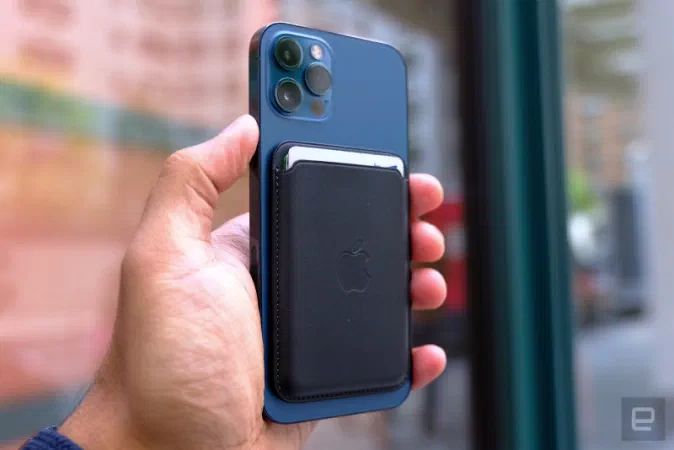
MagSafe on the iPhone 12 family has mainly been useful for wallets and charging stations, but Apple is apparently ready to extend that functionality in clever directions. Bloomberg sources claim Apple is developing a MagSafe battery pack that would wirelessly charge your iPhone 12 (and, presumably, future iPhones). Unlike previous Apple battery packs, this wouldn't double as a case — not necessarily as elegant, but helpful if you have a preferred case and only occasionally need a boost.
Apple has declined to comment, but developer Steve Moser noticed that the iOS 14.5 beta temporarily referenced a battery pack.
Whether or not it goes forward isn't clear. The prototype battery add-on reportedly stays in place, but currently has issues with false overheating alerts as well as switching between a 'naked' iPhone and a case. Glitches like these aren't unheard of for hardware development, but they're apparently enough that Apple might delay or cancel the project. Remember, Apple eventually scrapped AirPower despite announcing it on stage — it might have few reservations about shelving an external battery that hasn't made an official debut.
There are incentives to keep working on it. The pack could serve as a poster child for MagSafe that drives sales of iPhones and their accessories. It would certainly be helpful to wirelessly charge your phone while it's still in your pocket. It may just be a question of practicality. If the accessory charges too slowly or carries too much of a premium, it might be a tougher sell no matter how convenient the magnetic connection might be.
Source: Engadget










