 TUTORIALS
How to Use iPhone 7 Plus Portrait Mode to Take a Better Picture?
 11/28/2016
 10801
10801
What exactly is Portrait mode on the iPhone 7 Plus, and how do you use it? Here's everything you need to know.
If you've been lucky enough to get your hands on an iPhone 7 Plus and iOS 10.1, you have access to iOS's newest camera feature: Portrait mode. When in Portrait mode, you can only shoot with the telephoto lens — there are no zoom options, digital or otherwise — nor can you access the Flash, HDR, Live Photos, or Filters. (You can, however, access a 3- and 10-second timer if you want to take a timed photo.)
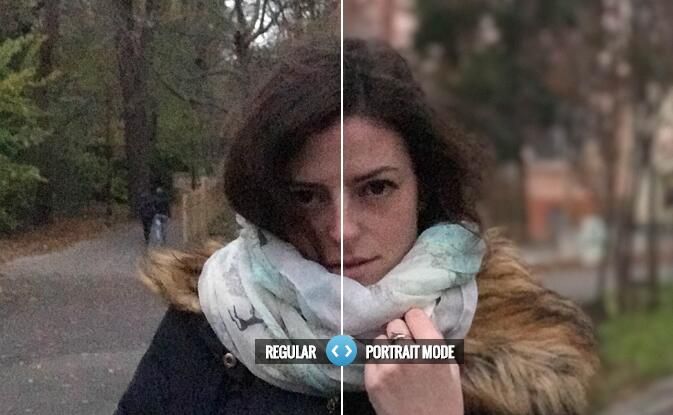
Portrait mode is currently in beta, and only officially supports taking pictures of people with its face and body mapping — but you can experiment with other subjects, too. Here's how!
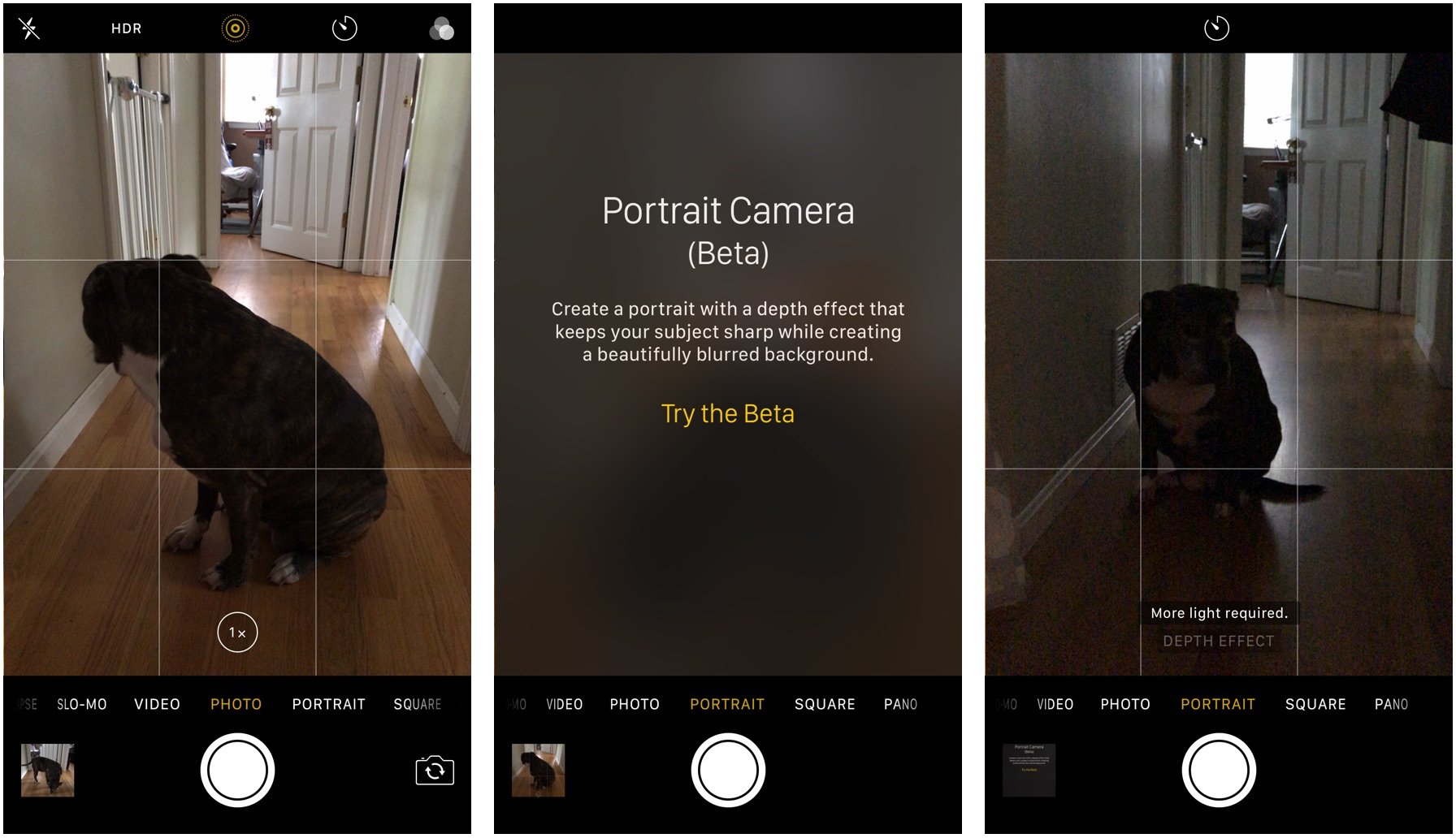
How to enable Portrait mode ?
1. Update your device to iOS 10.1.
2. Open the Camera app.
3. Slide the Camera wheel over to Portrait mode.
4. Tap Try the Beta.
How to shoot portraits ?
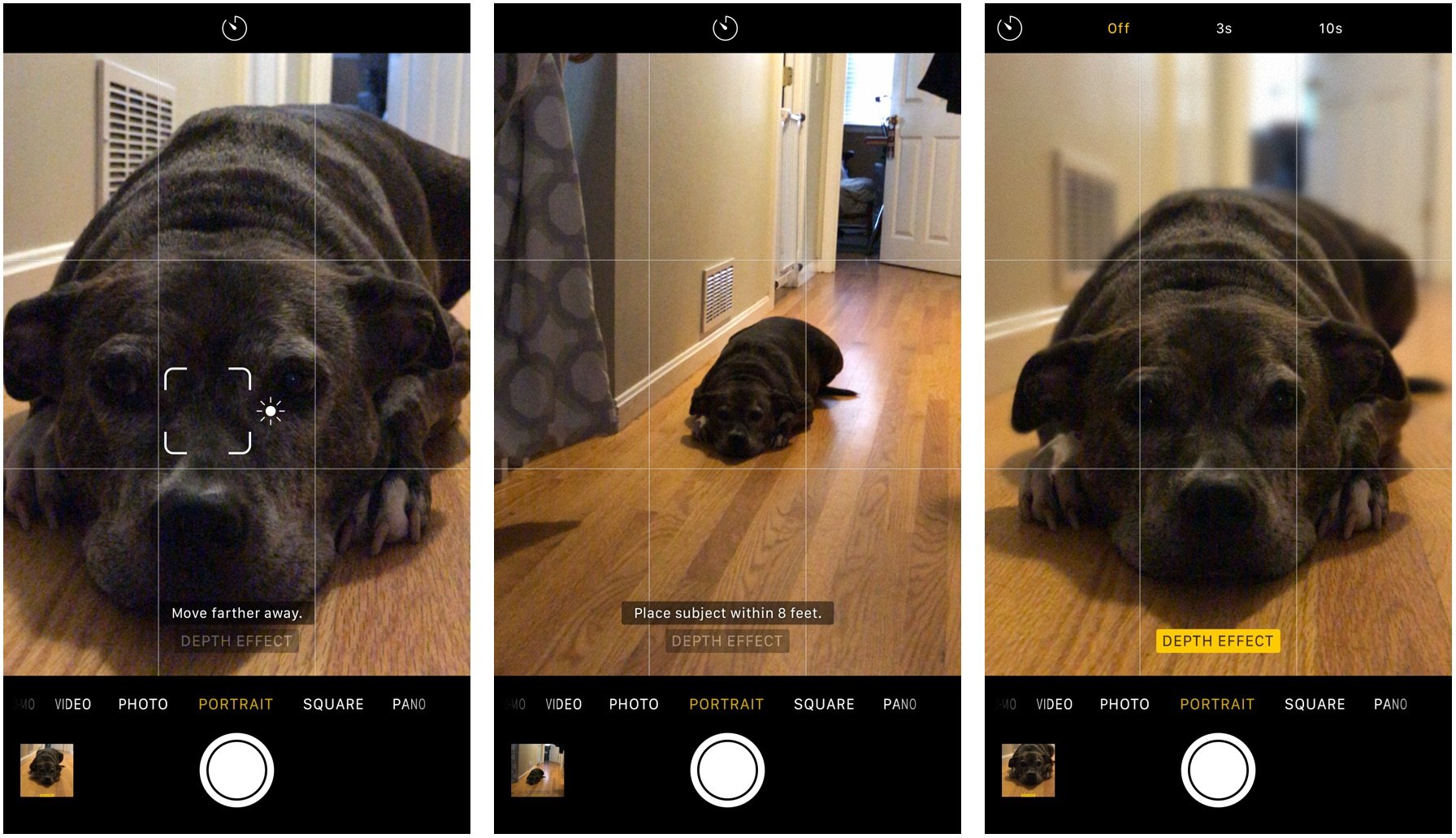
1. Line up the shot you wish to take within 8 feet of your subject. The face and body detection should automatically identify your subject.
2. Pay attention to the Camera app's prompts (either "More light required," "Place subject within 8 feet," or "Move farther away."
3. Once you've met the camera's needs, you'll see a yellow banner at the bottom that reads "Depth Effect". You can then take a photo at any time.
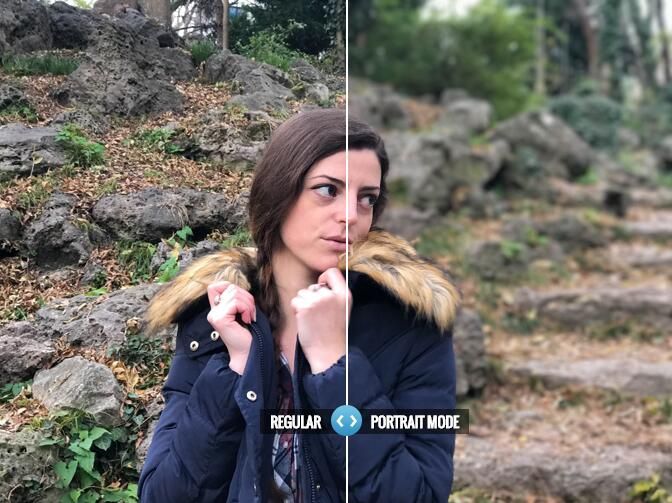
Shooting other, non-human objects isn't officially supported within Portrait mode, but you can still do so if you wish; just be prepared for the artificial depth of field to not look perfect.Using same steps as above, you can take a cute picture for your pets or other object.
How to shoot with a portrait mode in low light ?
If you're shooting in a dark room, you won't be able to officially use Portrait mode — there's just not enough light for the effect to work properly. But you can still use Portrait mode to take a low-light snap with the telephoto lens (in the normal Photo mode, it'll default to a digitally-zoomed wide-angle shot if there's not enough light): Just line up your shot and take a snap, even if the Depth Effect isn't live.
You won't get the nice artificial blur that comes with the Depth Effect, but you'll still get a low-light portrait — though it may not be the nicest shot in the world. (There's a reason Apple automatically switches to the wide-angle in Photo mode.)
Source: imore










