 TUTORIALS
How to Update to iOS 27 with 3uTools
 09/15/2026
 11983
11983
Apple has released iOS 27 for compatible iPhone models. If you prefer updating your iPhone with a computer, 3uTools provides a simple way to update using iOS firmware.
Before You Start
Before updating:
♥ Back up your important data.
♥ Make sure your iPhone is compatible with iOS 27.
♥ Use a stable USB connection.
♥ Check the signing status of the iOS version you may want to downgrade to later.
Important: Once Apple stops signing an iOS version, 3uTools cannot flash your iPhone back to that unsigned version.
How to Update to iOS 27
1. Connect Your iPhone
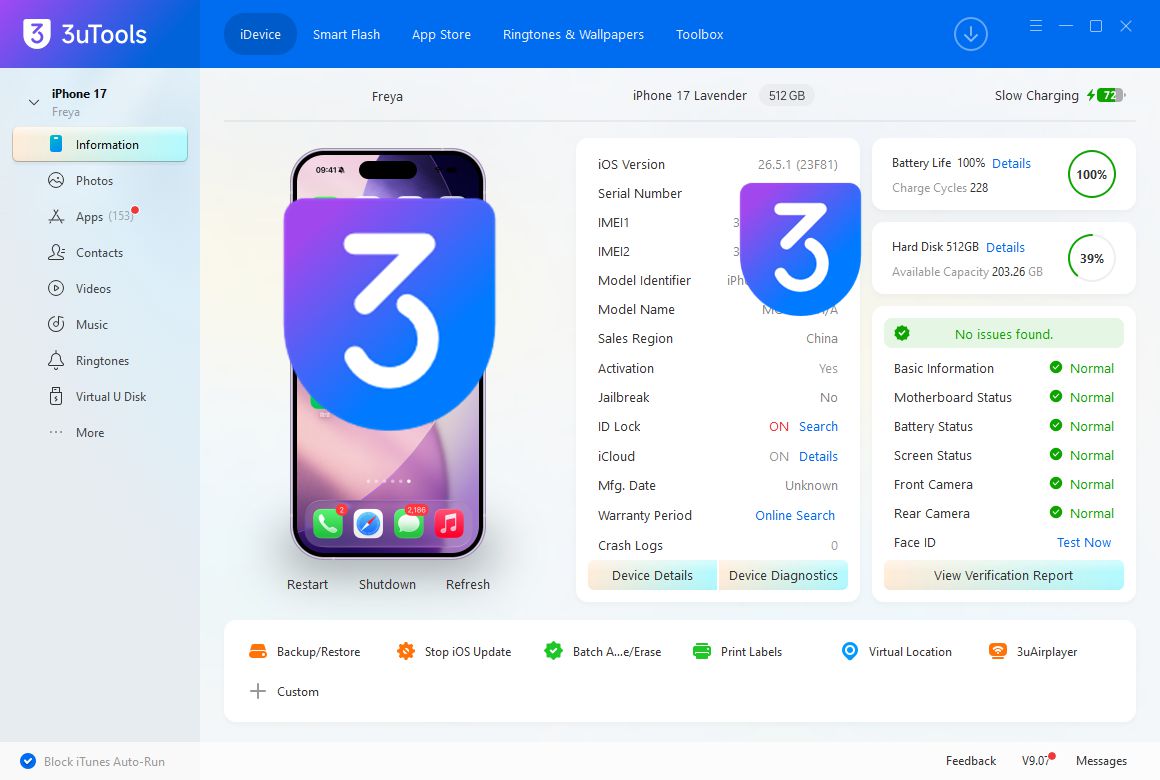
Launch 3uTools and connect your iPhone to your computer with a USB cable. Make sure 3uTools recognizes your device.
2. Open Smart Flash & Select the Firmware
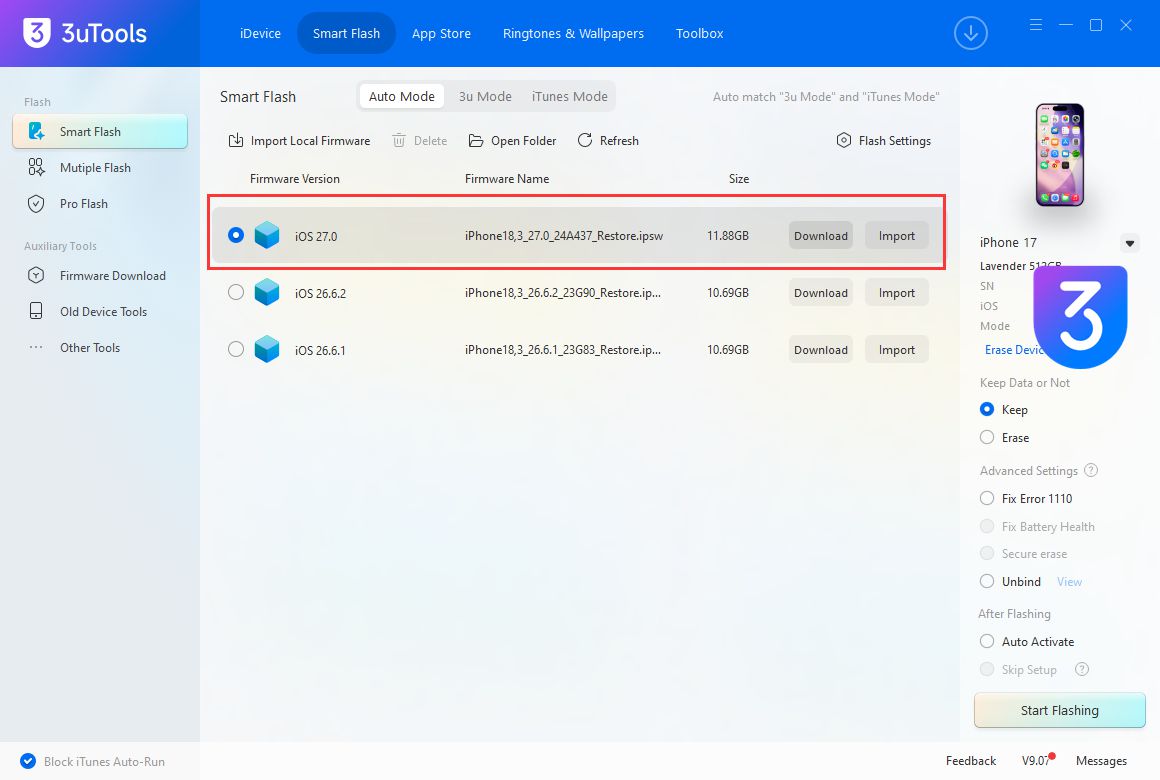
Click Smart Flash and select the available iOS 27 firmware for your iPhone. Choose the appropriate iOS 27 IPSW for your device and review the firmware information.
3. Start Flashing
Select your preferred flashing option, tap Download or Import.Then click Start Flashing. Keep your iPhone connected throughout the process.
4. Complete the Update
When flashing is complete, your iPhone will restart automatically. Go to Settings → General → About to confirm that your device is running iOS 27.
Tips for a Successful Update
• Do not disconnect your iPhone during flashing.
• Use a reliable USB cable.
• Make sure the selected firmware matches your iPhone model.
• Back up your data on 3uTools before starting.
If you plan to downgrade in the future, check Apple's signing status before updating.










