TUTORIALS
How to Fix 3uTools Window Being Cut Off on Windows
 03/23/2026
 37508
37508
Some 3uTools users may find that the interface is not displayed properly, with parts of the window cut off. This issue is usually caused by display scaling settings. You can fix it by adjusting your system’s Display Settings as follows:
For Windows 10
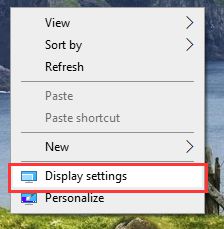
Right-click on an empty area of the desktop and select Display settings.
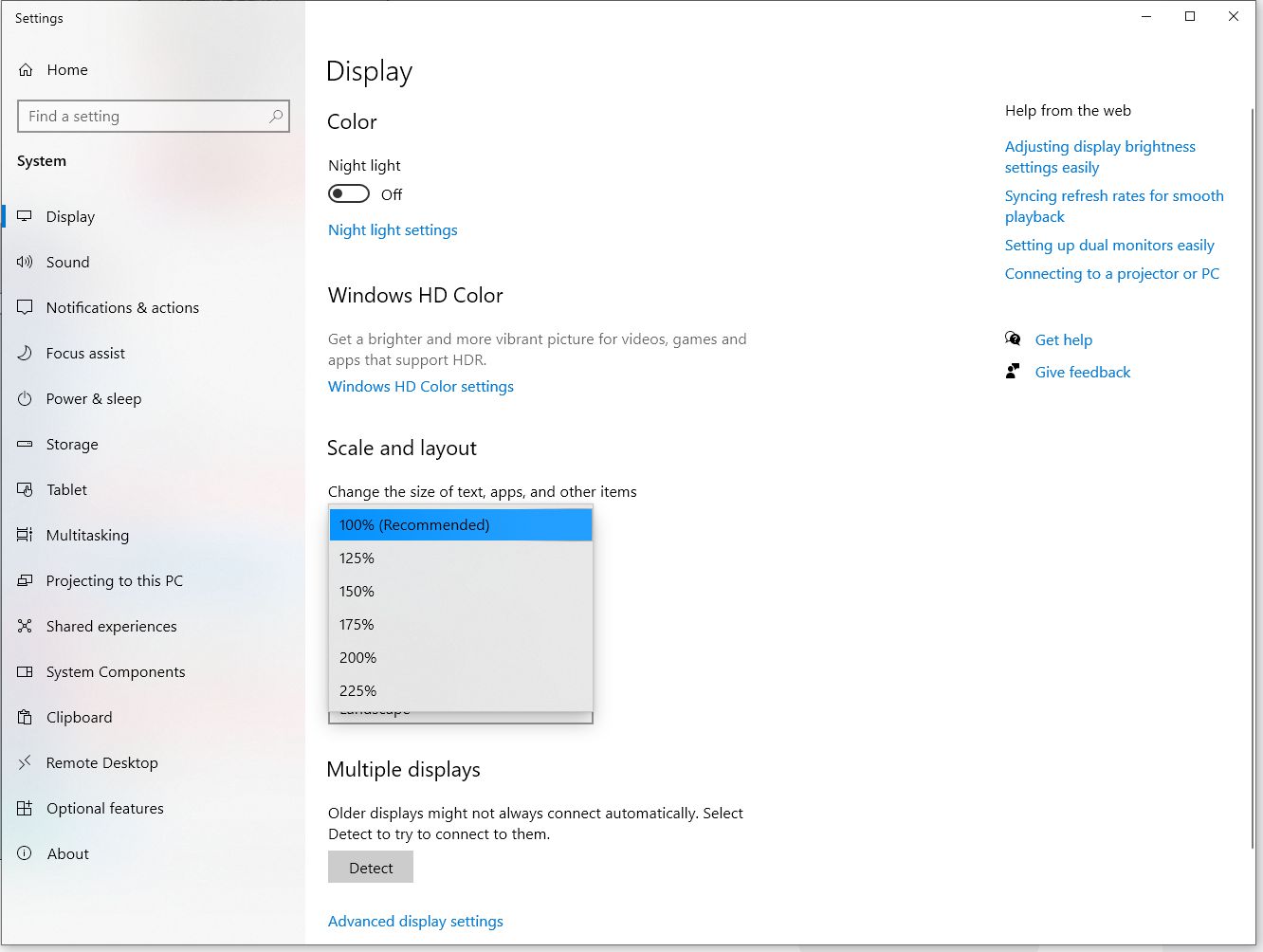
Under Scale and layout, set the scaling to 100% (Recommended).
For Windows 11
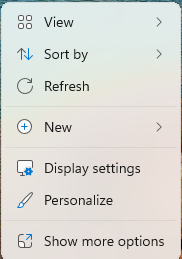
Right-click on an empty area of the desktop and select Display settings.
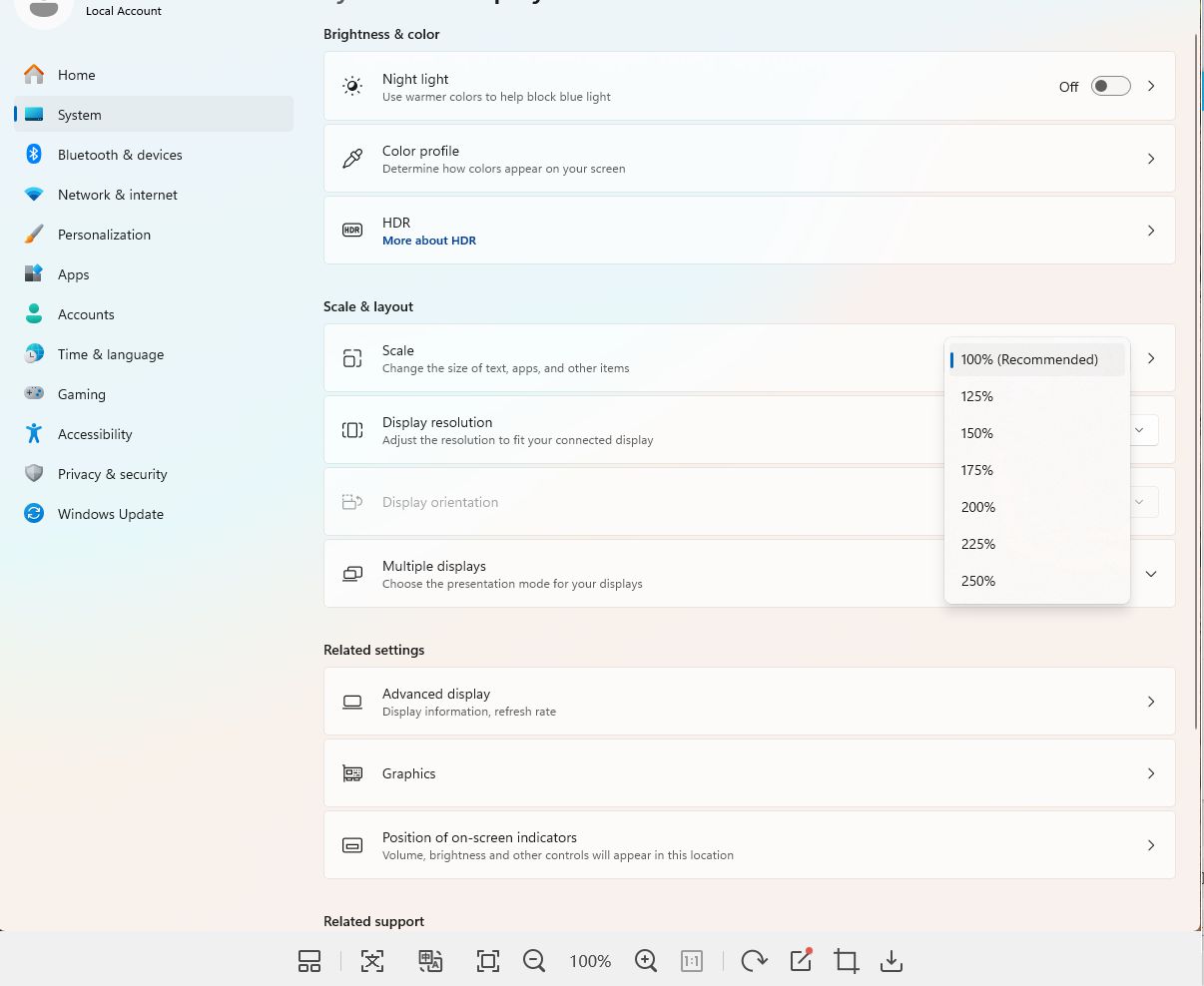
Under Scale and layout > Scale, set it to 100% (Recommended).