 TUTORIALS
Luca Todesco Releases Browser Based iOS 9.3.3 Pangu jailbreak
 12/30/2016
 8377
8377
Hacker Luca Todesco has announced a webkit based iOS 9.3.3 pangu loader that addresses certificate frustrations with Pangu's latest jailbreak. Basically, the exploit lets you reactivate the Pangu jailbreak by just navigating to a link.
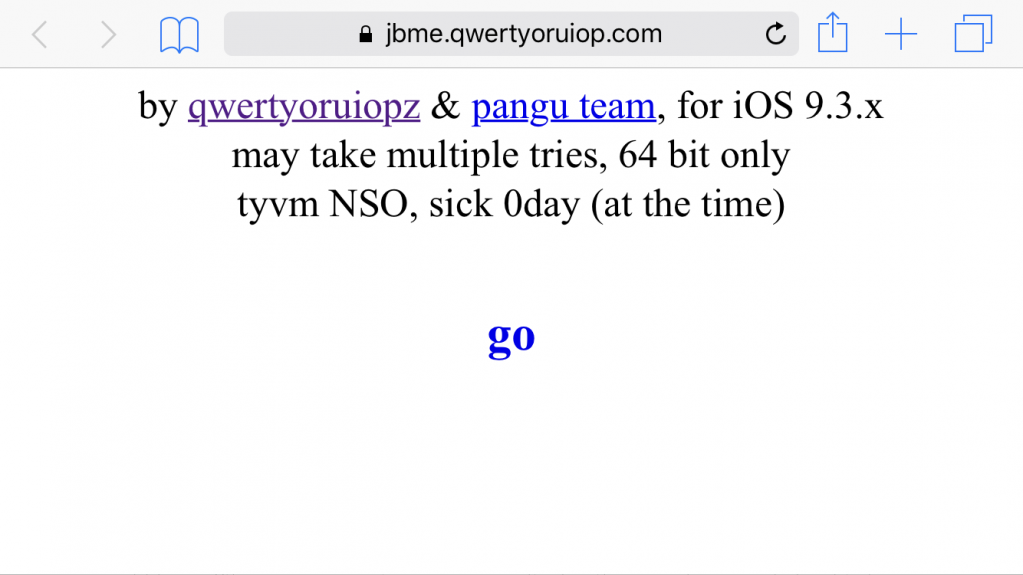
Steps:
1. Open Safari at https://jbme.qwertyoruiop.com/
2. Clicking" Go "in Safari.
3. Download jailbreak tool on your iPhone.
4. Click and jailbreak as notifications.
Once jailbroken, you won't have to worry about your certificate expiring, as you will be able to use the new browser based tool to reactivate after reboot.
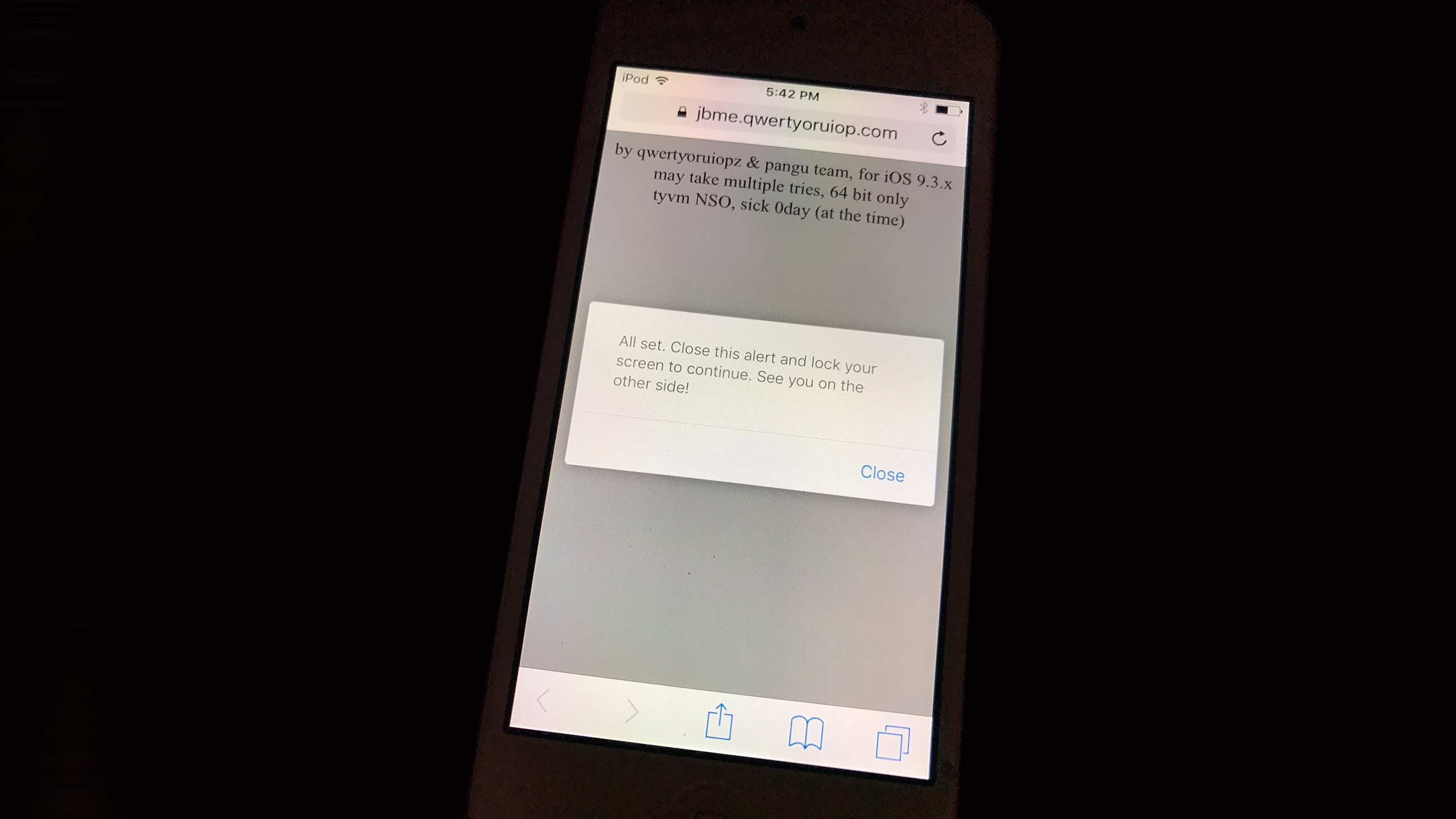
Todesco's tool rely on a leak in Safari, which allowed a random code running and authorizing for your PanGu 9.2-9.3.3 jailbreak. We can see what are functions can be realized of this tool.
If you have iDevice compatible for iOS 9.2-9.3.3, you may try this.
But again, 3uTools warmly reminds jailbreakers to restore your iDevice before jailbreak your iPhone, afterall any jailbreak process is come with more risk compare with a normal iDevice.
Reactivate idevice to jailbreak.
No need rely on certificate work.
No application support, the browser can do this.
To make things easier, you may want to add the site to your home screen as a webclip. Once you do so, an Internet connection will no longer be required to re-enable the jailbreak.
Notably, Todesco says that an untether for the iOS 9.3.3 Pangu jailbreak is doable.
Now a named of "Trident" jailbreak tool will can be used for iOS9.1-9.3.4 to jailbreak, If your iOS device is on an older iOS 9.3.4 / 9.3.3 – 9.2 running device and you want download Cydia to your device? Then you can try online Cydia downloader for Jailbreak 32 bit devices. Check on 3uTools.










