 TUTORIALS
Best Jailbreak Apps and Tweaks for iPhone Lock Screen
 08/07/2017
 14264
14264
In iOS 10, we got to see the addition of a new page on the Lock screen that displays all the widgets you’ve installed on your jailbroken device. In this article, we will showcase the X best jailbreak tweaks that allow you to customize the iOS 10 Lock screen and add new features to it.
The Best Jailbreak Tweaks for the Volume HUD in iOS 10
The Best Free Tweaks in Cydia for Notification Center of iOS 10
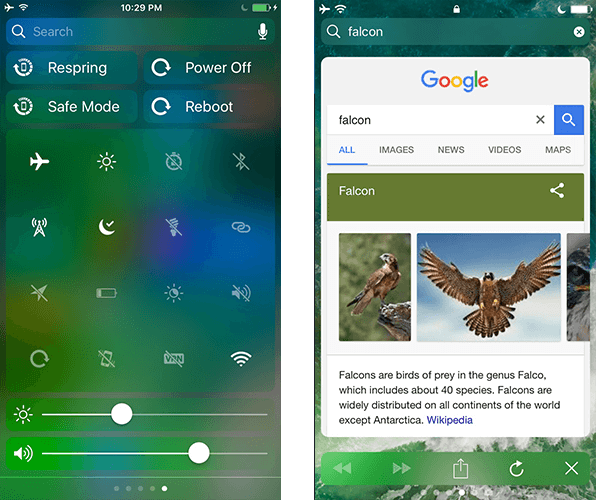
Falcon
Falcon is by far one of the best jailbreak tweaks for iOS 10 that brings a host of amazing new features to the Lock screen. The tweak adds three new pages to your Lock screen, each of which serves a different purpose. They are as follows:
Price: $1.49
LockGlyphX
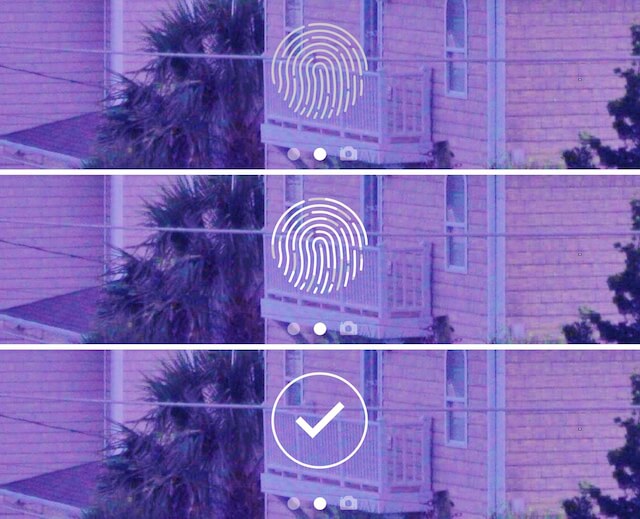
If you use Touch ID on your iPhone, then LockGlyphX is a jailbreak tweak that you should definitely give a try. It makes your Lock screen fancier and “cooler” by adding the Apple Pay fingerprint glyph to the bottom of the screen.
Price: Free
ColorFlow 3
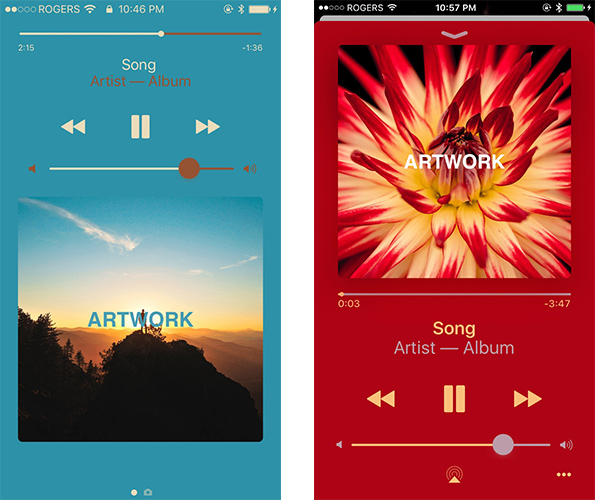
ColorFlow is another interesting tweak for your Lock screen that customizes the Now Playing interface. Whenever there is music playing on your iPhone, the tweak changes the color of the Now Playing interface to the dominant color of the song’s artwork. This means that every song will have a unique Now Playing interface. The best thing about the tweak is that it colorizes the UI elements in such a way that they blend in together very nicely.
Price: $1.99
Glancharger
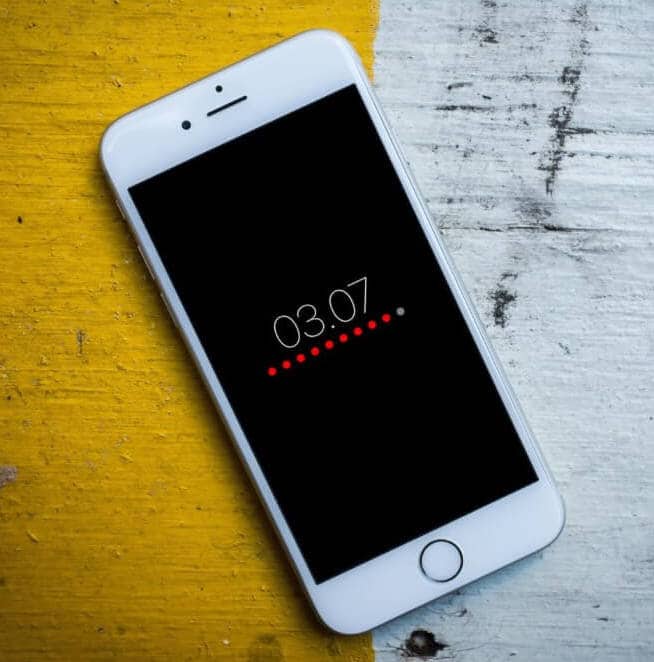
Glancharger redesigns the charging screen by displaying the battery level as dots and it also shows a large clock on the screen.
Price: Free
Repo: paxcex.github.io
Temporal
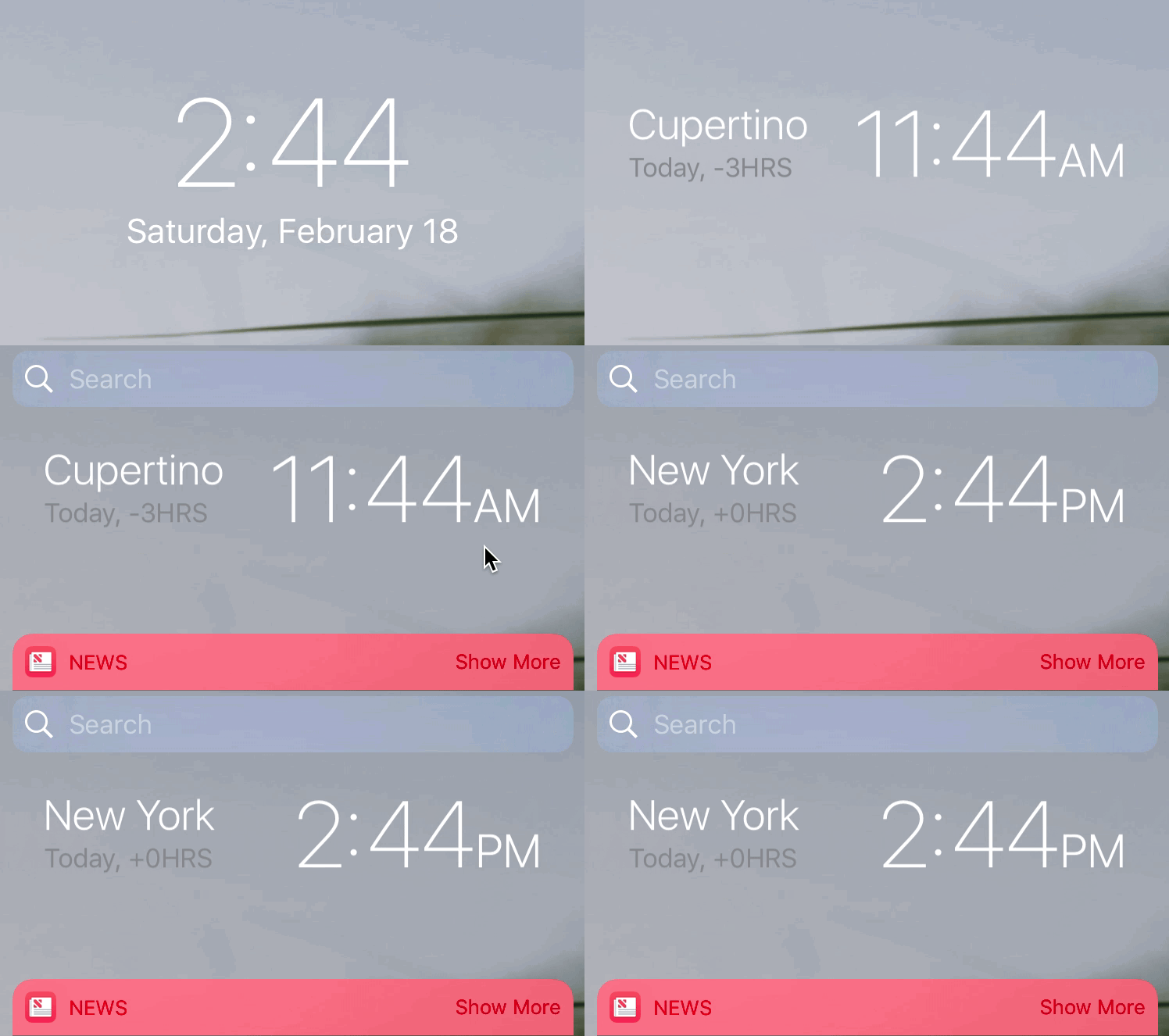
The tweak allows you to view the time in different cities directly from the Lock screen. All you have to do is to swipe the Lock screen clock to view the time in different cities.
Price: $1.15
DisplayWeather 10
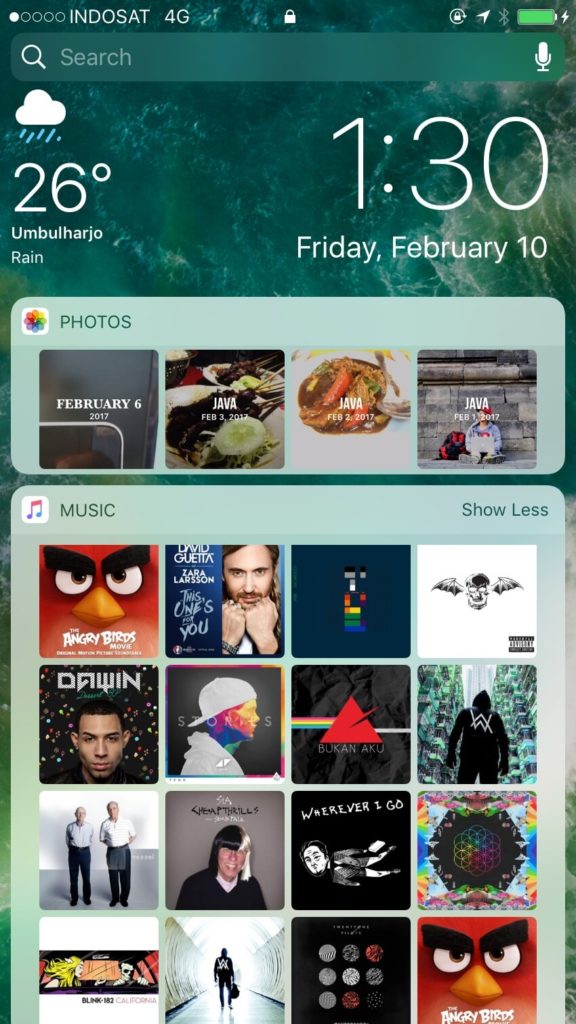
If you tend to check the weather condition of your city frequently, then you’re going to love this tweak. It adds weather information to the widgets page on the Lock screen and Notification Center, which appears right next to the clock. It shows things such as the current temperature and the state of the weather (Sunny, Rainy, etc).
Price: free
Spin (iOS 10)
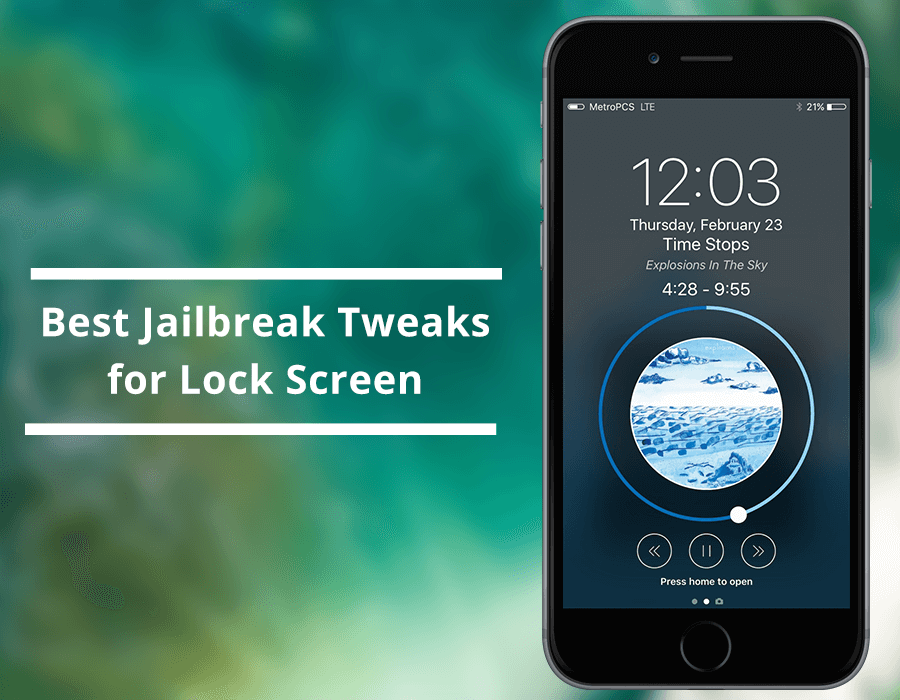
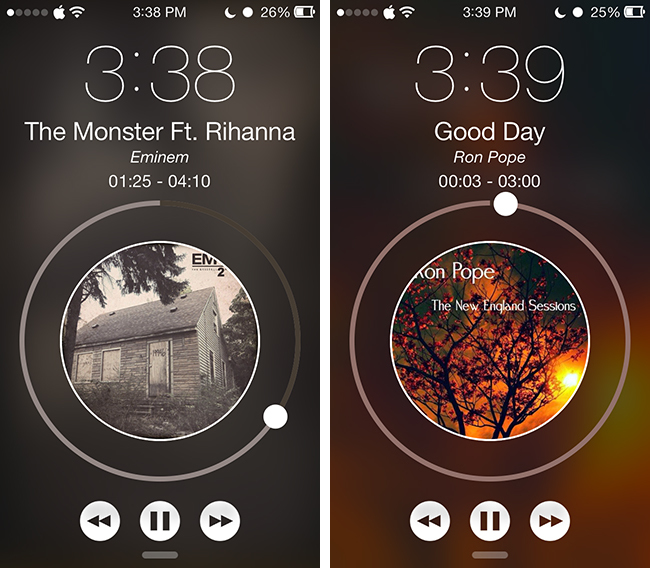
Spin redesigns the music interface on the Lock screen that looks completely different than the original design. It turns the UI elements into circular shapes. For instance, it changes the album artwork into a circular dial, with the playhead wrapped around it.
Price: $0.99
LockscreenXI
LockscreenXI, brings the Lock screen experience of iOS 11 to jailbroken iOS 10 devices. It was just released in Cydia by its creator LaughingQuoll ahead of all other pieces of Eleven, which are still a work in progress.
Source: iphonehacks










