
TUTORIALS

The Best Jailbreak Tweaks for the Volume HUD in iOS 10

07/06/2017

10081

jailbreak developers have been creating alternative solutions for years, and in this roundup, we’ll be talking about the best volume HUD-based jailbreak tweaks that work great with the Yalu jailbreak for iOS 10.


1. ByeByeHUD

ByeByeHUD is a volume HUD replacement that offers three different options to pick from. All of the styles, illustrated above, keep the volume HUD out of the center of the screen for your convenience.


The Best Jailbreak Tweaks for the Volume HUD in iOS 10


2. HUDPlayer

HUDPlayer directly addresses the problem with the volume HUD being in the center of the screen by converting the volume HUD into a banner notification-style interface.


The Best Jailbreak Tweaks for the Volume HUD in iOS 10


3. PulseHUD

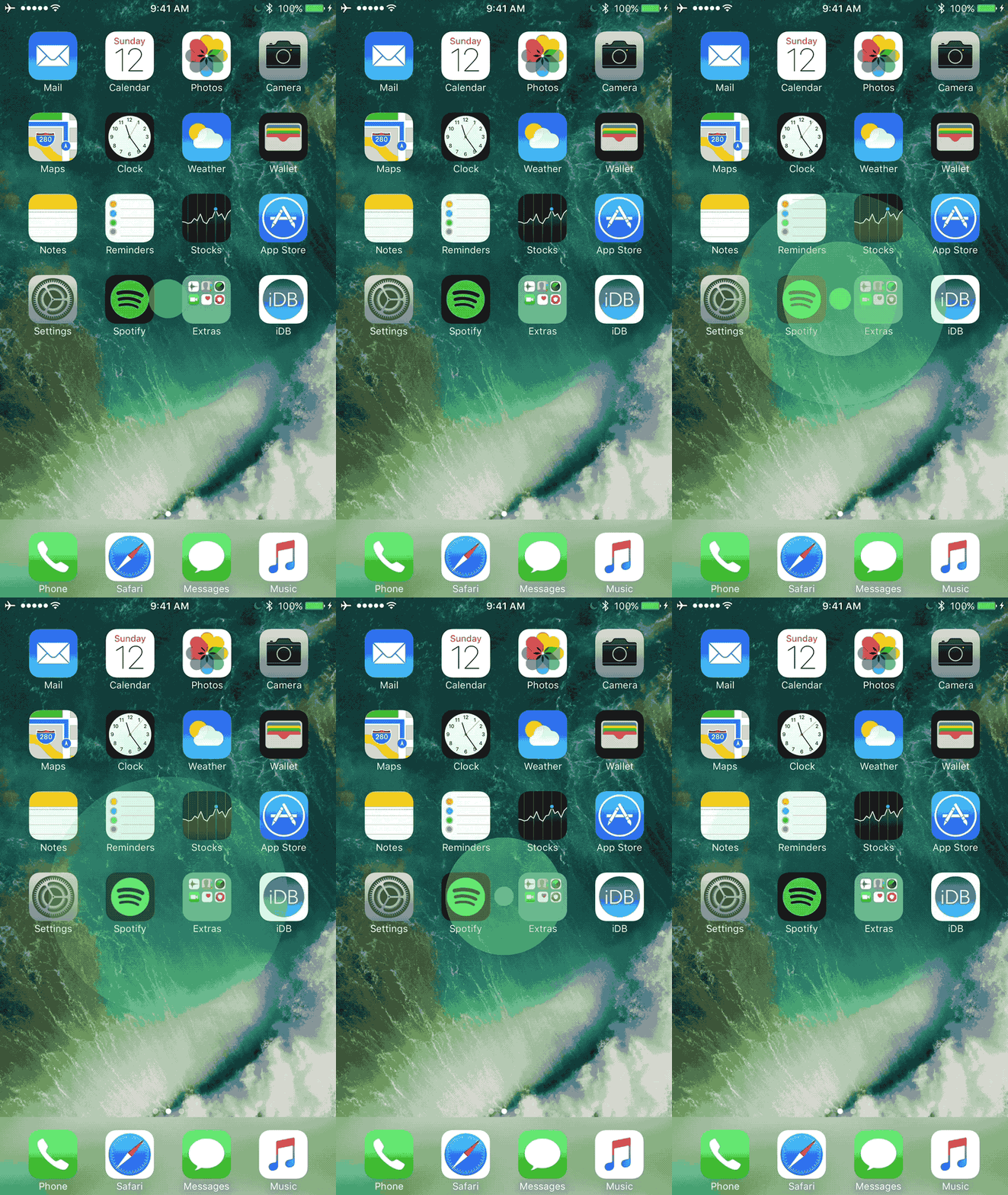
PulseHUD is one of the most creative volume HUDs I’ve ever seen. It’s unique because rather than showing a slider or progress far to display your volume changes, it makes the screen pulse every time you press a volume button.
The Best Jailbreak Tweaks for the Volume HUD in iOS 10


4. Sonus

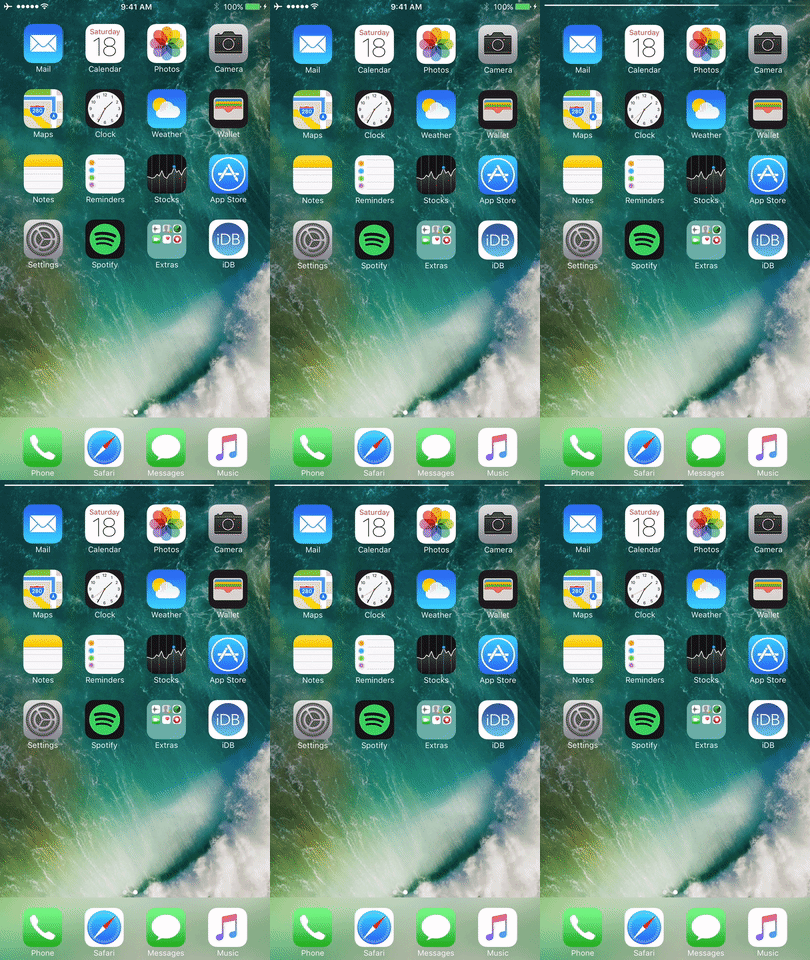
Sonus is a volume HUD alternative that comes with a toolbox full of customization options to get the look and feel you’ve always wanted.

The Best Jailbreak Tweaks for the Volume HUD in iOS 10


5. StatusbarVolume

About as simple as it comes, StatusbarVolume compressed the otherwise bulky and unnecessarily-large stock volume HUD into a space no taller than your Status Bar. The background of the new volume HUD is white, while the filler bar is black.


The Best Jailbreak Tweaks for the Volume HUD in iOS 10


6. StatusHUD 2

StatusHUD 2 is a great option for fixing the audacity of the stock volume HUD. While it’s not a new tweak by any means, it didn’t feel right to make a volume HUD jailbreak tweak roundup without at least mentioning this classic.


The Best Jailbreak Tweaks for the Volume HUD in iOS 10

7. WAStatusVolume

WAStatusVolume is perhaps one of my favorite volume HUD replacements as of late because of just how minimalist it is.


The Best Jailbreak Tweaks for the Volume HUD in iOS 10


8. YouTubeVolume

YouTubeVolume is a tweak that takes the ingenious volume HUD design from the YouTube app and applies it on a system-wide scale so the volume HUD stays out of the way no matter what you’re doing in any app.


The Best Jailbreak Tweaks for the Volume HUD in iOS 10

Source: idownloadblog


Windows
Mac OS
iOS
Linux
3uTools
Win 64-bit For this device
V9.0 2025-11-11
Download
Win 32-bit For this device
V9.0 2025-11-11
Download
3uTools
Intel Chip How to Identify Chip Type
V9.0 2025-12-02
Download
Apple Silicon
V9.0 2025-12-02
Download
How to Identify Chip Type
1.  Click the Apple icon in the top-left corner of the screen and select About This Mac.
2.  Check the Processor or Chip field to determine if it is "Intel" or "Apple".
Please use the 3uTools PC client to install the iOS client:
1、 Install either the Windows or Mac version of 3uTools on your computer
2、 Open the PC client and connect your device to the computer via USB cable
3、 After the connection is successful, wait for the computer to automatically install the mobile app for the device, or locate “Install Mobile App” on the computer and manually click to install.
3uTools
deb file
V3.01 2025-11-20
Download
rpm file
V3.01 2025-11-20
Download
Windows
Windows
iOS
iOS
Android
Android
TV
TV
3uAirPlayer
Win 64-bit For this device
V6.0.2 2025-11-19
Download
Win 32-bit For this device
V6.0.2 2025-11-19
Download
iOS Device Mirroring (No App Required)
1、 Install 3uAirPlayer on the Windows PC
2、 Open Control Center and select Screen Mirroring
3、 From the list, choose your PC to start mirroring
4、 Or connect your iOS device to the PC via USB to begin mirroring
Scan to get "3uAirPlayer" App
3uAirPlayer TV V1.0.18
2025-11-28
TV System Requirements: Android 7.0 or later
Download the TV installation package, copy it to a USB drive, insert it into your TV or set-top box, then select the file from the home screen to install.





