 NEWS
NEWS
Apple Releases iOS 13.1.3 With Bug Fixes for Phone, Mail, Health, and More
 10/16/2019
 3011
3011
Apple today released iOS 13.1.3 and iPadOS 13.1.3, minor updates to the iOS 13.1.2 software that was released two weeks ago. This is the fourth update to the iOS 13operating system that came out in September.
The iOS and iPadOS 13.1.3 updates are available on all eligible devices over-the-air in the Settings app. To access the updates, go to Settings > General > Software Update. 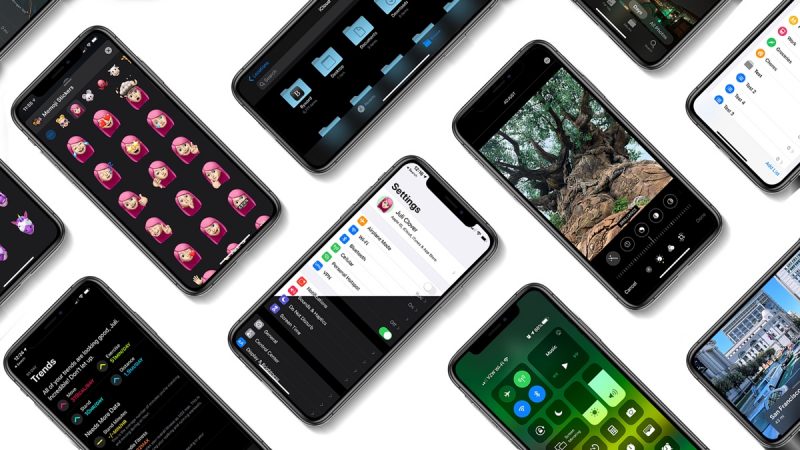
According to Apple's release notes for the software, the iOS 13.1.3 update introduces bug fixes and performance improvements. Full details below:
iOS 13.1.3 includes bug fixes and improvements for your iPhone. This update:
- Addresses an issue that could prevent a device from ringing or vibrating for an incoming call
- Fixes an issue that may prevent opening a meeting invite in Mail
- Resolves an issue where data in the Health app may not display correctly after daylight savings time adjusts
- Fixes an issue where Voice Memos recordings may not download after restoring from iCloud Backup
- Addresses an issue where apps might fail to download when restoring from iCloud Backup
- Fixes an issue that can prevent Apple Watch from pairing successfully
- Resolves an issue where notifications may not be received on Apple Watch
- Fixes an issue where Bluetooth may disconnect on certain vehicles
- Improves connection reliability of Bluetooth hearing aids and headsets
- Addresses launch performance for apps that use Game Center
There are also separate release notes for the iPadOS 13.1.3 update, outlining fixed issues relevant to that platform:
iPadOS 13.1.3 includes bug fixes and improvements for your iPad. This update:
- Fixes an issue that may prevent opening a meeting invite in Mail
- Fixes an issue where Voice Memos recordings may not download after restoring from iCloud Backup
- Addresses an issue where apps might fail to download when restoring from iCloud Backup
- Improves connection reliability of Bluetooth hearing aids and headsets
- Addresses launch performance for apps that use Game Center
Source: MacRumors










