 NEWS
NEWS
Apple to Release Three ‘iPhone 11’ Models This Fall
 07/24/2019
 3002
3002
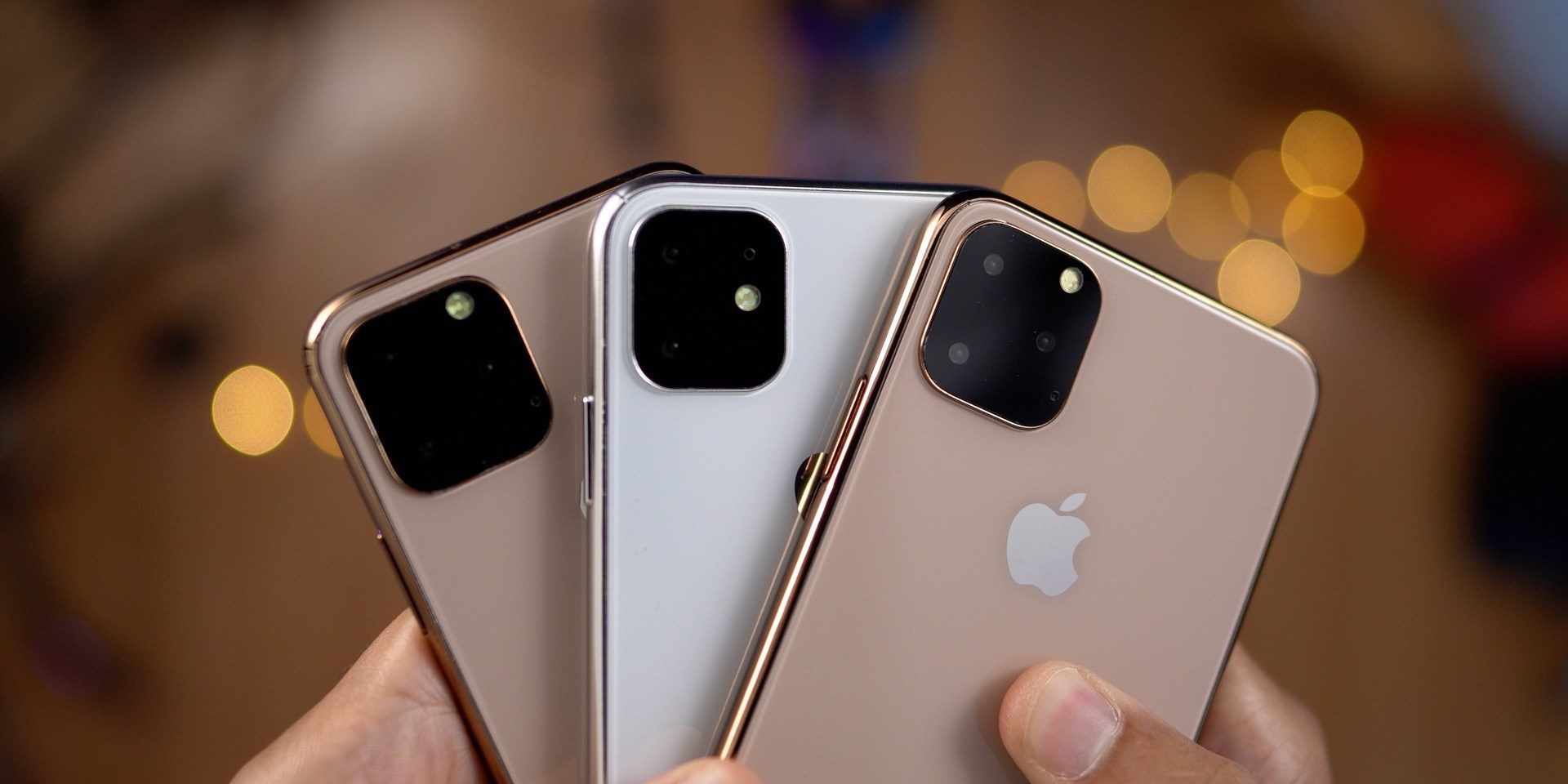
Similar to last year’s introduction of the iPhone XS, iPhone XS Max, and iPhone XR, Apple will release three new ‘iPhone 11’ models this fall. The new iPhones will feature the Apple A13 chip, internally known by its platform codename Cebu, model T8030.
According to people who’ve seen the devices, all three iPhone 11models will still feature a Lightning port, contrary to some speculation that they would be moving to USB-C after the change on iPad Pro last year.
The ‘iPhone 11’ models are known as D42 (iPhone12,3) which will replace the iPhone XS; D43 (iPhone12,5) which will replace the iPhone XS Max; and N104 (iPhone12,1) which will replace the iPhone XR. D42 and D43 will have a 3x OLED Retina display, while N104 will still feature the 2x Liquid Retina display just like the current generation. All three iPhones will feature the same screen resolution as their predecessors.
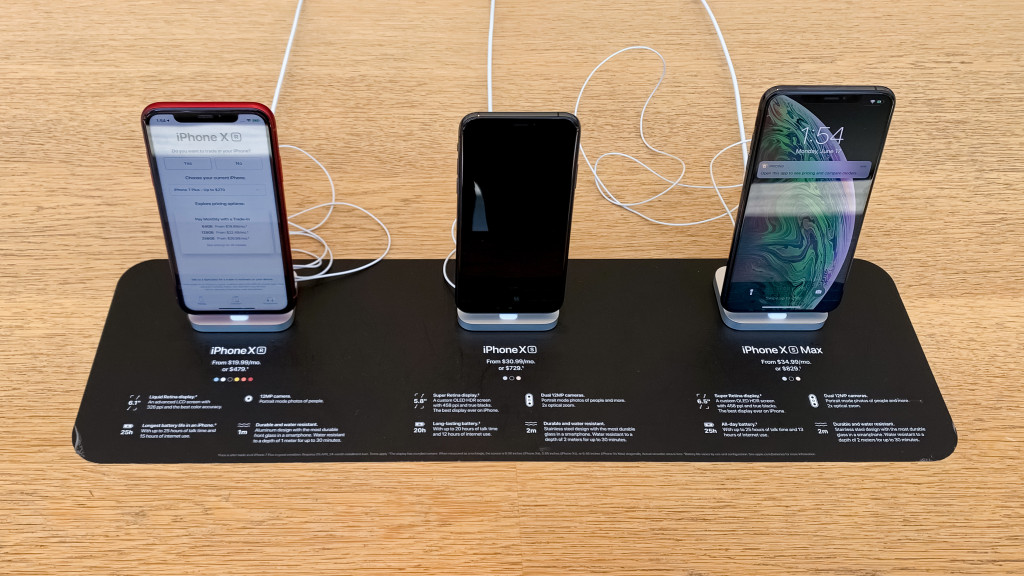
‘iPhone 11’ Taptic Engine
This year’s models will also feature a new type of Taptic Engine, known by the codename leap haptics. It’s unclear what types of features this new engine will enable at this point, but it’s possible that it’s geared towards improving Haptic Touch since the new devices won’t feature 3D Touch as we know it today.

Apple has not been able to include 3D Touch in any iPad model since it debuted with the iPhone 6s. iOS 13 brings Haptic Touch – which requires a slightly longer press – to all devices including iPad and iPod touch. The changes introduced with iOS 13 and the hardware improvements made to this year’s devices should allow for the removal of 3D Touch without causing too much disruption to users who are accustomed to it.
Camera tech
The devices replacing the iPhone XS models will feature three cameras on the back contained within a square. Our sources share that it looks very similar to the many mockups that have been circling around. This extra space will be occupied by a camera capable of capturing a wide-angle imageas Bloomberg first reported.
Besides being used as a creative option for pictures and movies, this wide-angle ‘iPhone 11’ camera will enable a feature called Smart Frame, which captures the area around the framed area in pictures and videos so that the user can adjust the framing or perform automatic perspective and crop corrections in post. The extra information will be retained for a limited period of time and discarded automatically afterwards, for privacy reasons.
The front-facing camera on the ‘iPhone 11’ will also be upgraded, adding support for slo-mo recording at 120fps.

Source: 9to5mac










