 NEWS
NEWS
Apple Reportedly Shifting to new Keyboard Design in 2019/2020 MacBooks
 07/05/2019
 4280
4280
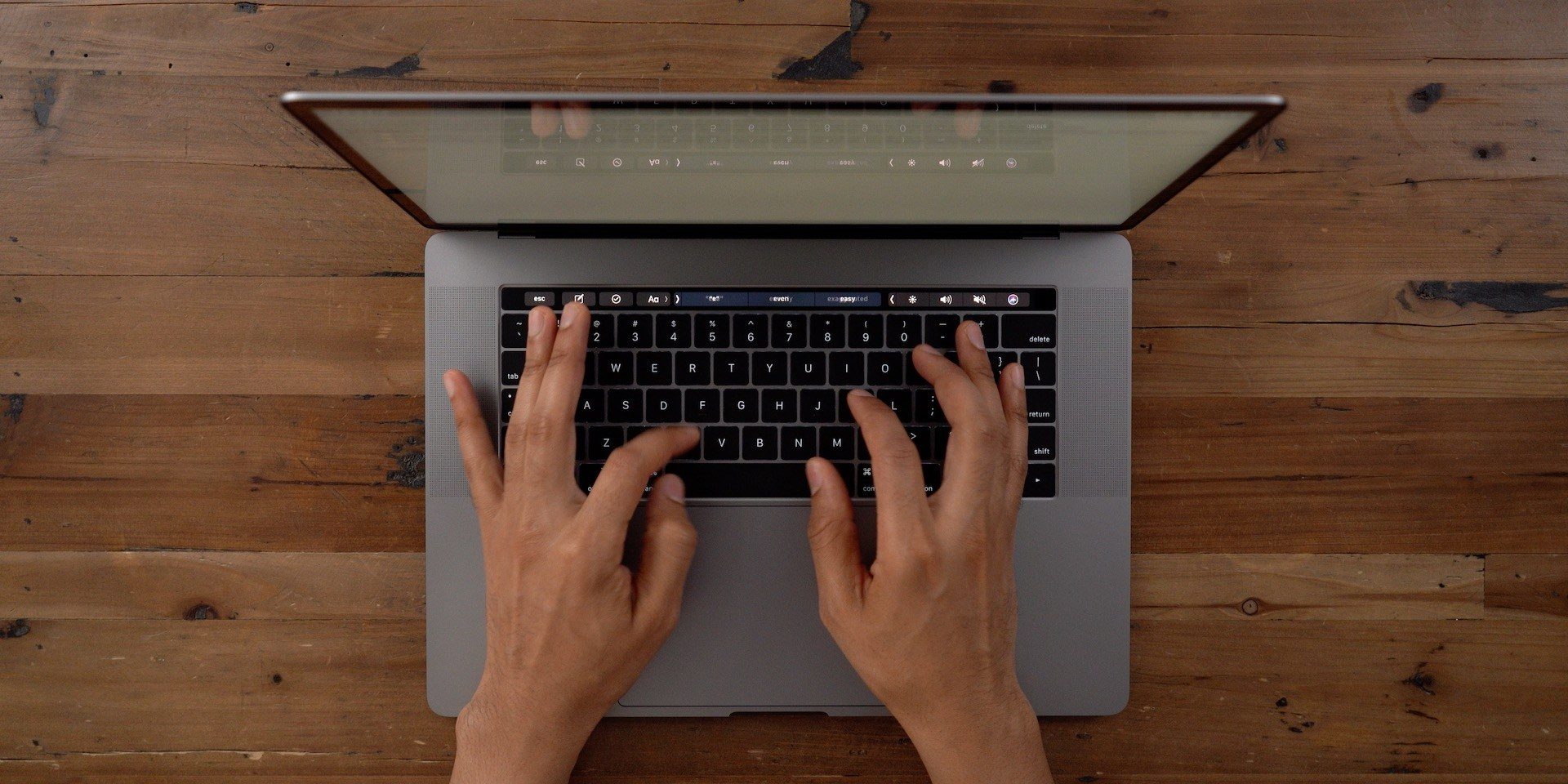
Apple is set to replace the technology underlying the keyboards found in its MacBook Air and MacBook Pro computers, according to a new report from Apple analyst Ming-Chi Kuo (via 9to5Mac). Kuo is frequently accurate in his predictions, which are sourced from within Apple’s supply chain and tend to provide an early indication of forthcoming hardware changes.
In his latest report, Kuo says that the new keyboard designs coming in brand new MacBook Air models set to come out later this year, and new MacBook Pro models which he says won’t be available until 2020, will drop the so-called ‘butterfly’ mechanism design that is used in current-generation versions of both MacBooks. Instead, the new versions will employ ‘scissor switch’-based keyboards, which is what Apple used prior to introducing the ‘butterfly’ mechanism in 2015. Apple’s current standalone Magic Keyboard also still uses scissor switches.
The butterfly switch-based keyboards Apple has used in recent MacBooks have received consistent criticism from users, who report dropped keystrokes and repeated keystrokes, among other issues (I’ve experienced this myself personally on multiple MacBook Pro models since 2015). These can often be resolved using compressed air to blow away any debris under the keyboard, but sometimes they require an actual replacement keyboard component from Apple itself.
Apple’s most recent MacBook Pro, introduced earlier this year, features a redesigned butterfly keyboard that employs “new materials” to help mitigate these issues, and it also recently introduced a free keyboard replacement program for MacBook, MacBook Air and MacBook Pro which extends to all MacBook models with butterfly-based keyboards. Still, if this report proves accurate, it looks like the company is implementing a more permanent hardware fix that would obviate the need for these other measures entirely.
As always, take any rumors about unreleased products from a third-party with a hefty dose of skepticism, but Kuo’s accuracy and the well-documented issues with this keyboard design do lend credence to this specific report.
Source: Techcrunch










