 NEWS
NEWS
Apple Partner to Ship Long Range Wireless Charging Tech By Year End As Competitors
 01/05/2017
 3960
3960
Potential Apple partner Energous has once again further delayed the release of their wireless charging technology. In a phone call with the CEO today, Energous stated that plans changed after “key strategic partnership” was made. That doesn’t mean wireless charging is down for the count at this year’s CES though. Ossia is set to launch Cota Tile, a ceiling that can deliver wireless power to compatible devices.
Energous is best known for its WattUp wire-free charging technology that allows devices to charge wirelessly when it’s in range of a transmitter. With the increased reports of wireless charging coming to the next iPhone, Energous’ news potentially dashes hopes that consumers would be seeing their technology at home any time soon. Steve Rizzone, Energous’ CEO, said that the wireless charging transmitters are supposed to begin shipping by the end of this year.
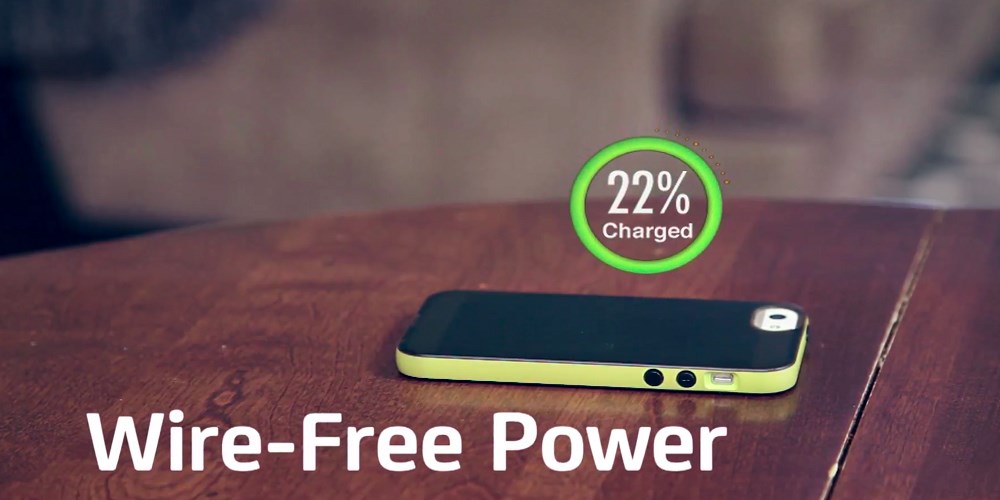
Because of the new “key” partnership Energous has, the partner will be the first to ship the technology inside of mobile devices thus putting a hold on Energous’ original plan of battery phone cases. Reports of Apple working with wireless charging tech company Energous has been circulating for a few months now, even if the partnership wasn’t specifically confirmed.
Though Energous’ original plans have been brought to a halt, that hasn’t stopped Ossia from announcing their own stealthy wireless charging technology, the Cota Tile. Launching this week during CES 2017, the Cota Tile is disguised as ceiling tile that delivers wireless power without plugs or charging pads.
Ossia has previous experience in the wireless charging field with its Cota wireless power technology, but now they want to bring that into the office. The tiles contain Ossia’s wireless power smart antenna that automatically powers Cota-enabled devices when they are within range. The tile has proven safe for operation around people, pets, and plants and doesn’t interfere with Wi-Fi or other wireless technologies.
Source: 9to5mac










