 NEWS
NEWS
2019 iPhone Reported to Stick to Lightning Port and Same 5W USB-A Charger in Box
 02/12/2019
 2826
2826
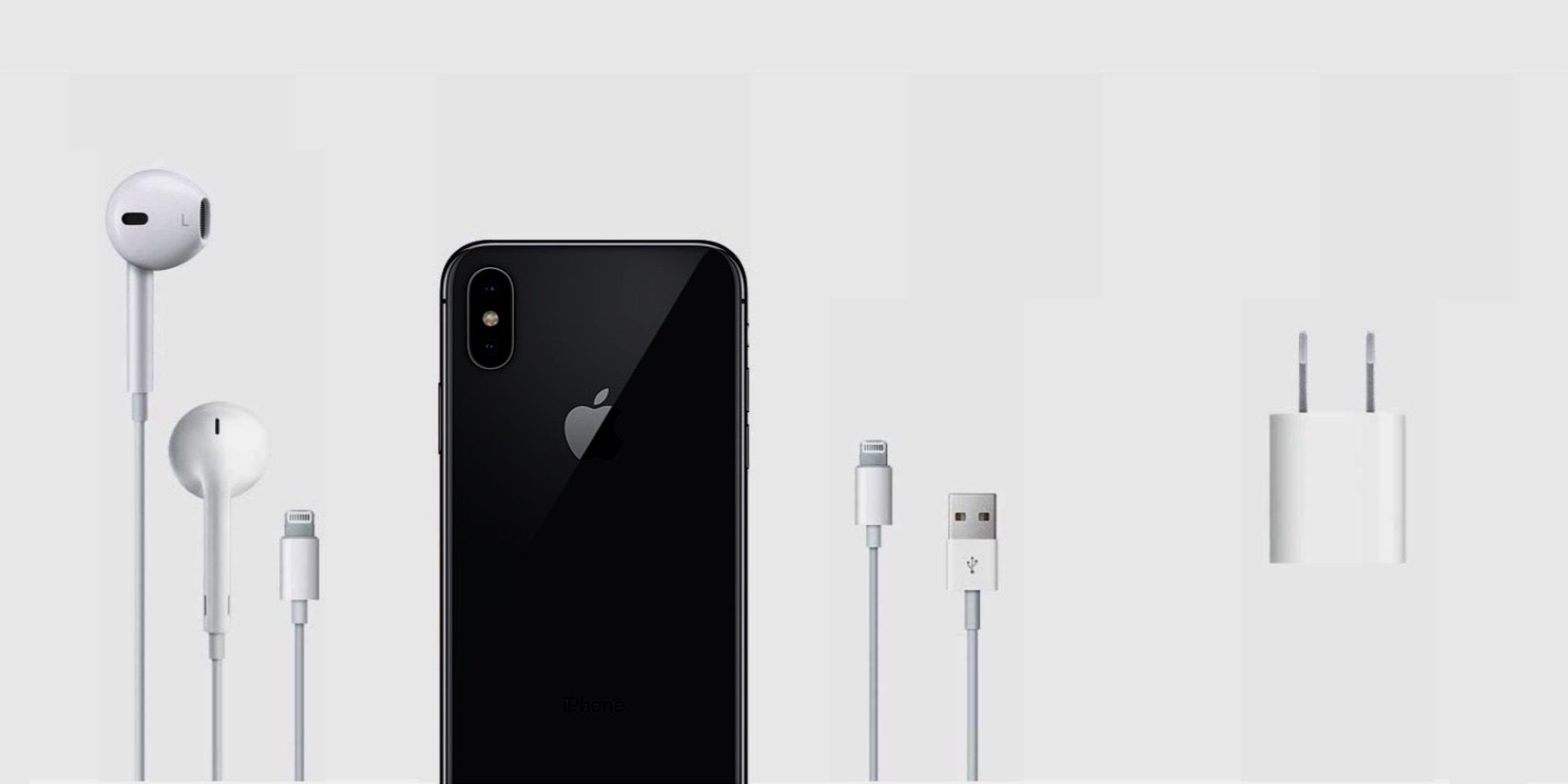
Whilst we have yet to see firm evidence on the design of the 2019 iPhone, there has been back and forth rumors about whether the new iPhone would use Lightning or USB-C.
Japanese site Macotakara says that not only will the 2019 iPhone use Lightning, Apple will also continue to bundle the same 5W charger and USB-A to Lightning cable in the box. This is seen as a cost saving measure. It seems that customers wanting faster iPhone charge times will still have to buy accessories, like the 12W iPad charger.
The site explains that Lightning port is not going anywhere and Apple is resistant to changing the included accessories to maintain production costs. Apple can benefit from huge economies of scale by selling the same accessories for many generation.
As such, Apple apparently will keep bundling Lightning EarPods, Lightning to USB-A cable, and the 5W USB power adaptor, with the 2019 iPhone lineup.
This is disappointing as Apple began shipping an 18W USB-C charger with its iPad Pro line last fall, and many expected that accessory to become an iPhone standard too. Even if the iPhone keeps the Lightning port, Lightning can support fast-charging over the USB Type-C protocol.
It’s not clear if the cost savings of this decision would be passed on to consumers with lower cost 2019 iPhone pricing.
As the internal batteries of iPhones get larger, sticking to the same 5W charger means that the majority of iPhone users notice that it takes longer to charge an iPhone to 100%. Many believe it is a hardware defect, that their iPhone is merely charging slowly due to a fault, until the charging situation is explained.
Source: 9to5mac










