 NEWS
NEWS
Apple Employees Donated $365M over Eight Years via Internal Giving Program
 01/22/2019
 2682
2682
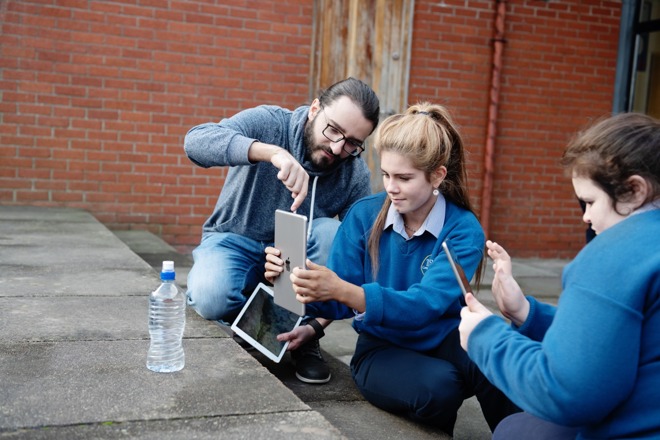
Set up eight years ago, the Giving program enables Apple employees to donate time and funds to thousands of organizations. For each hour and dollar donated by employees, Apple provides matching or equivalent funds, effectively doubling charitable donations.
According to Apple, the full year of 2018 saw more than $125 million donated and more than a quarter of a million hours volunteered by employees.
It is noted that part of the efforts includes China, which Apple claims is one of only global companies matching employee donations in the country. The China Foundation for Poverty Alleviation is one of the 32 charitable organizations in the country eligible to receive funds from Apple's program, with it helping more than 175 people across 24 provinces with disaster relief and preparedness in 2018.
As well as advising on the charitable efforts of its employees, the article also highlights some of the organizations that have been helped by the program.
One program based out of Apple's Cork, Ireland campus has volunteers teaching students at the nearby Terence MacWiney School, one of the most economically disadvantaged in the country. The three-year-old program, which teaches coding, drawing, photography, music, and video, is said to have transformed students who may not have considered going into post-secondary education.
"We have a lot of students that have the odds stacked against them" said Phil O'Flynn, the school's principal. "But this program has helped nurture them, and we've discovered talents that we never knew they had."
Source: appleinsider










