NEWS

Apple Files Appeal to Overturn iPhone X to 6s Sales Ban in China

12/11/2018

2365

Apple Files Appeal to Overturn iPhone X to 6s Sales Ban in China


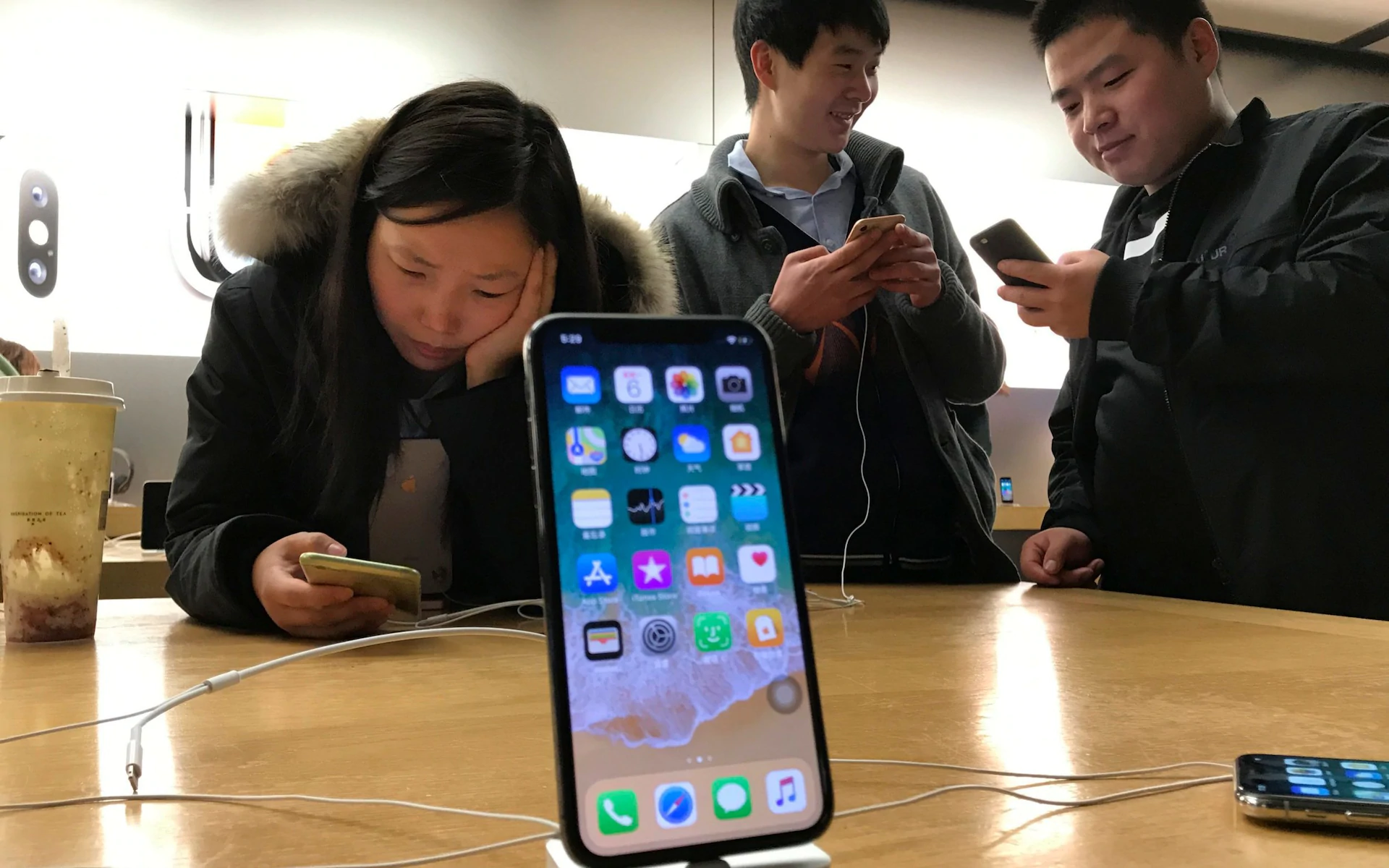
Apple has filed an appeal to overturn a broad iPhone sales ban in China, the company told CNBC.


The ban of some iPhone models, announced earlier Monday, follows a request for an injunction by Qualcomm, which has been locked in a legal battle with Apple for years. The chipmaker is alleging patent violations on features that let users reformat the size and appearance of photos and manage applications on a touchscreen when navigating through phone apps.


The two preliminary injunctions were granted Monday by the Fuzhou Intermediate People's Court in China. Apple said that it did not violate these patents and that the ban goes beyond the scope of the injunction itself.


"Qualcomm's effort to ban our products is another desperate move by a company whose illegal practices are under investigation by regulators around the world," Apple said in a statement earlier Monday. "All iPhone models remain available for our customers in China. Qualcomm is asserting three patents they had never raised before, including one which has already been invalidated. We will pursue all our legal options through the courts."


Apple claims the patents in question do not cover the company's latest operating system that comes installed on all new iPhones.


General counsel for Qualcomm, Don Rosenberg, said in a statement Monday that the orders aren't specific to the operating system installed on the phones.


Source: cnbc


Windows
Mac OS
iOS
Linux
3uTools
Win 64-bit For this device
V9.01 2025-12-27
Download
Win 32-bit For this device
V9.01 2025-12-27
Download
3uTools
Intel Chip How to Identify Chip Type
V9.01 2025-12-31
Download
Apple Silicon
V9.01 2025-12-31
Download
How to Identify Chip Type
1.  Click the Apple icon in the top-left corner of the screen and select About This Mac.
2.  Check the Processor or Chip field to determine if it is "Intel" or "Apple".
Please use the 3uTools PC client to install the iOS client:
1、 Install either the Windows or Mac version of 3uTools on your computer
2、 Open the PC client and connect your device to the computer via USB cable
3、 After the connection is successful, wait for the computer to automatically install the mobile app for the device, or locate “Install Mobile App” on the computer and manually click to install.
3uTools
deb file
V3.01 2025-11-20
Download
rpm file
V3.01 2025-11-20
Download
Windows
Windows
iOS
iOS
Android
Android
TV
TV
3uAirPlayer
Win 64-bit For this device
V6.0.2 2025-11-19
Download
Win 32-bit For this device
V6.0.2 2025-11-19
Download
iOS Device Mirroring (No App Required)
1、 Install 3uAirPlayer on the Windows PC
2、 Open Control Center and select Screen Mirroring
3、 From the list, choose your PC to start mirroring
4、 Or connect your iOS device to the PC via USB to begin mirroring
Scan to get "3uAirPlayer" App
3uAirPlayer TV V1.0.18
2025-11-28
TV System Requirements: Android 7.0 or later
Download the TV installation package, copy it to a USB drive, insert it into your TV or set-top box, then select the file from the home screen to install.