 NEWS
NEWS
Apple’s iPhone and iPad Won Over Holiday Shoppers
 12/29/2016
 3627
3627
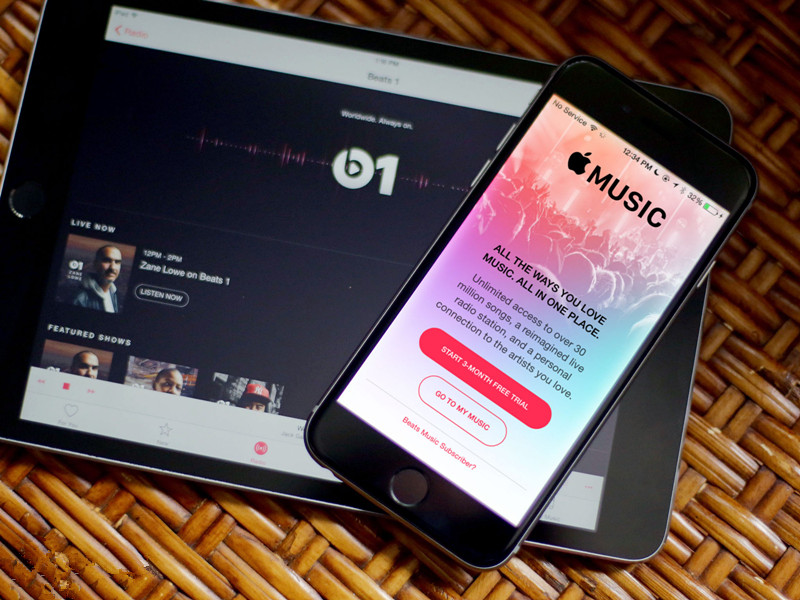
Apple's iPhone was a big hit this holiday season, according to new data from research firm Flurry.
During the critical shopping period spanning Dec. 19 to Dec. 25, Apple's iPhone and iPad accounted for 44% of all mobile activtations, more than doubling Samsung, which saw its many devices combine to account for 21% of all activations during the period, according to Flurry data. Huawei was in third place with 3% market share, followed by several other manufacturers, including LG and Amazon (AMZN, +0.09%), at 2% share each.
Flurry's data looks at both smartphone and tablet activations around the world. The Yahoo (YHOO, -0.49%)-owned company provides analytics services for mobile app developers and uses the anonymous data it collects to deliver market research.
Get Data Sheet, Fortune’s technology newsletter
While the Flurry data starts at Dec. 19, therefore not providing a clear picture on the entire holiday shopping season, Apple (AAPL, -0.46%) appears to have been the clear victor during the last frenzied week of holiday shopping.
However, Apple had a better year in 2015, when its devices accounted for 49.1% of all activations during the same period. Samsung last year accounted for 19.8% of all activations, suggesting consumers aren't all that concerned about buying Samsung devices even after the company was forced to discontinue its Galaxy Note 7 earlier this year following reports of it exploding and catching fire.
Part of Apple's troubles in 2016 might have been a shift in how consumers are spending money on new mobile devices. Between Dec. 19 and Dec. 25, full-size tablets like the iPad Pro or iPad Air 2 only accounted for 9% of all mobile device purchases. In 2013, their share of sales stood at 17%. Meanwhile, phablets, or big-screen devices like the Samsung Galaxy S7 or iPhone 7 Plus, have grown in popularity. Phablets accounted for just 4% of all mobile device sales in 2013 and are now hovering at around 37% market share.
Flurry also noted that Google (GOOGL, -0.66%) couldn't crack into the list of top mobile device manufacturers this year. The company in October unveiled its Google Pixel and Google Pixel XL handsets, the first to be both designed and engineered by the search giant. While they both proved popular on store shelves, they couldn't quite make a big enough dent to compete with some of their top competitors. That said, Apple and Samsung sell many more smartphones and tablets than Google, so it's possible Google's handsets were overwhelmed by a deluge of competitors.
Ultimately, though, Apple devices reign supreme in mobile. As Flurry director Chris Klotzbach said in a statement, the iPhone maker's products remain the "gift to give."
Source: Fortune










