 NEWS
NEWS
Apple Patent Shows System to Keep the ‘Click’ Even in Covered Buttons
 11/27/2018
 2744
2744
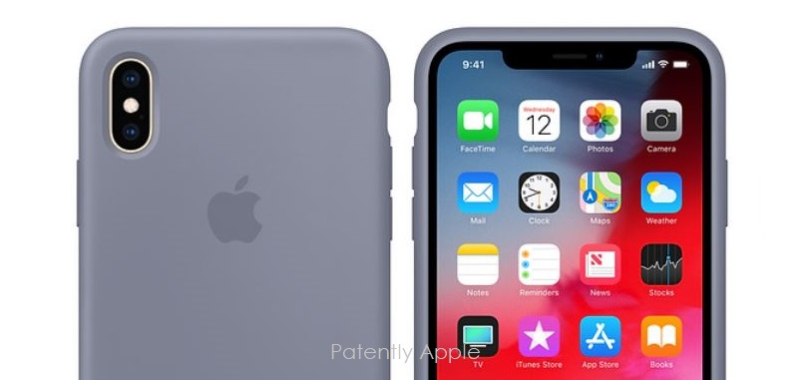
This week the US Patent & Trademark Office published a patent application from Apple that relates to reinventing an aspect of iPhone protective cases so that 'covered buttons' to turn on your iPhone or adjust the volume could use a magnetics system so as to deliver a crisp tactile click when pressing on these buttons as if there was no cover. Today's experiences aren't always that great.
Electronic devices are often designed with precise predetermined factors and standard to ensure consistency in user experience. It has become increasingly common for an electronic device to be coupled with an accessory such as a case. An accessory could provide additional benefits in the form of protection, improved appearance, and/or additional functionalities. However, an accessory may also change the operation of the electronic device and sometimes alter the user experience and feeling of the electronic
Apple's patent relates to devices, systems and methods that retain the original tactile feeling of a button after an electronic device is coupled to an accessory that might change the tactile feeling of the button.
Apple's iPhone could include an actuator unit with a button, where the actuator unit requires application of at least a threshold actuation force to an accessible surface of the button.
The system may also include an accessory device removably coupled an iPhone. The accessory device may be formed of a material and include a triggering magnetic element.
When the accessory device is coupled to the electronic device, the threshold actuation force of the button is altered. Thus, the tactile compensation unit may include a triggering unit and is rendered operable when the triggering magnetic element of the accessory device forms a magnetic circuit with the triggering unit, thereby causing the tactile compensation unit to compensate for the alteration to the threshold actuation force.
The tactile feeling of a button is usually predetermined by the design engineers based on expected desirable user feeling and user experience of the electronic device. For example, in some cases, it may be desirable for buttons to have a crisp tactile feeling to allow fast clicking.
However, an accessory associated with an electronic device may sometimes alter the original predetermined tactile feeling of a button on the electronic device. In one case, an accessory can take the form of a protective case that might have a layer of material that covers one or more buttons of the electronic device. In such a configuration, at least a portion of the accessory device can become a part of the button stackup whereby mechanical properties of material associated with the accessory affect the overall mechanical response of the button. Hence, an actuation force to activate the button would have to be applied through the portion of the accessory.
Oftentimes this could change the tactile feeling of the button because the new button stackup that includes a portion of the accessory covering the button can have a new overall spring constant and may have a new threshold actuation force that can activate the button stackup. For example, an accessory formed from an elastic material such as silicone or leather may make an originally crisp button feels softer because the elastic material has a lower spring constant than the button.
Apple's solution is to create a system for accessory makers to include a magnet system within an iPhone cover under the buttons made of leather or an elastic material so that it could mate with the iPhone buttons to provide users with a clean crisp-like click like an iPhone without a case.
Apple's patent application 20180335801 was originally filed back in Q2 2017. Considering that this is a patent application, the timing of such a product to market is unknown at this time.
Source: patently apple










