 NEWS
NEWS
A Man Waited 416 Days to See what Happened When his iPod Stopwatch Passed 9,999 Hours
 12/27/2016
 4153
4153
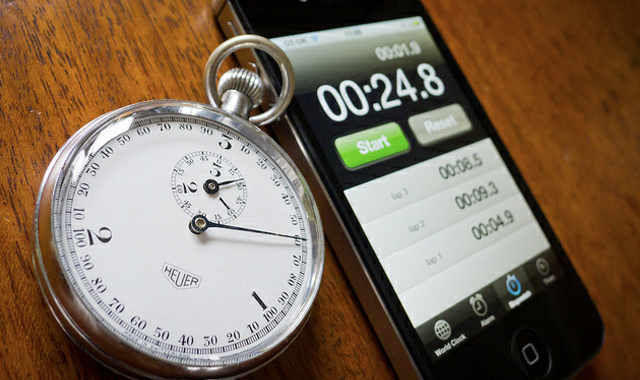
If this isn’t the feel good story of the holiday season, we don’t know what is. A few years ago, an Australian fellow who goes by the name of “Streaming Andrew” embarked on an important scientific journey with the goal of forever changing the way we view the universe. In this ground-breaking experiment, Andrew started running the stopwatch on his iPod, and he didn’t stop. Minutes became hours, hour became days, days became weeks, weeks became months, and months become a year.
But he didn’t stop at 365 days. After all, what would the point of that be? Instead, Andrew wanted to see what would happen when his iPod stopwatch passed 9,999 hours, 59 minutes and 59 seconds. And the results of his experiment would send ripples through the scientific community.
The anticlimactic video of Andrew’s iPod clocking past 10,000 hours is from all the way back in 2009, but it was recently revived in a thread on Reddit. But here’s where things get interesting. Okay, so they didn’t really get “interesting” — but they definitely got marginally less uninteresting.
A Reddit user realized that because the stopwatch function in iOS is tied to the clock, he could adjust the date on his iPhone and set it far in the past to determine just how long the stopwatch would keep running. So how far does it go? It turns out that Apple’s iOS stopwatch will only keep timing for 99983:00:41.65. As the Redditor noted, “at that point it just start rolling over the hundredths of a second repeatedly but didn’t actually progress past .6.”
It truly is a Christmas miracle.
Source: BGR










