 NEWS
NEWS
Happy 20th Launch Anniversary, iMac
 08/16/2018
 3586
3586
On August 15, 1998, Apple officially released the first iMac, the candy-colored gumdrop-shaped iMac G3, launching a desktop machine that has continued to be updated and revised over the years.
Designed by Apple design chief Jony Ive, the iMac G3 was unique among computers at the time for its unusual shape, the use of translucent plastics that allowed the internals to be visible, and the bright colors that Apple adopted.
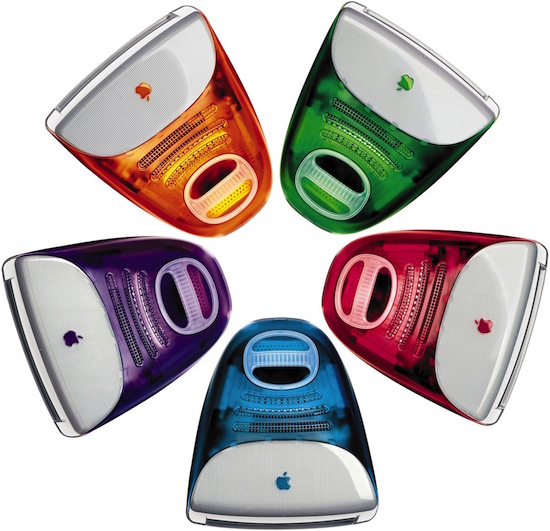
"This is iMac. The whole thing is translucent. You can see into it. It's so cool," said Jobs when introducing the iMac G3.
Apple's first iMac, which sold for $1,299 at launch, came equipped with a 233 - 700MHz PowerPC 750 G3 processor, 4GB of storage, a 15-inch CRT, a CD-ROM drive, and an ATI graphics card, components that don't sound impressive today but made for a powerful, well-rounded machine, that, in combination with the design, made the iMac a best seller.
At launch, and in the years following its release, Apple released the iMac G3 in a slew of shades that include the famous Bondi Blue, Blueberry, Grape, Graphite, Indigo, Lime, Sage, Strawberry, Ruby, Snow, Tangerine, and two patterned colors, Blue Dalmatian and Flower Power.
If you live near Michigan, all 13 colors of the original iMac G3 are on display at the Henry Ford Museum in a popup collection called "Looking Through Things," which has been introduced in celebration of the iMac's anniversary.
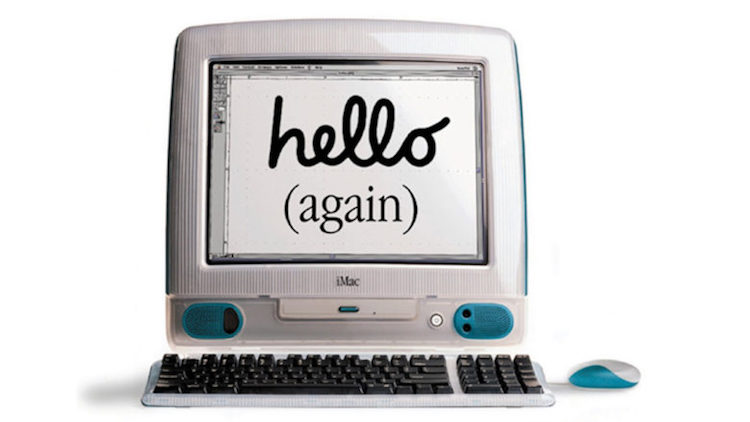
The iMac G3 was introduced just a year after Steve Jobs returned to lead Apple, and it came at a time when the company was still struggling and trying to find its footing. By 1999, Apple saw its first quarter profits more than triple, with the jump attributed tosales of the new iMac.
Apple in May celebrated the anniversary of the debut of the iMac G3, which, while launched in August, was first introduced by Jobs in May 1998.
20 years ago today, Steve introduced the world to iMac. It set Apple on a new course and forever changed the way people look at computers. pic.twitter.com/GbKno7YBHl
— Tim Cook (@tim_cook) May 6, 2018
Since the iMac G3's 1998 debut, Apple has introduced several revisions to the desktop machine, launching design revisions in 2002, 2004, 2007, 2009, 2012, and 2015.
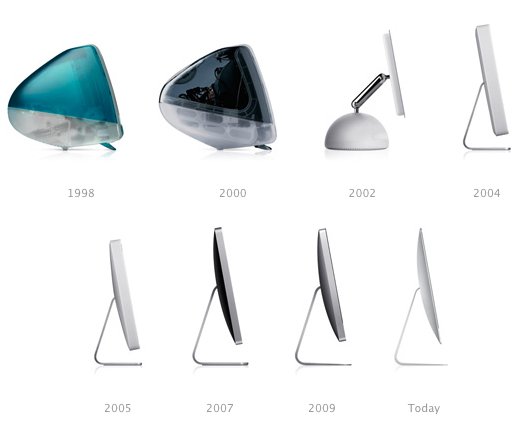
Today, the iMac is available in 21.5 and 27-inch size options, with 4K and 5K Retina displays, respectively. Kaby Lake chips, AMD graphics, and super fast SSDs are included.
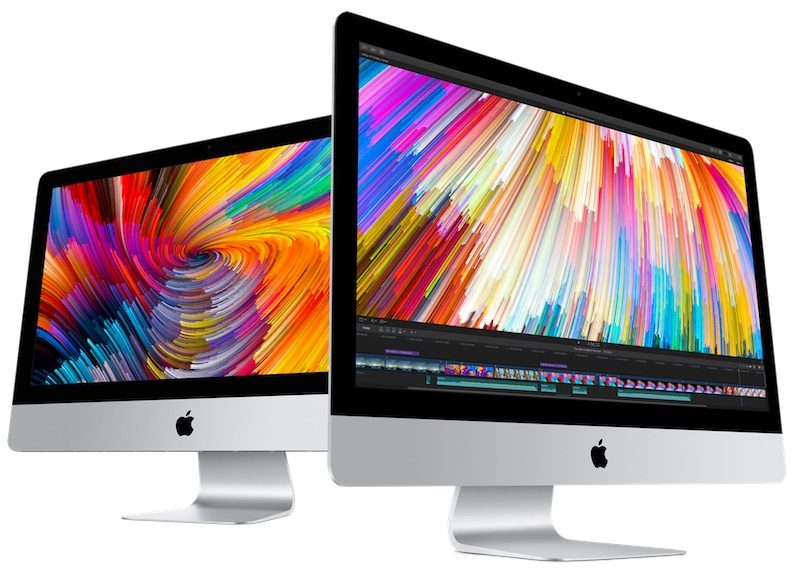
We also have an iMac Pro, a workstation class machine aimed at Apple's professional users with a unique Space Gray body, Xeon processors with up to 18 cores, Radeon Pro Vega graphics, and up to 4TB of SSD storage.
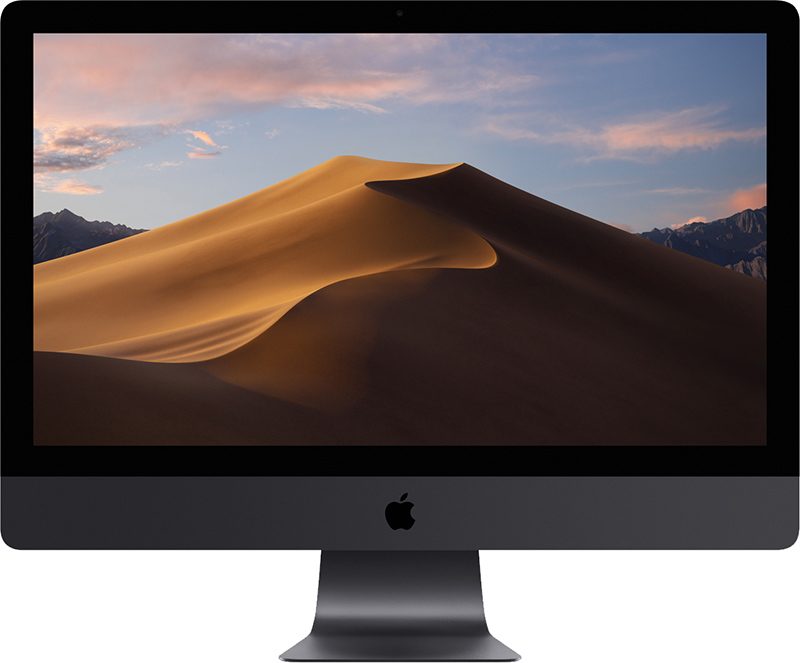
We're still expecting refreshed iMac models in 2018. There's no word on when the next design change is coming, but in 2018, Apple is expected to add 8th-generation Coffee Lake chips and other internal improvements that make a great desktop machine even better.
Source: macrumors










